Category
Mac mini for AI, and Mac Studio for bigger models
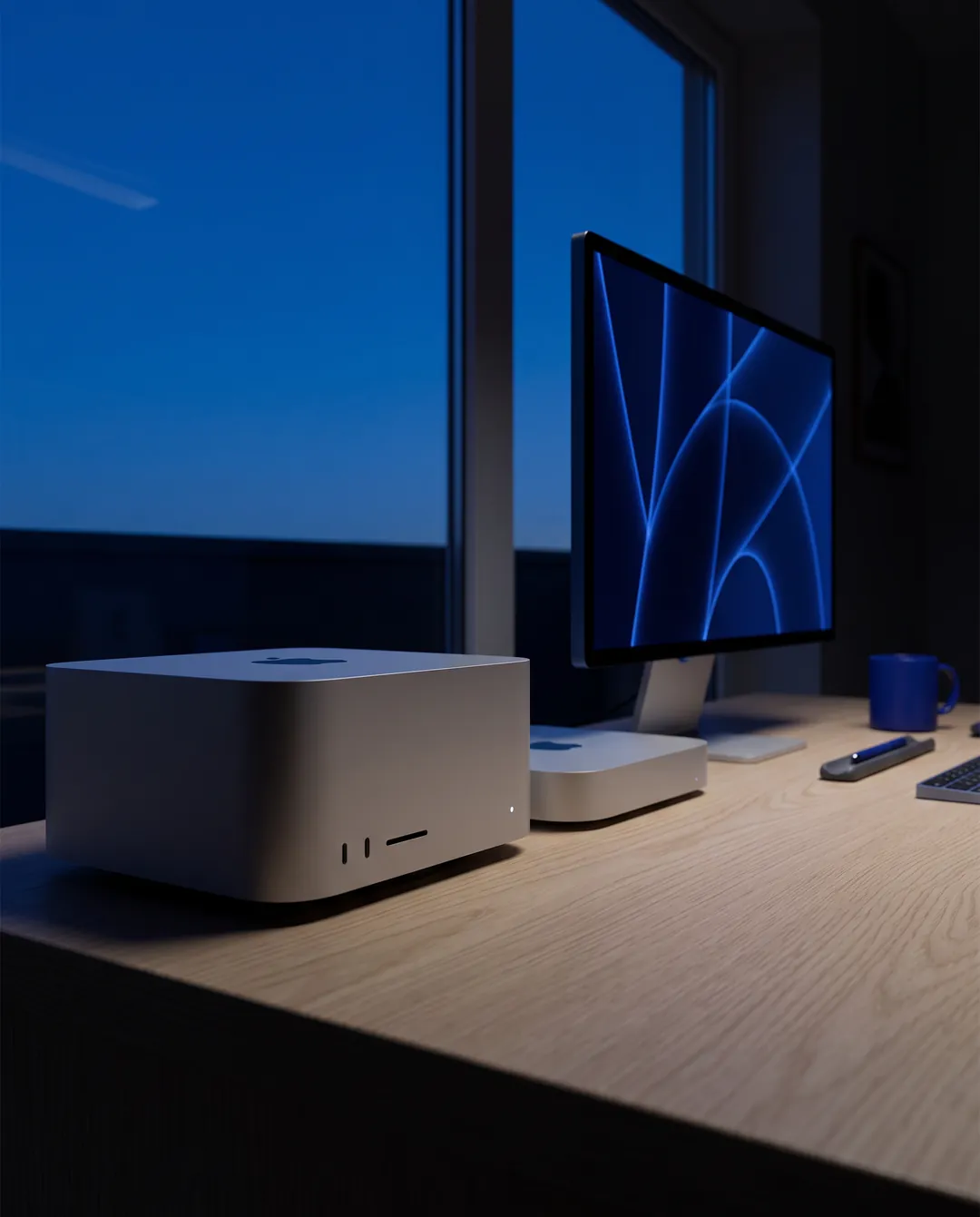
Mac mini and Mac Studio. Large unified memory, near-silent running and low power draw make them a strong choice for running models at home.
Choose a Mac for AI by its unified memory, because it cannot be upgraded later. A Mac mini with 24 GB runs models up to about 14B, and with 64 GB it holds a 70B model at 4-bit. The Mac Studio with M3 Ultra starts at 96 GB with 819 GB/s of bandwidth, for large models on a near-silent desk.
Our picks
Quiet desk machine for small to mid-size models
Mac mini M4 Pro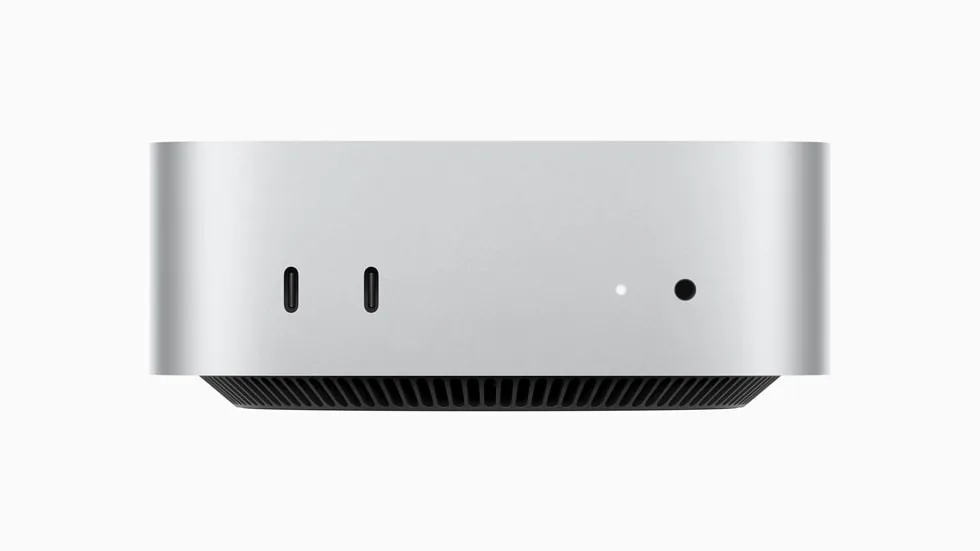
Apple
Apple Mac mini (M4 Pro)
- 24 GB unified
- 16-core; 20-core option
Runs up to 13–14B at 4-bit
Memory cannot be upgraded after purchase. If local AI is the goal, choose 48 GB or 64 GB now. With 24 GB, models above about 14B parameters are a squeeze.
AED 5,659M4 Pro, Thunderbolt 5 and 24 to 64 GB of unified memory in a five-inch-square case; choose 48 GB or more for local AI.
Largest models on one quiet machine
Mac Studio M3 Ultra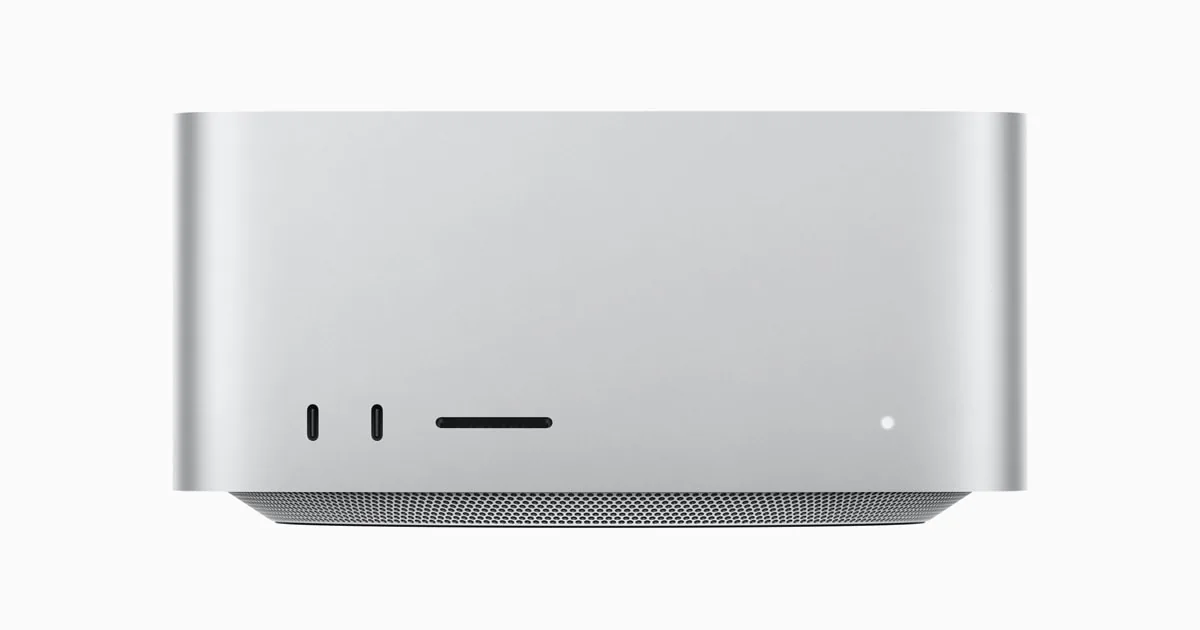
Apple
Apple Mac Studio (M3 Ultra)
- 96 GB unified
- 60-core; 80-core option
Runs up to 70B at 4-bit
macOS keeps part of the unified memory for the system, so plan for the GPU to use most of it, not all. Size the configuration with some headroom above the model.
AED 16,16996 GB as standard, 819 GB/s of bandwidth and six Thunderbolt 5 ports, for large language models alongside heavy creative work.
Apple
Apple Mac Studio (M3 Ultra)
- 96 GB unified
- 60-core; 80-core option
Runs up to 70B at 4-bit
macOS keeps part of the unified memory for the system, so plan for the GPU to use most of it, not all. Size the configuration with some headroom above the model.
AED 16,169Apple
Apple Mac mini (M4 Pro)
- 24 GB unified
- 16-core; 20-core option
Runs up to 13–14B at 4-bit
Memory cannot be upgraded after purchase. If local AI is the goal, choose 48 GB or 64 GB now. With 24 GB, models above about 14B parameters are a squeeze.
AED 5,659How to choose a Mac for local AI
- Choose the memory now
- Memory is fixed at purchase. The Mac mini (M4 Pro) comes with 24 GB, with 48 GB and 64 GB options. If local AI is the goal, choose 48 GB or 64 GB; at 24 GB, models above about 14B are a squeeze.
- Count 75% of unified memory
- macOS keeps part of the pool for the system, so our model guide treats about 75% as usable. 24 GB gives about 18 GB (a 14B model at 8-bit), 48 GB about 36 GB (a 30B-class model at 4-bit) and 64 GB about 48 GB (a 70B model at 4-bit).
- Mac Studio for 70B and beyond
- The Mac Studio (M3 Ultra) has 96 GB as standard, about 72 GB usable: a 70B model at 4-bit with room for long contexts. 70B at 8-bit and 120B-class models need the 256 GB configuration, available to order.
- Bandwidth sets the speed
- Once a model fits, generation speed follows memory bandwidth. The M3 Ultra moves 819 GB/s, three times the 273 GB/s of the M4 Pro, so the same model generally writes faster on the Studio.
- Check whether your tools need CUDA
- llama.cpp, Ollama and LM Studio run natively through Metal, and Apple's MLX framework is built for this hardware. Tools that require CUDA will not run on a Mac; if yours do, look at NVIDIA graphics cards or the DGX Spark.
Questions people ask
Which Mac do I need for a 70B model?
A Mac mini with 64 GB or a Mac Studio. A 70B model needs about 42 GB at 4-bit, and a 64 GB Mac gives about 48 GB to models. For 70B at 8-bit, about 80 GB, choose a larger Mac Studio configuration than the standard 96 GB.
Is 24 GB enough for local AI on a Mac mini?
For 7B to 14B models, yes: 24 GB gives about 18 GB to models, enough for a 14B model at 8-bit. A 30B-class model at 4-bit needs about 20 GB and does not fit comfortably.
Can I upgrade a Mac's memory later?
No. Memory cannot be upgraded after purchase, so size it for the largest model you expect to run, with headroom for long chats and documents.
Can a Mac mini work as a home server?
Yes, if you are happy on macOS. It is quiet, draws little power and has Gigabit Ethernet with a 10 Gb option. For a dedicated file server, the Beelink ME Mini has six M.2 drive slots built for the job.
Related pages: Hardware for local AI · Computers for video editing
Guides
Local AI · 5 min read
Mac vs NVIDIA vs Ryzen AI Max+ for Local AI
Which platform fits which work: CUDA on NVIDIA, unified memory on a Mac, or 128 GB on a Ryzen AI Max+ mini PC. Memory, software and trade-offs.
Read the guide →Local AI · 5 min read
How Much Memory Do You Need to Run a Local LLM?
How much memory a local LLM needs: 7B to 120B+ models at 4-bit and 8-bit, how unified memory differs from VRAM, and which machines hold each size.
Read the guide →Local AI · 4 min read
DGX Spark vs Mac Studio: Who the Spark Is For
Is the DGX Spark worth it? What it does well, where it is slower, and how it compares with a Mac Studio, an RTX 5090 and an RTX PRO 6000 for local AI.
Read the guide →