Choosing a GPU for 1440p Gaming: 12 GB or 16 GB
Updated 20 November 2026 · 5 min read
For most players at 1440p, a 16 GB card is the safe choice in 2026: the RTX 5070 Ti or the RX 9070 XT for high refresh rates, the RTX 5060 Ti 16GB or the RX 9060 XT 16GB on a tighter budget. The 12 GB RTX 5070 plays current games well at 1440p, but its memory is the part that ages first. Start from your monitor's refresh rate, then check your power supply and case.
The cards side by side#
| Card | Memory | Memory bus | Power | Recommended PSU | Length |
|---|---|---|---|---|---|
| GIGABYTE RTX 5070 Ti WINDFORCE OC SFF | 16 GB GDDR7 | 256-bit, 28 Gbps | 300 W (NVIDIA reference) | 750 W | 304 mm |
| SAPPHIRE PULSE RX 9070 XT | 16 GB GDDR6 | 256-bit, 20 Gbps | 304 W | 750 W minimum | 320 mm, 3 slots |
| GIGABYTE RTX 5070 WINDFORCE OC SFF | 12 GB GDDR7 | 192-bit, 28 Gbps | 250 W (NVIDIA reference) | 750 W | 282 mm |
| ASUS Prime RTX 5060 Ti 16GB | 16 GB GDDR7 | 128-bit, 28 Gbps | 180 W (NVIDIA reference) | 550 W | 304 mm |
| SAPPHIRE PULSE RX 9060 XT 16GB | 16 GB GDDR6 | 128-bit, 20 Gbps | 170 W | 450 W minimum | 240 mm |
Step 1: match the card to your monitor#
- 1440p at 144 to 240 Hz, high settings: the RTX 5070 Ti or the RX 9070 XT. Both have 16 GB on a 256-bit memory bus.
- 1440p at 60 to 144 Hz, or a tighter budget: the RTX 5060 Ti 16GB or the RX 9060 XT 16GB, with DLSS or FSR upscaling in demanding games.
- 1440p at very high refresh rates for competitive games: the RTX 5070 Ti with a fast gaming processor. A 500 Hz screen such as the MSI MAG 272QP QD-OLED X50 needs very high frame rates to fill it.
Step 2: 12 GB or 16 GB#
The RTX 5070 is a good 1440p card today, with DLSS for higher frame rates. Its 12 GB is the limit to know about: some new games already ask for more at their highest texture settings, and 12 GB is tight for local AI. If you keep a card for several years, or want to try local models, choose one of the 16 GB cards.
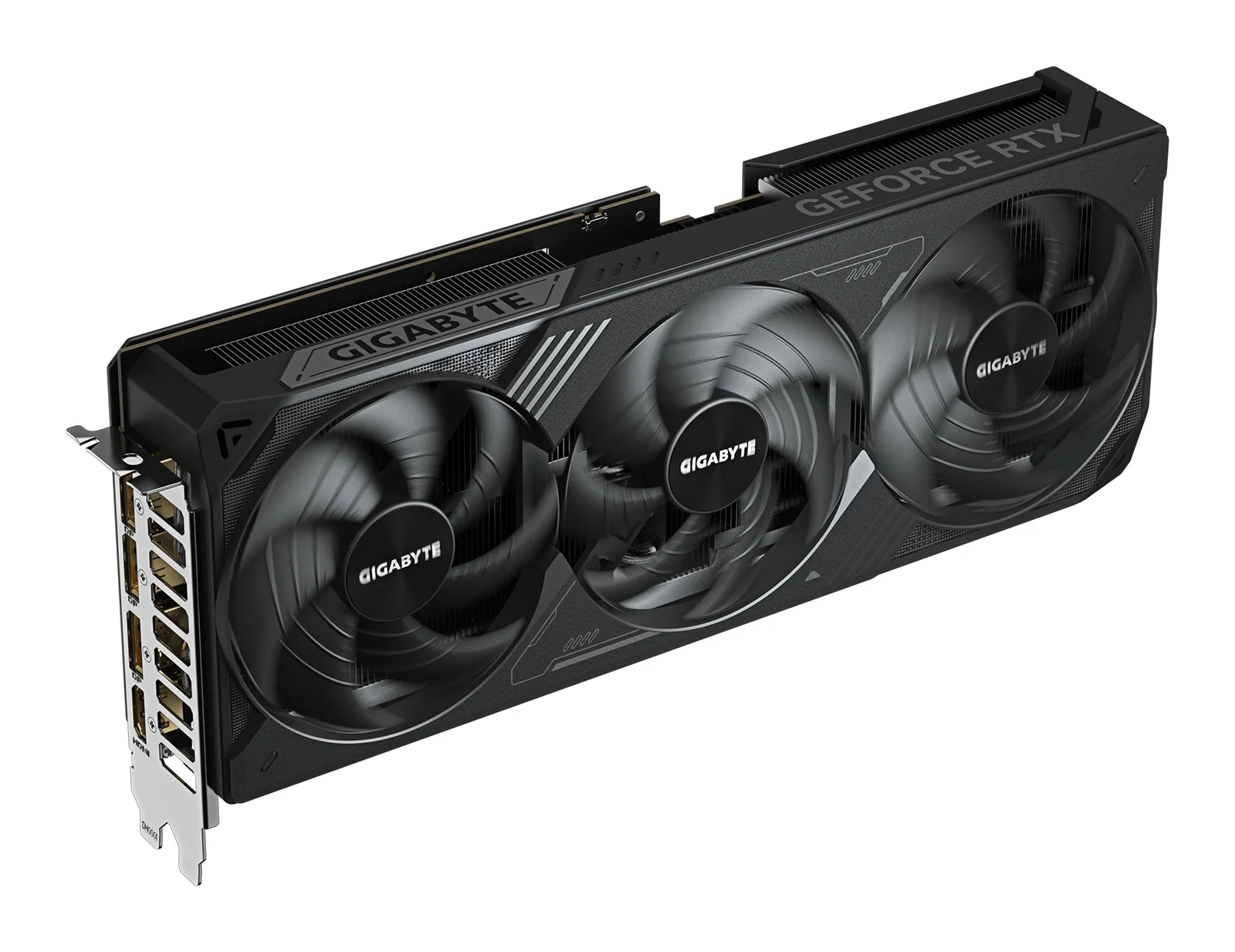
GIGABYTE
GIGABYTE GeForce RTX 5070 Ti WINDFORCE OC SFF 16G
- 16 GB
- NVIDIA GeForce RTX 5070 Ti (Blackwell)
Runs up to 13–14B at 4-bit
It needs one 16-pin power cable or the adapter in the box, which takes two 8-pin PCIe cables. GIGABYTE recommends a 750 W power supply.
AED 3,419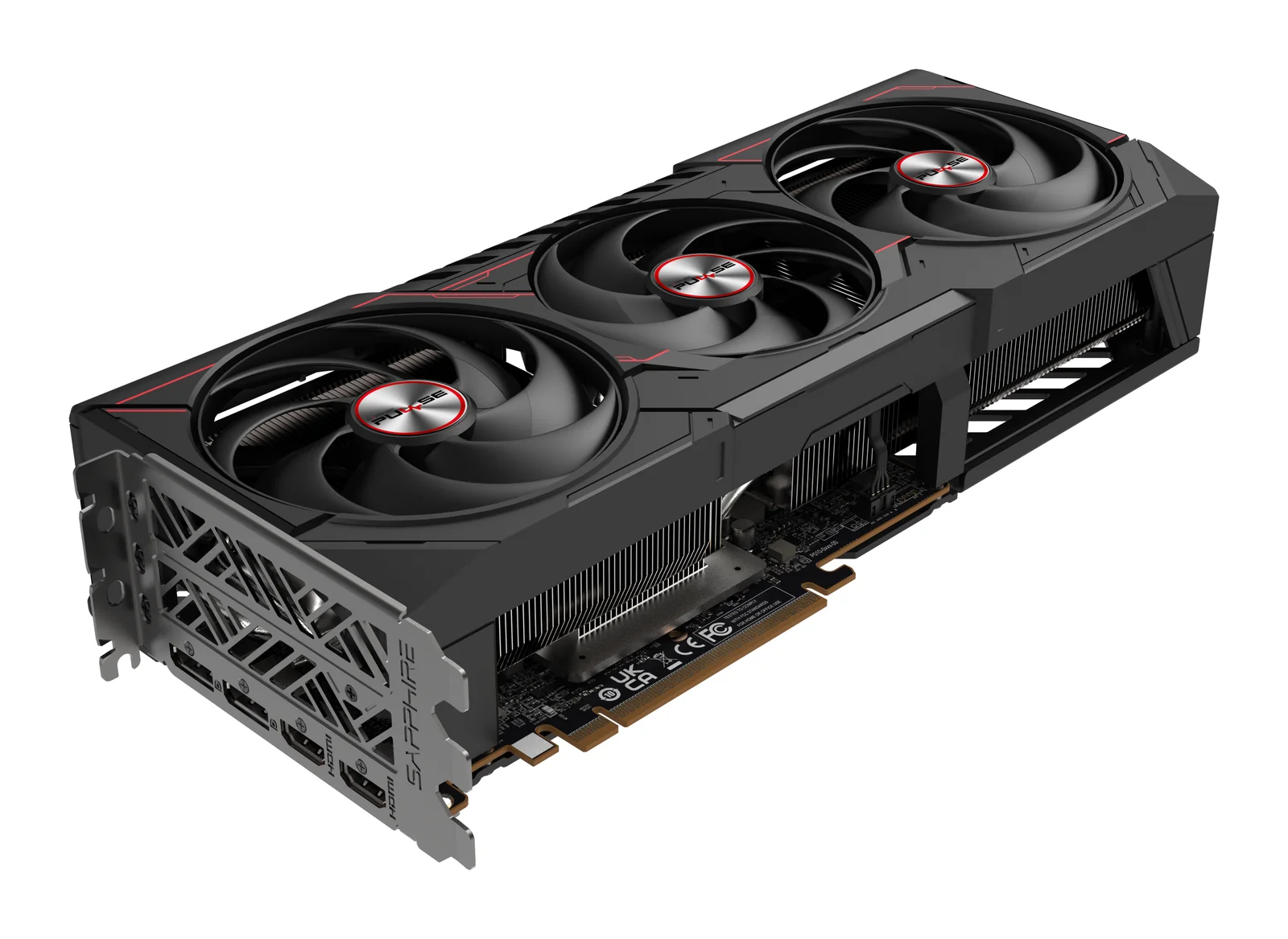
SAPPHIRE
SAPPHIRE PULSE AMD Radeon RX 9070 XT 16GB
- 16 GB
- AMD Radeon RX 9070 XT (RDNA 4)
Runs up to 13–14B at 4-bit
The card is 320 mm long and three slots thick, and it takes two 8-pin power cables. SAPPHIRE asks for at least a 750 W power supply, so measure the case first.
AED 2,089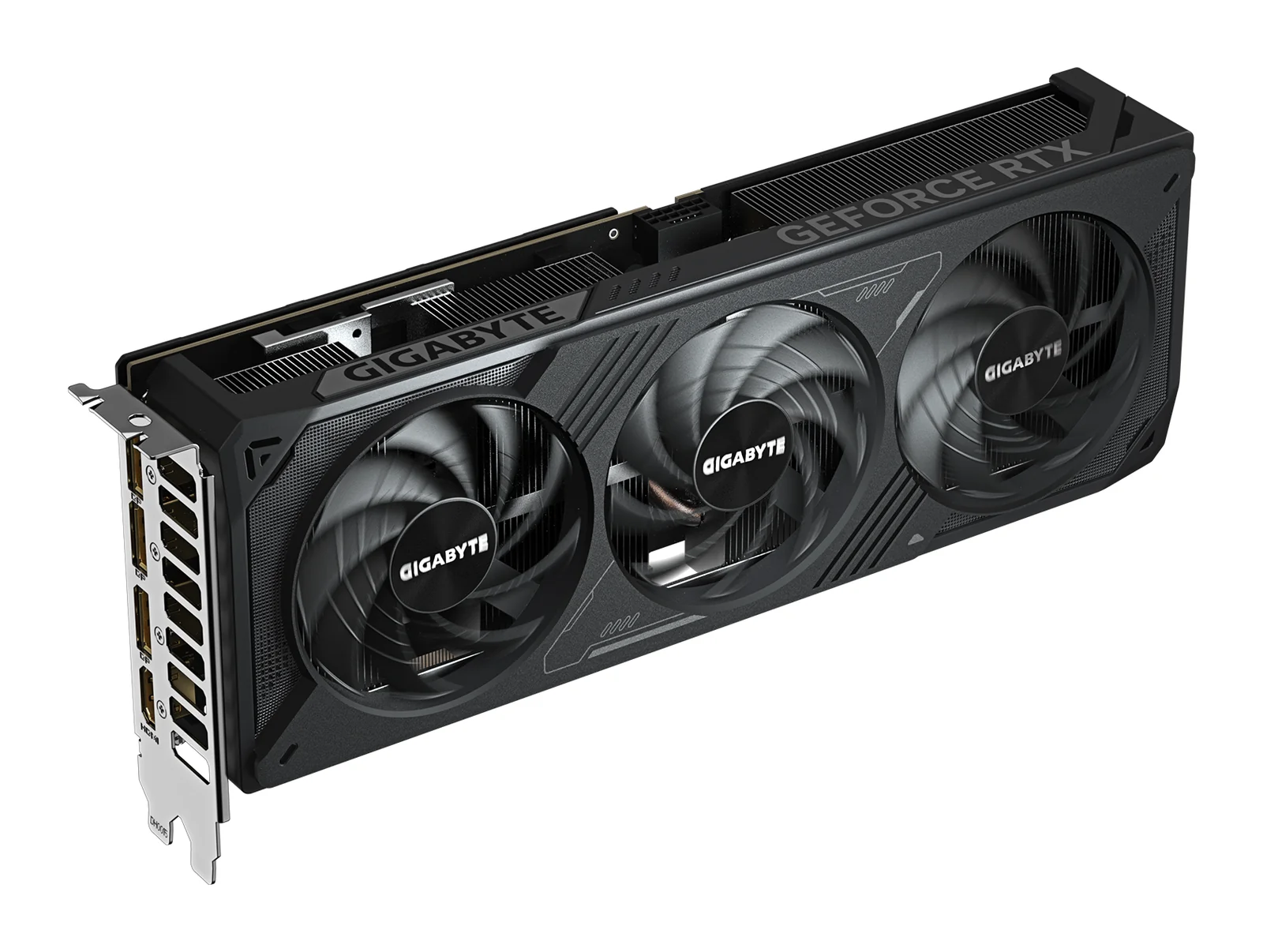
GIGABYTE
GIGABYTE GeForce RTX 5070 WINDFORCE OC SFF 12G
- 12 GB
- NVIDIA GeForce RTX 5070 (Blackwell)
Runs up to 13–14B at 4-bit
12 GB is limiting for local AI. It runs models up to about 8B parameters comfortably; 13B and 14B models only fit at 4-bit with little room left. If local AI matters, choose a 16 GB card.
AED 2,129Step 3: NVIDIA or AMD#
- NVIDIA (RTX 5070 Ti, RTX 5070, RTX 5060 Ti): DLSS upscaling and frame generation, and CUDA if you also run local AI tools such as Ollama or LM Studio.
- AMD (RX 9070 XT, RX 9060 XT): FSR upscaling and 16 GB of memory. Local models run through ROCm or Vulkan, but software that needs CUDA does not.
Step 4: power supply and case#
Check the card's length against your case and your power supply against the card maker's figure. The RX 9070 XT is 320 mm long and three slots thick and takes two 8-pin cables; the GIGABYTE RTX 5070 Ti is 304 mm long and takes one 16-pin cable or the two-cable adapter in the box. The RX 9060 XT 16GB, at 240 mm with one 8-pin cable and a 450 W minimum, is the easy upgrade for an older PC. Our guide to fitting a graphics card covers connectors and airflow.
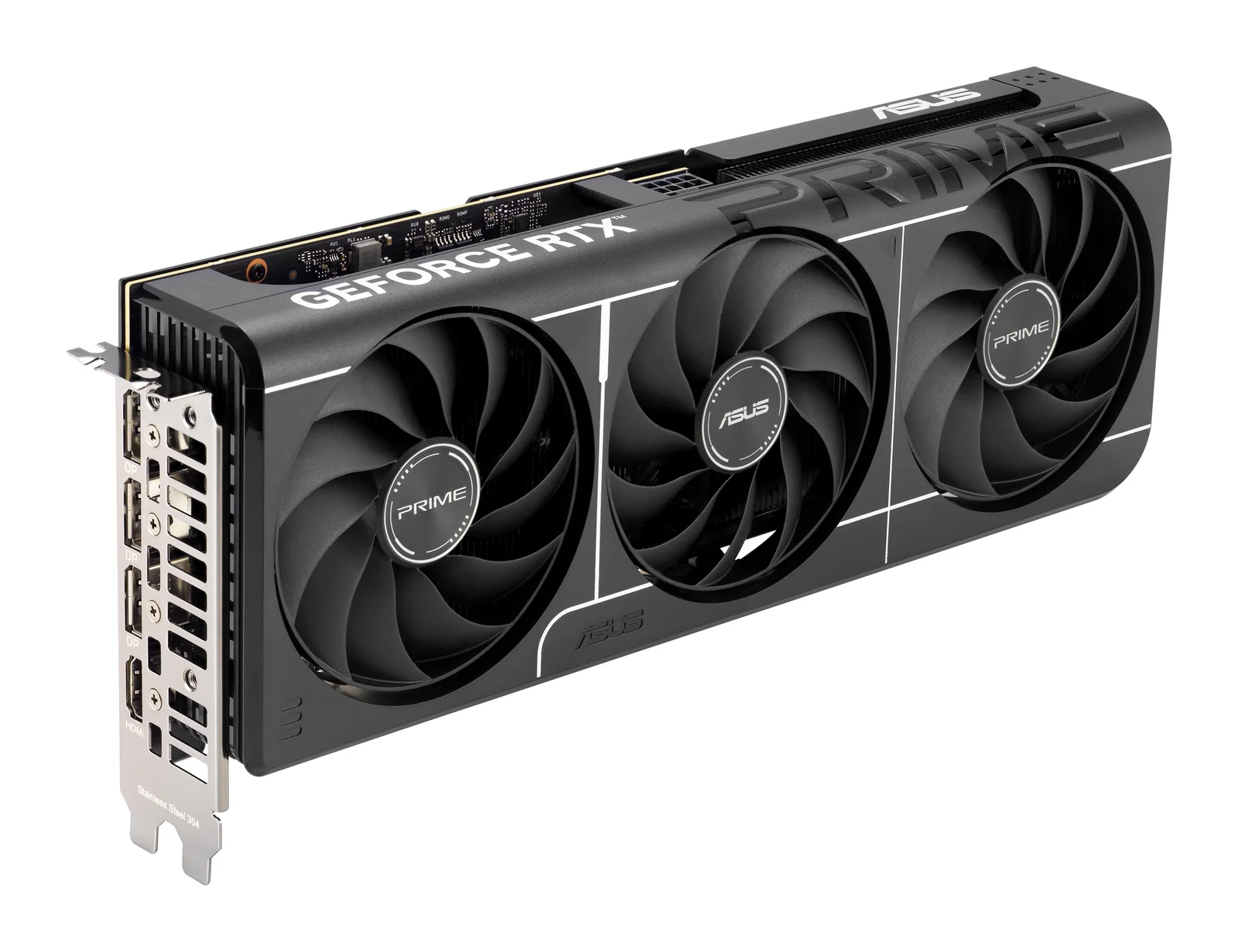
ASUS
ASUS Prime GeForce RTX 5060 Ti 16GB OC Edition
- 16 GB
- NVIDIA GeForce RTX 5060 Ti (Blackwell)
Runs up to 13–14B at 4-bit
Buy only the 16 GB version for local AI; this is the one. Its 128-bit memory bus is narrower than the bigger cards', so models generate text more slowly than on an RTX 5070 Ti.
AED 1,469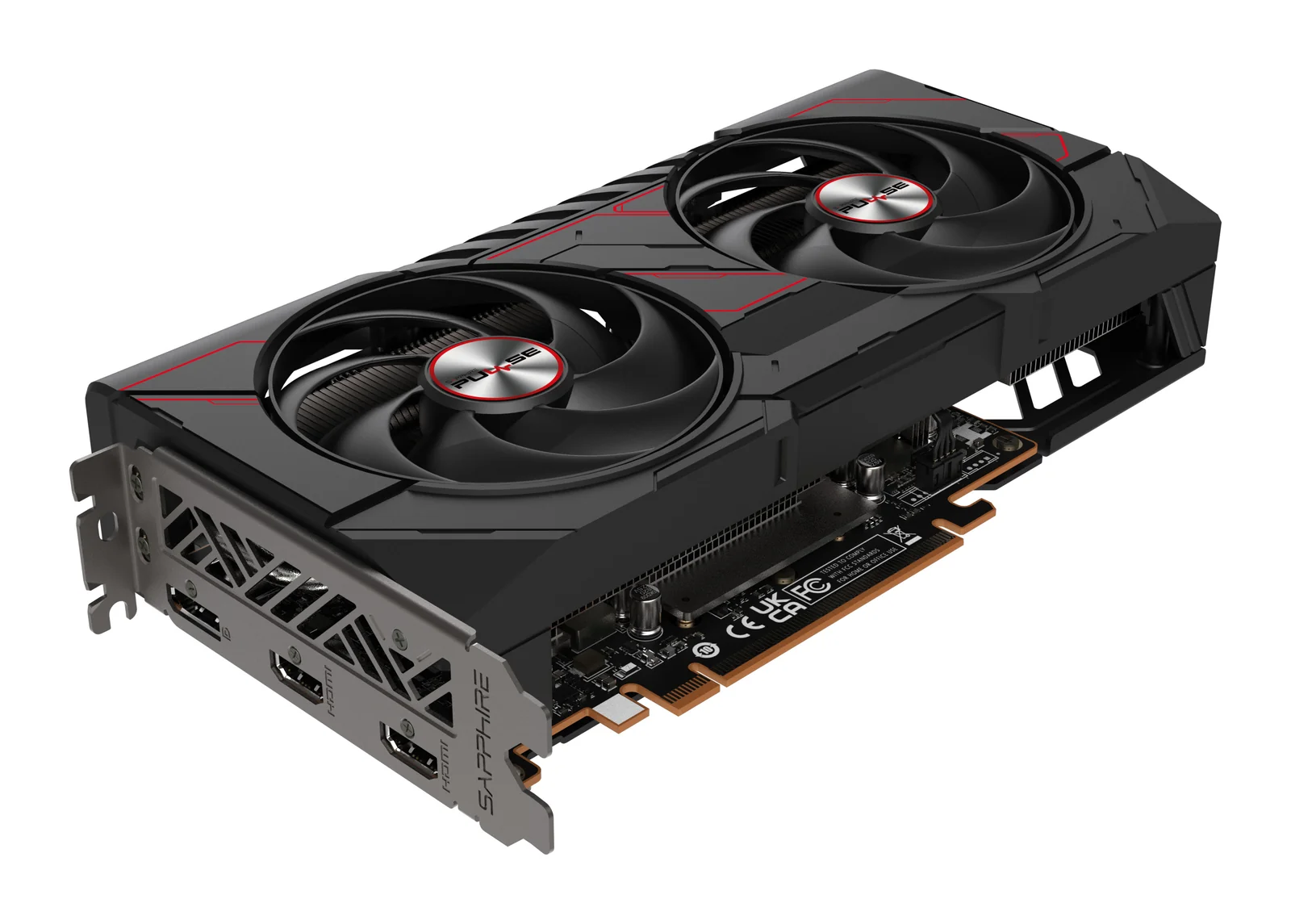
SAPPHIRE
SAPPHIRE PULSE AMD Radeon RX 9060 XT 16GB
- 16 GB
- AMD Radeon RX 9060 XT (RDNA 4)
Runs up to 13–14B at 4-bit
This is the 16 GB version; the 8 GB version is a different card and is already short of memory in new games. One 8-pin cable and a 450 W power supply are enough.
AED 1,189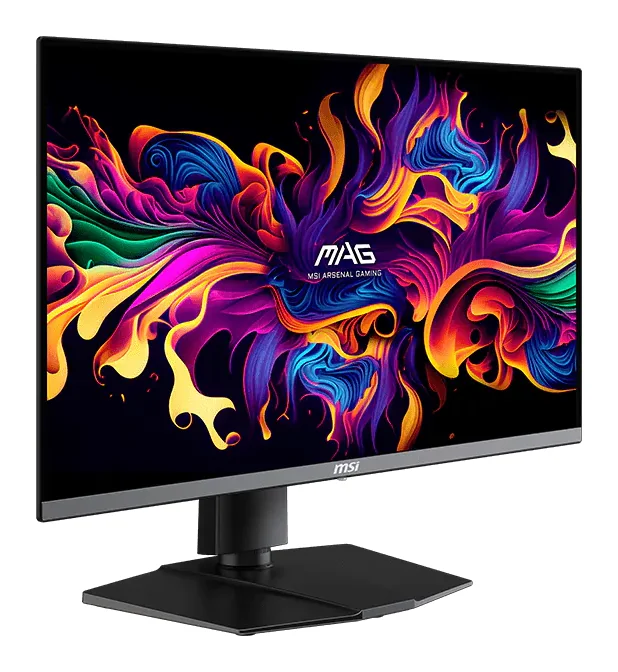
MSI
MSI MAG 272QP QD-OLED X50
- QD-OLED, 26.5 in (27-inch class), flat
- 500 Hz
500 frames per second at 1440p takes a fast card and light settings, as in esports titles. In heavy single-player games the higher refresh mostly goes unused, so a 4K screen may suit you better.
AED 2,089When 1440p is not your resolution#
For 4K at high frame rates, see graphics cards for 4K gaming: the RTX 5080, RTX 5090, RTX 4090 and RX 7900 XTX. If you would rather not build a PC, the Lenovo Legion Tower 5 comes with an RTX 5070 Ti already fitted.
A 1440p OLED monitor at 240 Hz or more shows the difference between these cards most clearly. On a 60 Hz screen, the lower-cost 16 GB cards are enough.
Questions people ask
Is 12 GB of graphics memory enough for 1440p?
For most current games at high settings, yes. Some new games ask for more than 12 GB at their highest texture settings, so a 16 GB card lasts longer.
RTX 5070 Ti or RX 9070 XT for 1440p?
Both are 16 GB cards for high-refresh 1440p. Choose the RTX 5070 Ti for DLSS and CUDA, the RX 9070 XT if you prefer AMD's software. Our RTX 5070 Ti vs RX 9070 XT comparison goes through the differences.
Which power supply do I need?
Follow the card maker: 750 W for the RTX 5070 Ti, RTX 5070 and RX 9070 XT, 550 W for the RTX 5060 Ti 16GB and 450 W for the RX 9060 XT 16GB, with a typical gaming processor.
Can these cards run local AI models?
The 16 GB cards run models up to about 14B at 4-bit. The 12 GB RTX 5070 runs 7B to 8B models comfortably and 14B only at 4-bit, with little room to spare. See how much memory a local LLM needs.
Shop this topic: Graphics cards · Gaming monitors · Graphics cards for 4K gaming
Related guides
Graphics cards · 4 min read
RTX 5070 Ti vs RX 9070 XT: Which 16 GB Card to Buy
RTX 5070 Ti vs RX 9070 XT: two 16 GB cards for 1440p and 4K gaming, compared on memory, upscaling, power, size and local AI, and who each one suits.
Read the guide →Graphics cards · 4 min read
RTX 5080 vs RTX 5070 Ti: Is the Step Up Worth It?
RTX 5080 vs RTX 5070 Ti: both have 16 GB of GDDR7. What the 5080's extra cores and bandwidth give you at 4K, what they don't change for AI, and power.
Read the guide →Graphics cards · 4 min read
Fitting a High-End Graphics Card: Power, Case, Cooling
Before you order a high-end graphics card: power supply wattage, the 16-pin connector, case size, PCIe slots, airflow and running two cards.
Read the guide →