Category
QD-OLED gaming monitors
27-inch QD-OLED gaming monitors from MSI: one 4K screen at 240 Hz and one 1440p screen at 500 Hz.
Choose a gaming monitor to match your graphics card. A 4K screen at 240 Hz needs a top card to fill it, while a 1440p screen at 500 Hz suits fast competitive games on a wider range of cards. Both monitors here use 27-inch QD-OLED panels, with deep blacks and near-instant response.
Our picks
4K at 240 Hz
QD-OLED 4K 240 Hz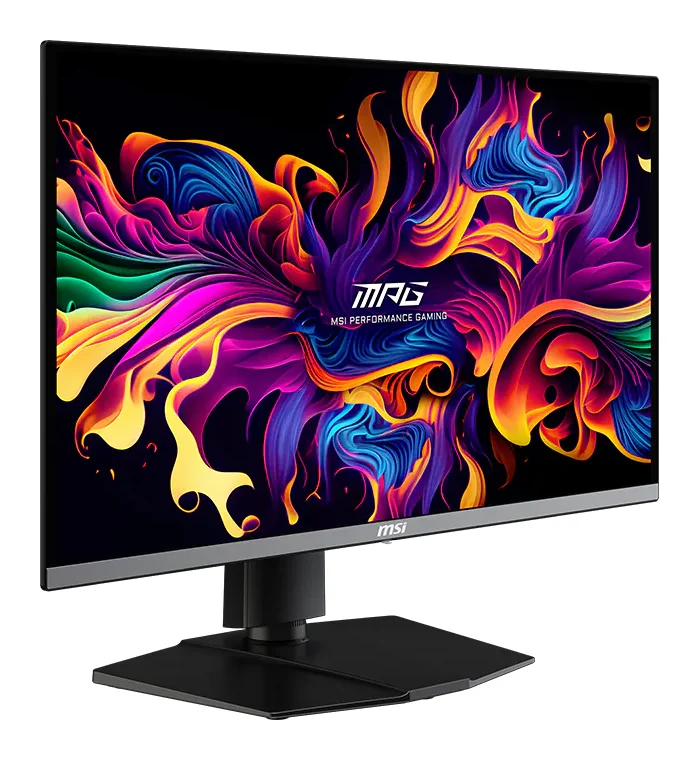
MSI
MSI MPG 272URX QD-OLED
- QD-OLED, 26.5 in (27-inch class), flat
- 240 Hz
To get 4K at 240 Hz you need a card that can drive it: an RTX 5080 or a top AMD card suits it best. Use the DisplayPort 2.1a or HDMI 2.1 input, not an older cable.
$747QD-OLED, DisplayHDR True Black 400 and DisplayPort 2.1a, with 98 W USB-C for a laptop.
1440p at 500 Hz
QD-OLED 1440p 500 Hz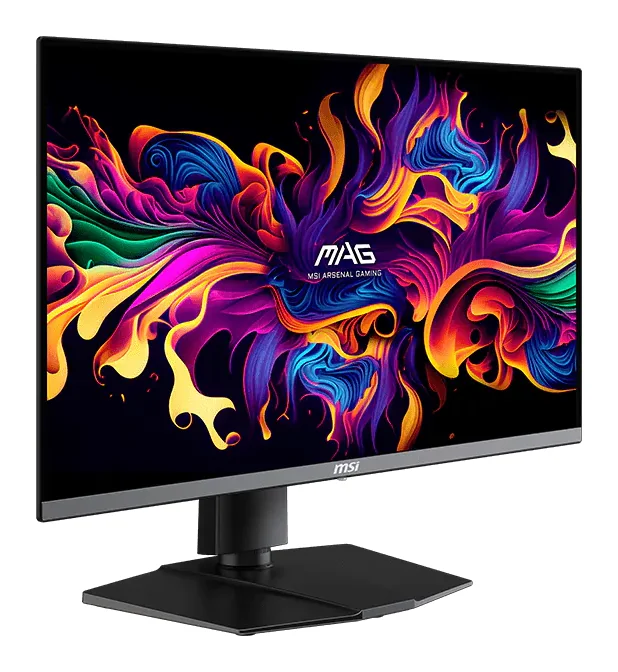
MSI
MSI MAG 272QP QD-OLED X50
- QD-OLED, 26.5 in (27-inch class), flat
- 500 Hz
500 frames per second at 1440p takes a fast card and light settings, as in esports titles. In heavy single-player games the higher refresh mostly goes unused, so a 4K screen may suit you better.
$569QD-OLED, DisplayHDR True Black 500, G-SYNC Compatible and FreeSync Premium Pro.
MSI
MSI MPG 272URX QD-OLED
- QD-OLED, 26.5 in (27-inch class), flat
- 240 Hz
To get 4K at 240 Hz you need a card that can drive it: an RTX 5080 or a top AMD card suits it best. Use the DisplayPort 2.1a or HDMI 2.1 input, not an older cable.
$747MSI
MSI MAG 272QP QD-OLED X50
- QD-OLED, 26.5 in (27-inch class), flat
- 500 Hz
500 frames per second at 1440p takes a fast card and light settings, as in esports titles. In heavy single-player games the higher refresh mostly goes unused, so a 4K screen may suit you better.
$569How to choose a gaming monitor
- Match the screen to the card
- 4K at 240 Hz suits an RTX 5080 or RTX 5070 Ti. 1440p at 500 Hz suits competitive games on an RTX 5070 and up.
- Resolution or refresh rate
- For detailed single-player games and films, 4K gives the sharper picture. For shooters and esports, where every frame counts, the 500 Hz screen is the better tool.
- Use the right input
- The MPG 272URX has DisplayPort 2.1a for 4K at 240 Hz; the MAG 272QP X50 has DisplayPort 1.4a and HDMI 2.1. Both have USB-C with DisplayPort Alt Mode for a laptop.
- OLED care
- Like every OLED, these panels can be marked by static images left on screen for very long periods. Hide fixed taskbars and use a dark wallpaper if you also work on the screen all day.
Questions people ask
4K 240 Hz or 1440p 500 Hz?
4K if you play detailed games and own a top card such as an RTX 5080. 1440p at 500 Hz if you play fast competitive games and want the highest frame rates.
Is OLED burn-in a problem?
It can happen when static images stay on screen for very long periods. Varied gaming and video use is fine; for all-day office work, hide fixed elements. MSI's warranty terms on burn-in differ by region, so check them for your country.
What if the screen arrives damaged?
Check it when it arrives and report transit damage within 48 hours with photos of the box and the screen. Our shipping and returns page explains the steps.
Related pages: Graphics cards for 4K gaming · Graphics cards
Guides
Graphics cards · 5 min read
Choosing a GPU for 1440p Gaming: 12 GB or 16 GB
Choosing a GPU for 1440p gaming: RTX 5070 Ti, RX 9070 XT, RTX 5070, RTX 5060 Ti 16GB and RX 9060 XT 16GB, by memory, refresh rate, power and case size.
Read the guide →Graphics cards · 4 min read
RTX 5080 vs RTX 5070 Ti: Is the Step Up Worth It?
RTX 5080 vs RTX 5070 Ti: both have 16 GB of GDDR7. What the 5080's extra cores and bandwidth give you at 4K, what they don't change for AI, and power.
Read the guide →