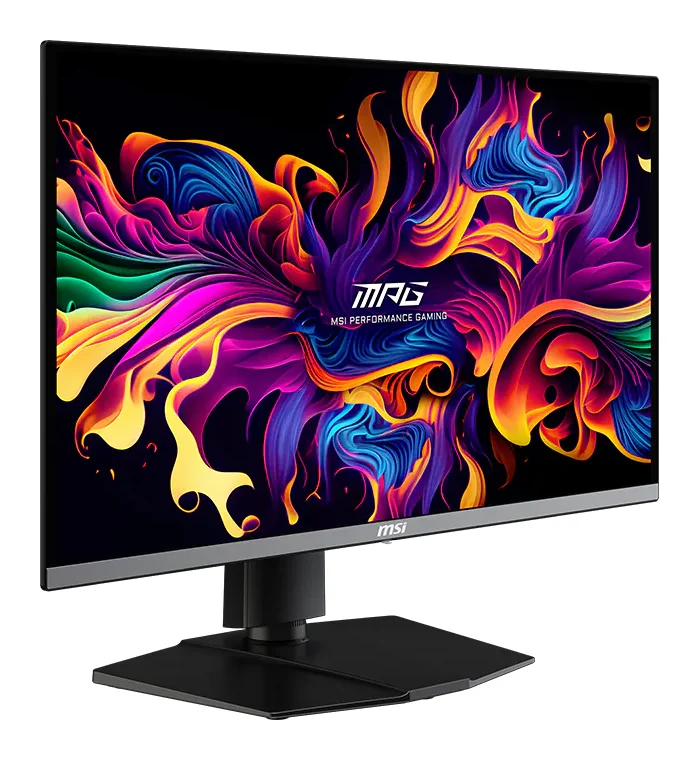
- QD-OLED 4K 240 Hz
Full specifications
- Panel
- QD-OLED, 26.5 in (27-inch class), flat
- Resolution
- 3840 × 2160 (4K UHD)
- Refresh rate
- 240 Hz
- Response time
- 0.03 ms (grey to grey)
- Brightness
- 250 nits (SDR), up to 1,000 nits (HDR peak)
- HDR
- DisplayHDR True Black 400
- Colour
- 99% DCI-P3, 10-bit
- Inputs
- 1 × DisplayPort 2.1a (UHBR20), 2 × HDMI 2.1, 1 × USB-C (DisplayPort Alt Mode, 98 W power delivery)
- USB hub
- 1 × USB-B upstream, 2 × USB-A (5 Gbps)
- Adaptive sync
- 48–240 Hz
- Stand
- Tilt, swivel, height (0–110 mm) and pivot
- VESA mount
- 100 × 100 mm
- Size without stand
- 610 × 69 × 356 mm
Good for
- 4K gaming at high frame rates with an RTX 5080 or 5070 Ti
- HDR games and films with true blacks
- A laptop and a gaming PC on one screen
Not ideal for
- Static office work all day, every day
- Graphics cards that cannot run 4K well
- Very bright rooms with sunlight on the screen
MSI
MSI MPG 272URX QD-OLED
The MPG 272URX is a 27-inch 4K QD-OLED gaming monitor at 240 Hz, with near-instant pixel response, DisplayHDR True Black 400 and a DisplayPort 2.1a input. Its USB-C port delivers up to 98 W, so a laptop can run off one cable.
AED 2,739Charged in US dollars at checkout: $747. Import duties and taxes included.In stock. Dispatched in 1 to 3 business days.
- 30-day returns
- Free shipping to the UAE
- Ships from our warehouse in Malaysia
- Import duties and taxes included
- Shipping, returns and warranty
Guides for this product
Graphics cards · 4 min read
RTX 5080 vs RTX 5070 Ti: Is the Step Up Worth It?
RTX 5080 vs RTX 5070 Ti: both have 16 GB of GDDR7. What the 5080's extra cores and bandwidth give you at 4K, what they don't change for AI, and power.
Read the guide →Graphics cards · 5 min read
Choosing a GPU for Local AI: RTX 5090, R9700, B60
Choose a GPU for local AI by memory, software and bandwidth: RTX 5090, Radeon AI PRO R9700, Arc Pro B60 and the 48 GB and 96 GB workstation cards.
Read the guide →About the MSI MPG 272URX QD-OLED
The MSI MPG 272URX QD-OLED is a 27-inch 4K gaming monitor at 240 Hz with a QD-OLED panel: perfect blacks, 0.03 ms response and DisplayHDR True Black 400. A DisplayPort 2.1a input carries 4K at 240 Hz, and a USB-C port with 98 W power delivery runs a laptop from one cable. Buy it if your graphics card can push 4K at high frame rates and you want OLED picture quality.
Key features
- 26.5-inch (27-inch class) QD-OLED panel, 3840 × 2160
- 240 Hz, 0.03 ms grey-to-grey response, adaptive sync 48–240 Hz
- DisplayHDR True Black 400, up to 1,000 nits HDR peak, 99% DCI-P3
- DisplayPort 2.1a (UHBR20), 2 × HDMI 2.1, USB-C with 98 W power delivery
- Stand with tilt, swivel, height and pivot; VESA 100 × 100
Which graphics card it needs
4K at 240 Hz is a lot of pixels. An RTX 5080 or RTX 5070 Ti with DLSS gets the most from it. With a mid-range card it still looks excellent, at lower frame rates.
OLED in daily use
QD-OLED gives deep blacks and fast response, but like every OLED it can be marked by static images left on screen for very long periods. Hide fixed taskbars and use a dark wallpaper if you work on it all day. MSI's US spec sheet lists a three-year warranty that includes burn-in; terms differ by region, so check MSI's warranty page for your country.
Connections
Use the DisplayPort 2.1a input for 4K at 240 Hz from a recent graphics card, or HDMI 2.1 for a console. The USB-C port carries video and charges a laptop with up to 98 W, and two USB-A ports work as a hub.
Delivery
Screens are fragile in transit. Check the panel when it arrives, and report any transit damage within 48 hours with photos of the box and the screen, as our shipping and returns page explains.
Good for
- 4K gaming at high frame rates with an RTX 5080 or 5070 Ti
- HDR games and films with true blacks
- A laptop and a gaming PC on one screen
Not ideal for
- Static office work all day, every day
- Graphics cards that cannot run 4K well
- Very bright rooms with sunlight on the screen
To get 4K at 240 Hz you need a card that can drive it: an RTX 5080 or a top AMD card suits it best. Use the DisplayPort 2.1a or HDMI 2.1 input, not an older cable.
Who it's for
4K gamers and creators who want OLED contrast and colour with a high refresh rate on one screen.
Full specifications
- Panel
- QD-OLED, 26.5 in (27-inch class), flat
- Resolution
- 3840 × 2160 (4K UHD)
- Refresh rate
- 240 Hz
- Response time
- 0.03 ms (grey to grey)
- Brightness
- 250 nits (SDR), up to 1,000 nits (HDR peak)
- HDR
- DisplayHDR True Black 400
- Colour
- 99% DCI-P3, 10-bit
- Inputs
- 1 × DisplayPort 2.1a (UHBR20), 2 × HDMI 2.1, 1 × USB-C (DisplayPort Alt Mode, 98 W power delivery)
- USB hub
- 1 × USB-B upstream, 2 × USB-A (5 Gbps)
- Adaptive sync
- 48–240 Hz
- Stand
- Tilt, swivel, height (0–110 mm) and pivot
- VESA mount
- 100 × 100 mm
- Size without stand
- 610 × 69 × 356 mm
Reviews
Atomrig customer reviews
No customer reviews yet. Bought this from us? Tell us how it runs.
Related products
MSI
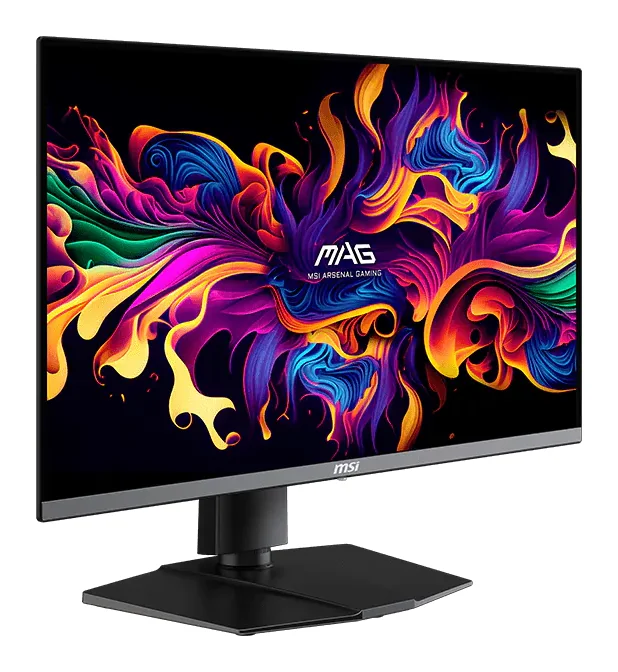
MSI MAG 272QP QD-OLED X50
- QD-OLED, 26.5 in (27-inch class), flat
- 500 Hz
500 frames per second at 1440p takes a fast card and light settings, as in esports titles. In heavy single-player games the higher refresh mostly goes unused, so a 4K screen may suit you better.
AED 2,089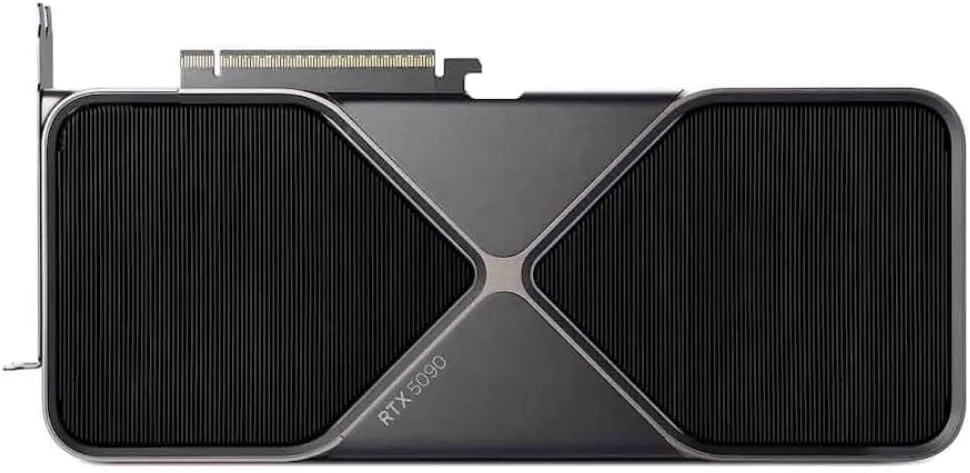
NVIDIA
NVIDIA GeForce RTX 5090
Runs up to 30–34B at 4-bit
- 32 GB
- NVIDIA Blackwell (GB202)
32 GB runs 30B-class models comfortably at 4-bit, but a 70B model will not fit on one card. For 70B, plan for two cards or a large unified-memory system.
AED 7,339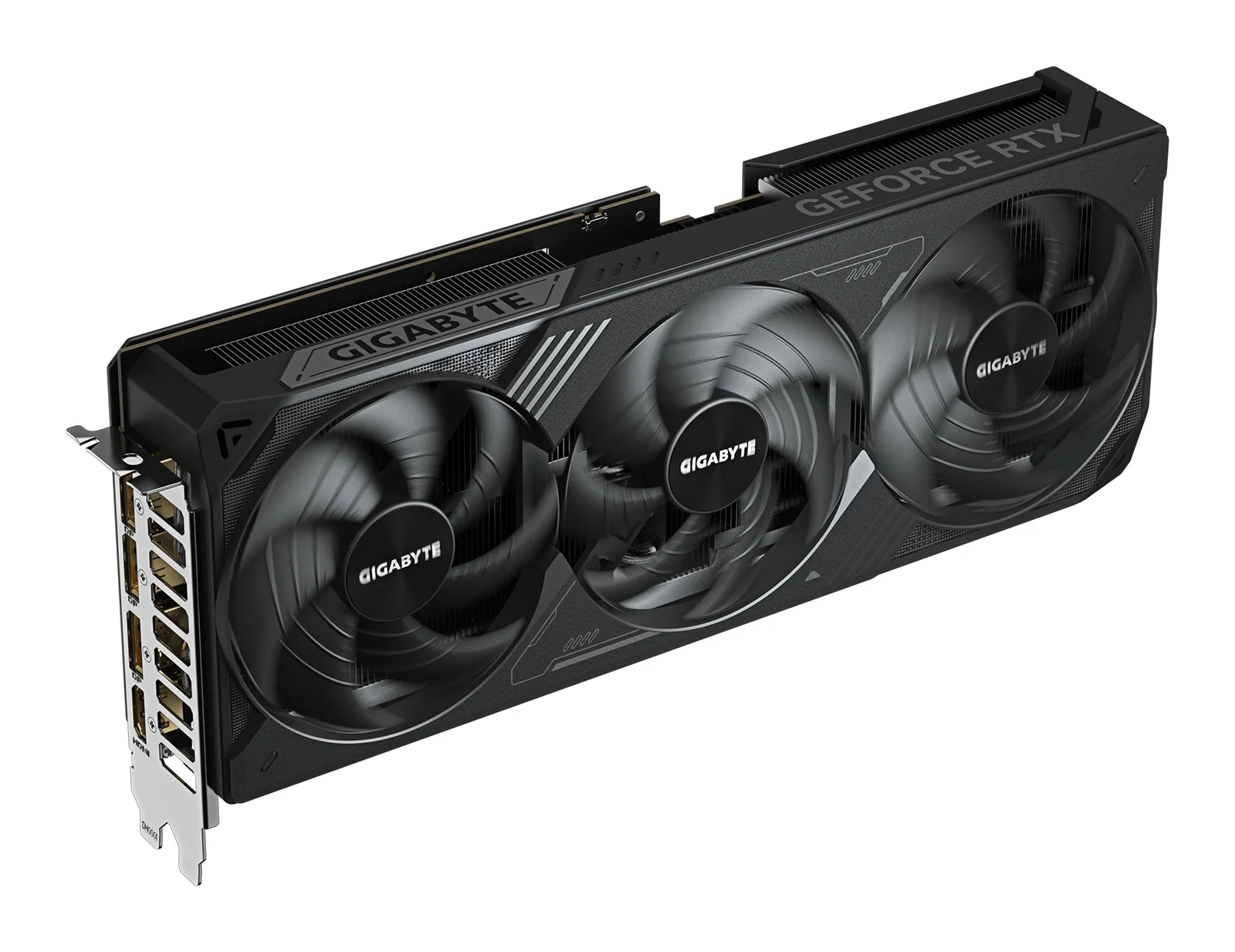
GIGABYTE
GIGABYTE GeForce RTX 5070 Ti WINDFORCE OC SFF 16G
Runs up to 13–14B at 4-bit
- 16 GB
- NVIDIA GeForce RTX 5070 Ti (Blackwell)
It needs one 16-pin power cable or the adapter in the box, which takes two 8-pin PCIe cables. GIGABYTE recommends a 750 W power supply.
AED 3,419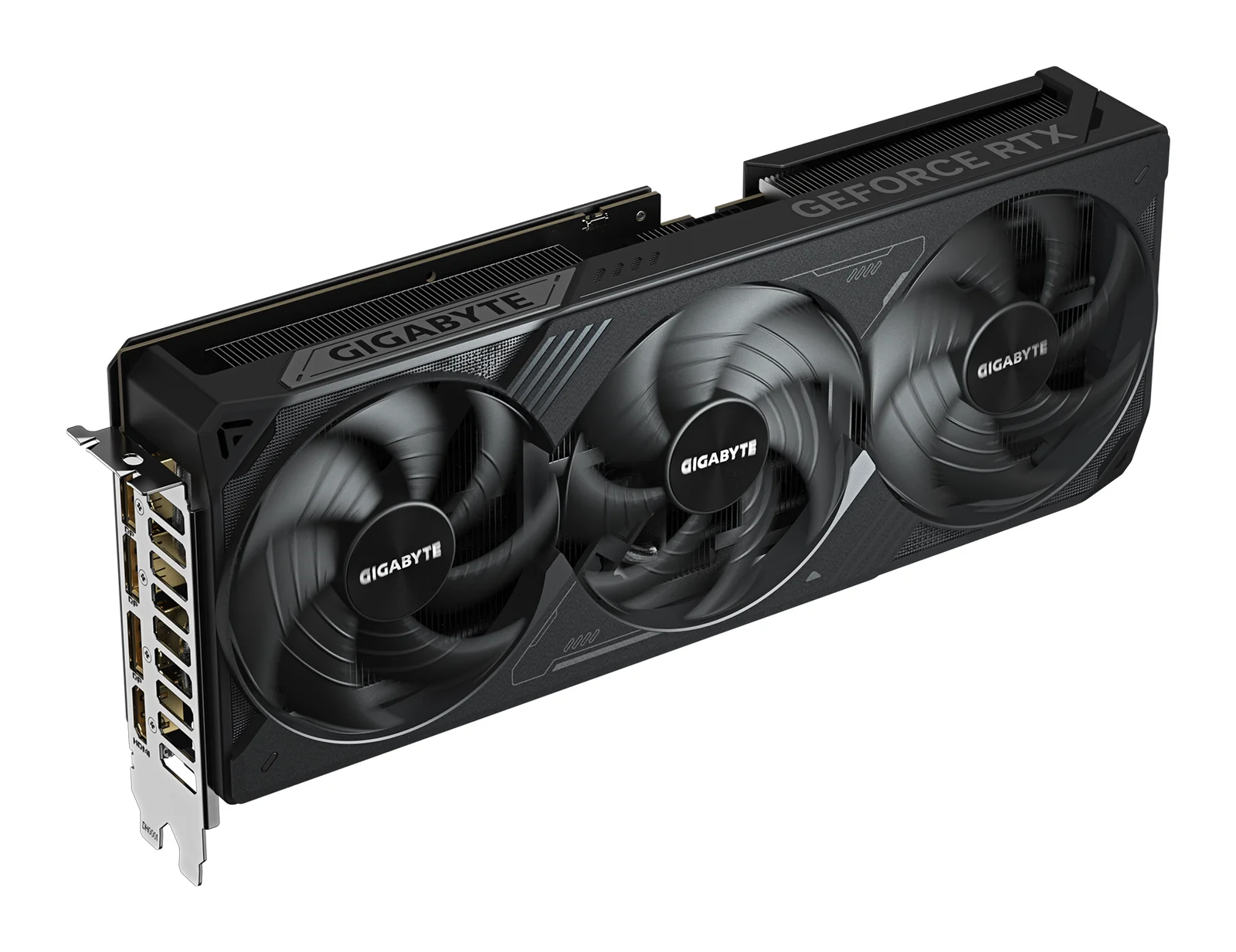
GIGABYTE
GIGABYTE GeForce RTX 5080 WINDFORCE OC SFF 16G
Runs up to 13–14B at 4-bit
- 16 GB
- NVIDIA GeForce RTX 5080 (Blackwell)
It has the same 16 GB as the RTX 5070 Ti, so it does not fit larger AI models; it runs them faster. For more memory on one card, look at the RTX 5090 or a 24 to 32 GB card.
AED 4,359