Fitting a High-End Graphics Card: Power, Case, Cooling
Updated 17 November 2026 · 4 min read
Check four things before you order: the power supply (wattage and the right connector), the case (length, thickness and room for the power plug), the slot, and the airflow. For the RTX 5090, NVIDIA lists 575 W of card power, a 16-pin 12V-2x6 connector and a 1,000 W recommended power supply. For any figure we do not list, the card maker's spec sheet is the source to trust.
Power supply: wattage#
A recommended power supply rating covers the whole system, not just the card. Card power is what the card alone can draw.
| Card | Card power | Connector | Recommended PSU |
|---|---|---|---|
| RTX 5090 | 575 W | 16-pin (12V-2x6) | 1,000 W |
| RTX 4090 | 450 W | 16-pin (12VHPWR) | See the card maker's spec |
| RTX PRO 6000 | 600 W, or 300 W (Max-Q) | See the card maker's spec | See the card maker's spec |
| RX 7900 XTX | 355 W (reference) | Varies by board partner | See the card maker's spec |
| Radeon AI PRO R9700 | 300 W | See the card maker's spec | See the card maker's spec |
| Radeon PRO W7900 | 295 W | See the card maker's spec | See the card maker's spec |
| Arc Pro B60 | 120–200 W, by board partner | Varies by board partner | See the card maker's spec |
| Arc Pro B50 | 70 W | None, powered from the slot | Not needed |
Add up the card, the processor and the rest of the system, then leave headroom. High-end cards draw short power spikes above their rated figure; power supplies built to the ATX 3.0 and 3.1 standards are designed to handle these.
The 16-pin connector#
The RTX 4090 uses the 16-pin 12VHPWR connector; the RTX 5090 uses the revised 12V-2x6. The revision shortened the sense pins, so the card draws full power only when the plug is fully seated. The plugs fit each other's sockets.
- Push the plug fully home, with no gap between plug and socket.
- Avoid sharp bends close to the plug. Cable makers commonly advise keeping the first few centimetres straight.
- Use the native cable from your power supply, or the adapter supplied with the card.
- Never swap modular cables between power supply brands or models. Pin layouts on the power supply side differ.
- Replace any cable or plug that shows discolouration or heat damage.
Case: measure three things#
- Length. Compare the card's length with your case's maximum graphics card length. Front fans and radiators reduce the space.
- Thickness. High-end cards cover several slots and can block the slot below.
- Height and side clearance. Add room above the card for the power plug and the straight section of its cable before the side panel.
Board partner cards are often longer and thicker than the reference design, so take the dimensions from the exact model's spec sheet. A support bracket stops a heavy card sagging in the slot over time.
Slot and motherboard#
PCIe is backward compatible: a PCIe 5.0 card works in a PCIe 4.0 slot, with the link at the slower speed. The Arc Pro B60 and B50 use x8 interfaces. Dual-GPU B60 boards need a slot that supports x8/x8 bifurcation. For two cards, check in the motherboard manual how the lanes are split and whether the slots are far enough apart.
Cooling and airflow#
Open-air coolers push heat into the case, so the case needs cool air coming in at the front or bottom and warm air leaving at the rear or top. Blower coolers, such as the one on the RTX PRO 6000 Max-Q edition, push heat out of the back of the case, which is why they stack well. Leave space between cards: a card pressed against another's fans runs hot.
Running two or more cards#
Power adds up quickly. A common US household circuit is 15 A at 120 V, about 1,800 W, and continuous loads are normally kept to around 80% of that. A workstation with two 600 W cards gets close. Check the circuit, or ask an electrician, before you build. European circuits at 230 V typically carry more.
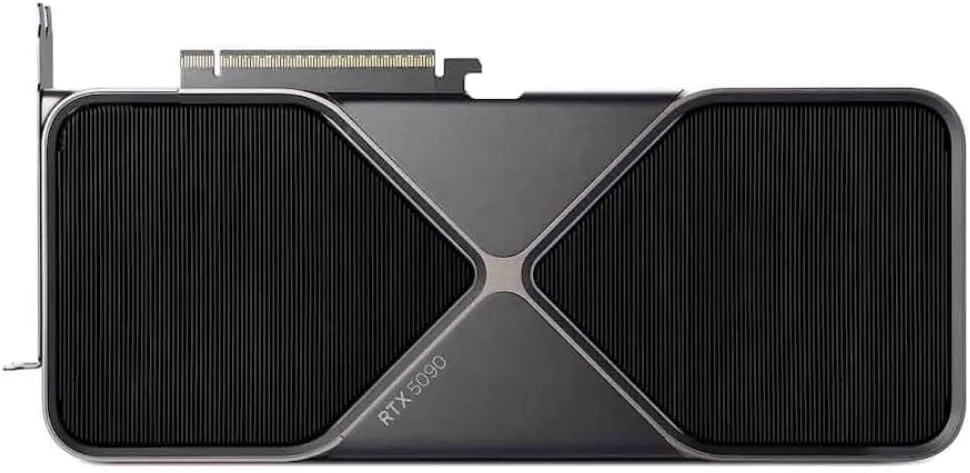
NVIDIA
NVIDIA GeForce RTX 5090
Runs up to 30–34B at 4-bit
- 32 GB
- NVIDIA Blackwell (GB202)
32 GB runs 30B-class models comfortably at 4-bit, but a 70B model will not fit on one card. For 70B, plan for two cards or a large unified-memory system.
$1,999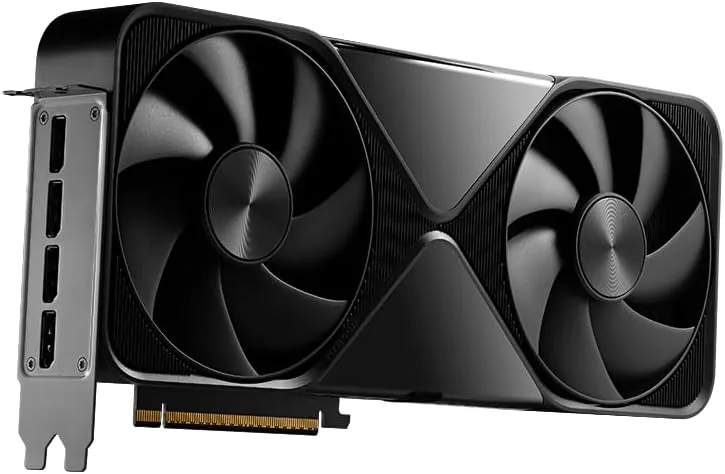
NVIDIA
NVIDIA RTX PRO 6000 Blackwell (96 GB)
Runs up to 120B+ at 4-bit
- 96 GB
- NVIDIA Blackwell (GB202)
Pick the Max-Q Workstation Edition (300 W, blower) when you plan to stack several cards in one chassis; the 600 W Workstation Edition is the faster choice for a single card.
$14,594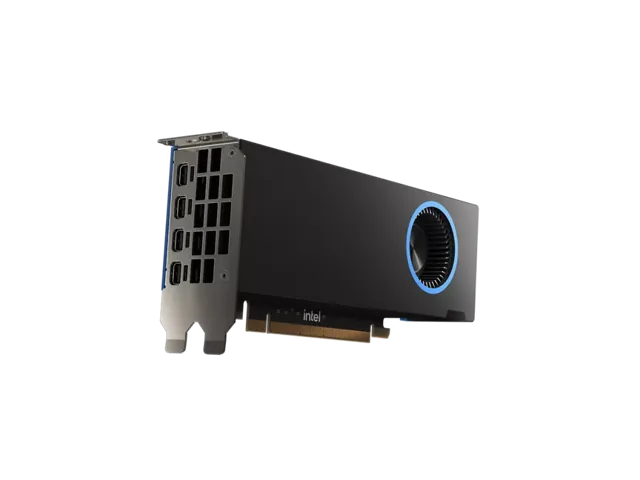
Intel
Intel Arc Pro B50
Runs up to 13–14B at 4-bit
- 16 GB
- Intel Xe2 (Battlemage)
No power cable is needed, so it suits small-form-factor machines. 16 GB runs 7B to 14B models at 4-bit; anything larger needs a bigger card.
$329When a smaller card or a mini PC is the easier route#
In a small-form-factor case, the low-profile Arc Pro B50 takes its 70 W from the slot and needs no cable. If you would rather not plan a tower at all, a unified-memory machine runs 70B models with no power supply or case questions; see Ryzen AI Max+ 395 mini PCs compared. Note that the MS-S1 Max's PCIe slot takes low-profile cards at x4, not a full-size graphics card.
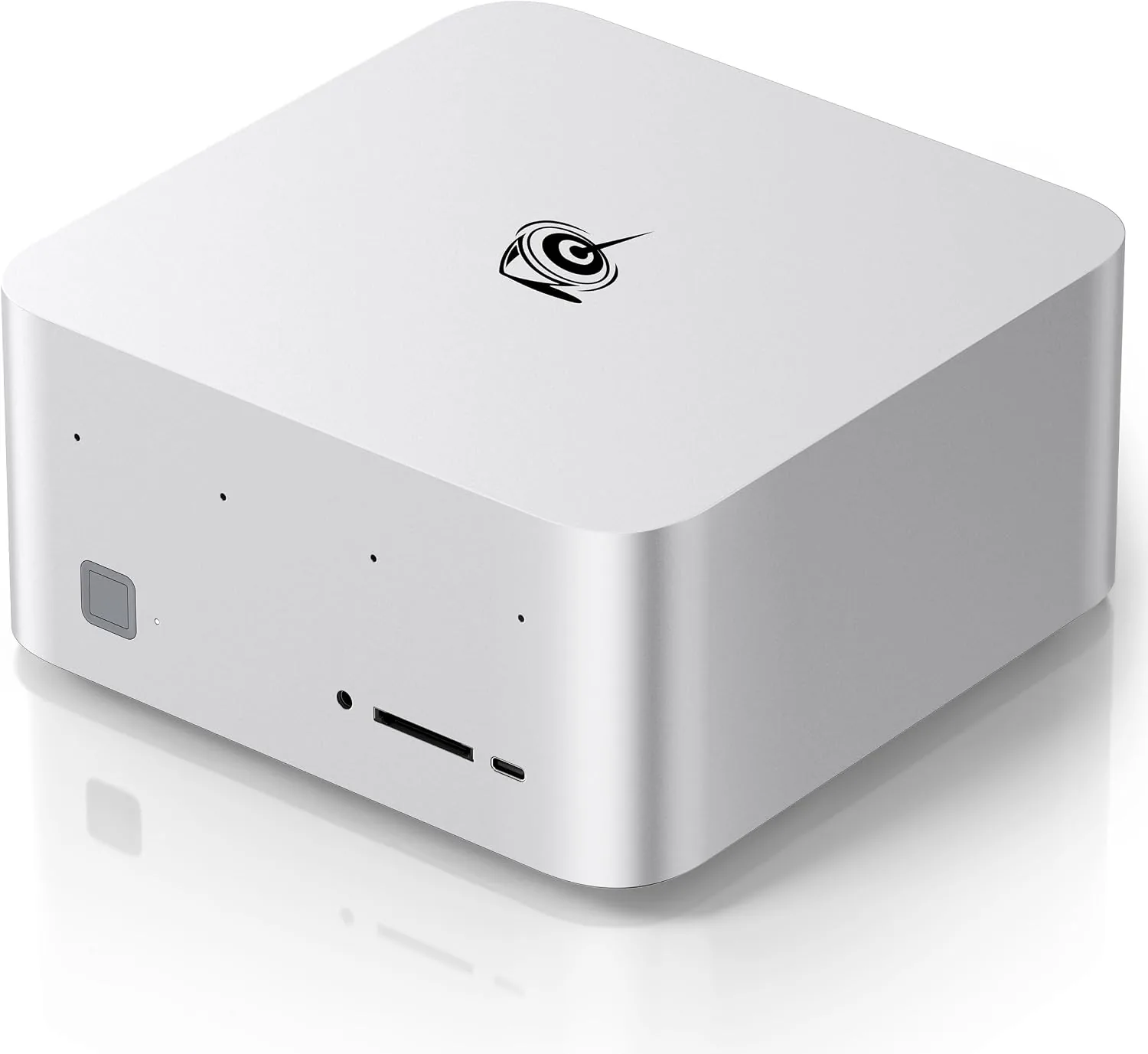
Beelink
Beelink GTR9 Pro
Runs up to 120B+ at 4-bit
- 128 GB unified
- AMD Ryzen AI Max+ 395
On Windows the GPU can be given up to 96 GB of the 128 GB; Linux lets you assign more. If you plan to run the largest models, plan for Linux.
$4,790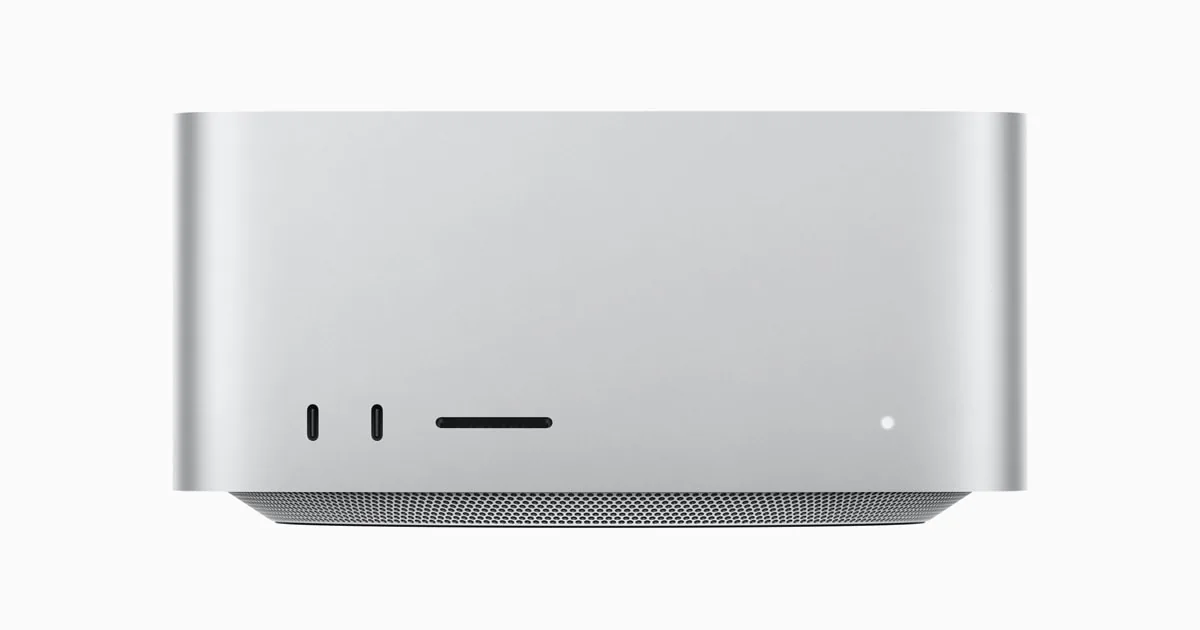
Apple
Apple Mac Studio (M3 Ultra)
Runs up to 70B at 4-bit
- 96 GB unified
- 60-core; 80-core option
macOS keeps part of the unified memory for the system, so plan for the GPU to use most of it, not all. Size the configuration with some headroom above the model.
$4,404 – $10,682Questions people ask
Is an 850 W power supply enough for an RTX 5090?
NVIDIA recommends 1,000 W for the RTX 5090. A smaller unit is outside the maker's guidance, and the card alone can draw 575 W.
Can I use an adapter instead of a native 16-pin cable?
Use the adapter supplied with the card, or a native cable from your power supply. Push it fully home and keep it straight near the plug.
How do I know the card fits my case?
Compare the exact model's length, thickness and height from its spec sheet with your case's limits, and leave room above the card for the power plug.
Do I need a new power supply for a 300 W card?
Not always. Check the card maker's recommended power supply and the connectors the card needs against what your current unit has.
Related guides
Graphics cards · 5 min read
Graphics Cards for Local AI: RTX 5090 vs R9700 vs B60
Choose a graphics card for local AI by memory, software and bandwidth: RTX 5090, Radeon AI PRO R9700, Arc Pro B60 and the 48 GB and 96 GB pro cards.
Read the guide →Local AI · 5 min read
Mac vs NVIDIA vs Ryzen AI Max+ for Local AI
Which platform fits which work: CUDA on NVIDIA, unified memory on a Mac, or 128 GB on a Ryzen AI Max+ mini PC. Memory, software and trade-offs.
Read the guide →