Mac vs NVIDIA vs Ryzen AI Max+ for Local AI
Updated 17 November 2026 · 5 min read
Choose NVIDIA if your tools need CUDA or you want the fastest speed on models that fit in 24–32 GB. Choose a Mac if you want large models in a near-silent box with little setup. Choose a Ryzen AI Max+ mini PC if you want 128 GB of memory on a machine that runs Windows or Linux. The DGX Spark sits between them: 128 GB and CUDA, built for developers.
The three platforms at a glance#
| NVIDIA graphics card | Apple Mac | Ryzen AI Max+ mini PC | |
|---|---|---|---|
| Memory for models | 32 GB (RTX 5090), 96 GB (RTX PRO 6000) | 24 GB (Mac mini base) to 96 GB and more (Mac Studio) | 128 GB shared; up to 96 GB for the GPU on Windows, more on Linux |
| Software | CUDA, the widest support | Metal and MLX | ROCm and Vulkan |
| Operating system | Windows or Linux | macOS | Windows or Linux |
| Size and noise | A desktop tower; the RTX 5090 alone draws up to 575 W | Compact and near-silent | A small desktop box |
| Best for | CUDA work, top speed on models that fit, gaming | Large models with little fuss, creative work | 70B and 120B-class models on a PC |
NVIDIA: the default when software decides#
CUDA is what most AI research code, training scripts and serving tools target first. If you fine-tune, follow new papers or use tools that list CUDA as a requirement, an NVIDIA card saves you time.
The limit is memory per card. The RTX 5090 has 32 GB, which runs 30B-class models comfortably at 4-bit but not a 70B model on one card. Above that you need two cards or the 96 GB RTX PRO 6000, which holds a 70B model at 8-bit on its own.
Speed is the reward: both cards move 1,792 GB/s of memory bandwidth, so models that fit generate text quickly. The cost is power and space. NVIDIA recommends a 1,000 W power supply for the RTX 5090; our fitting guide covers the rest.
Mac: big memory, little noise#
Apple silicon uses unified memory that the GPU draws on directly. The Mac Studio with M3 Ultra comes with 96 GB as standard, with larger configurations to order, and 819 GB/s of bandwidth. That combination runs large language models quickly while staying close to silent.
llama.cpp, Ollama and LM Studio run natively on a Mac through Metal, and Apple's MLX framework is built for this hardware. There is no CUDA, so tools that require it will not run. Fine-tuning works in MLX, but most training code is written for CUDA first.
Memory cannot be upgraded later. The Mac mini with M4 Pro starts at 24 GB, where about 14B is the comfortable ceiling. If local AI is the goal, choose 48 GB or 64 GB when you buy.
Ryzen AI Max+: 128 GB on a PC#
The Ryzen AI Max+ 395 combines a 16-core CPU with the Radeon 8060S integrated GPU and 128 GB of LPDDR5X unified memory. That is enough for a 70B model at 8-bit or a 120B-class model at 4-bit, in a small box that runs your usual Windows or Linux software.
On Windows the GPU can be given up to 96 GB of the 128 GB; Linux lets you assign more, so plan for Linux if you want the largest models. llama.cpp runs on this chip through either Vulkan or ROCm, and ROCm support depends on the version you install. Check that your other tools support the chip before you commit.
We compare the two machines we stock in Ryzen AI Max+ 395 mini PCs compared.
Where the DGX Spark fits#
The DGX Spark has the same 128 GB as a Ryzen AI Max+ machine, with CUDA and NVIDIA's software stack. Its memory bandwidth is 273 GB/s, so it is a development machine first and a fast chat box second. See our DGX Spark guide.
Which to choose#
- Your tools need CUDA, or you also game: an NVIDIA graphics card.
- You want the biggest model in the quietest box and you are happy on macOS: a Mac Studio.
- You want 128 GB on Windows or Linux in a small box: a Ryzen AI Max+ mini PC.
- You build on CUDA and deploy to bigger NVIDIA systems: the DGX Spark.
- Your models are 14B or smaller: any of these is more than you need. A Mac mini with 24 GB or a 16 GB card does the job.
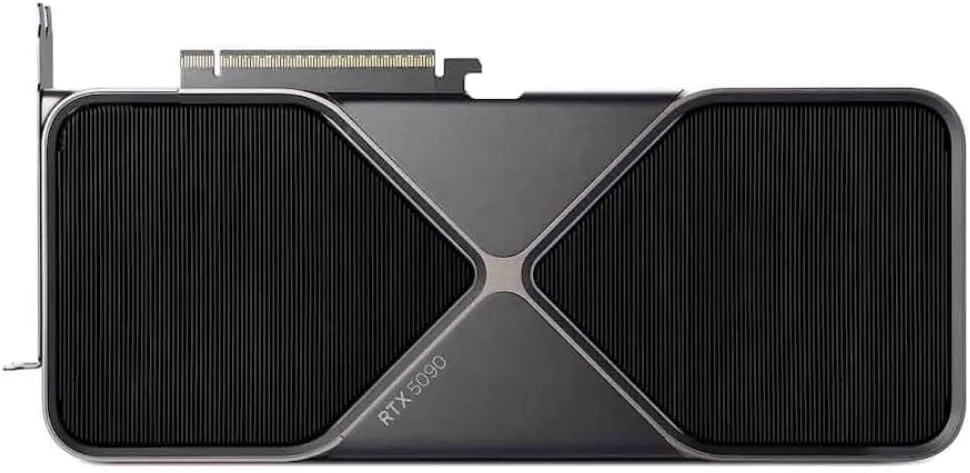
NVIDIA
NVIDIA GeForce RTX 5090
Runs up to 30–34B at 4-bit
- 32 GB
- NVIDIA Blackwell (GB202)
32 GB runs 30B-class models comfortably at 4-bit, but a 70B model will not fit on one card. For 70B, plan for two cards or a large unified-memory system.
$1,999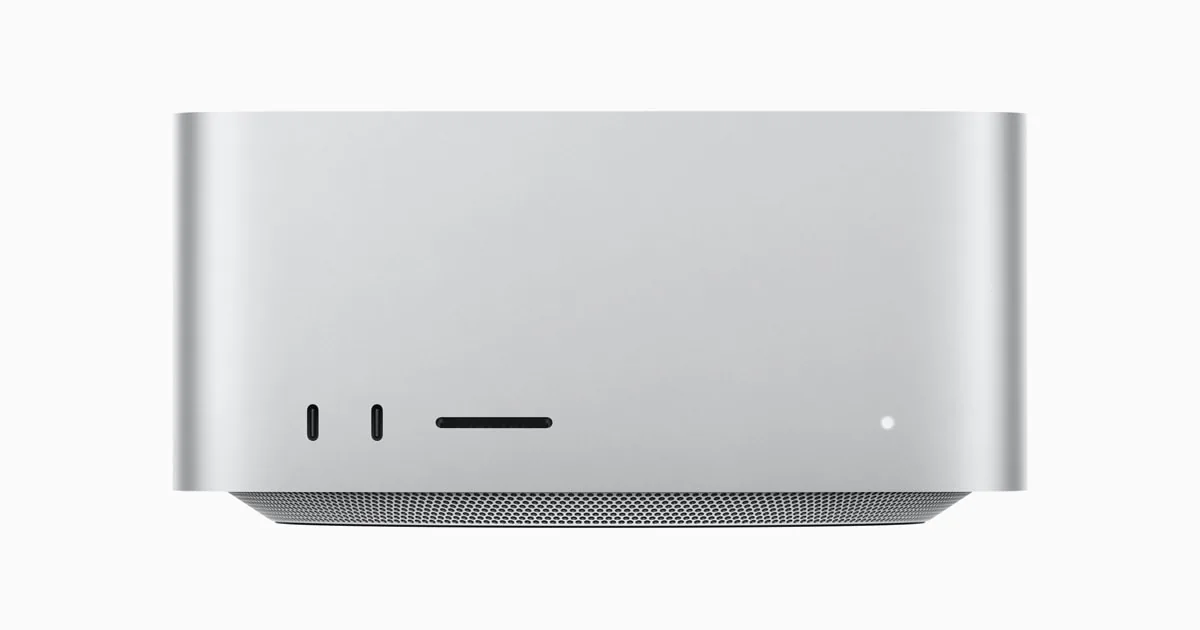
Apple
Apple Mac Studio (M3 Ultra)
Runs up to 70B at 4-bit
- 96 GB unified
- 60-core; 80-core option
macOS keeps part of the unified memory for the system, so plan for the GPU to use most of it, not all. Size the configuration with some headroom above the model.
$4,404 – $10,682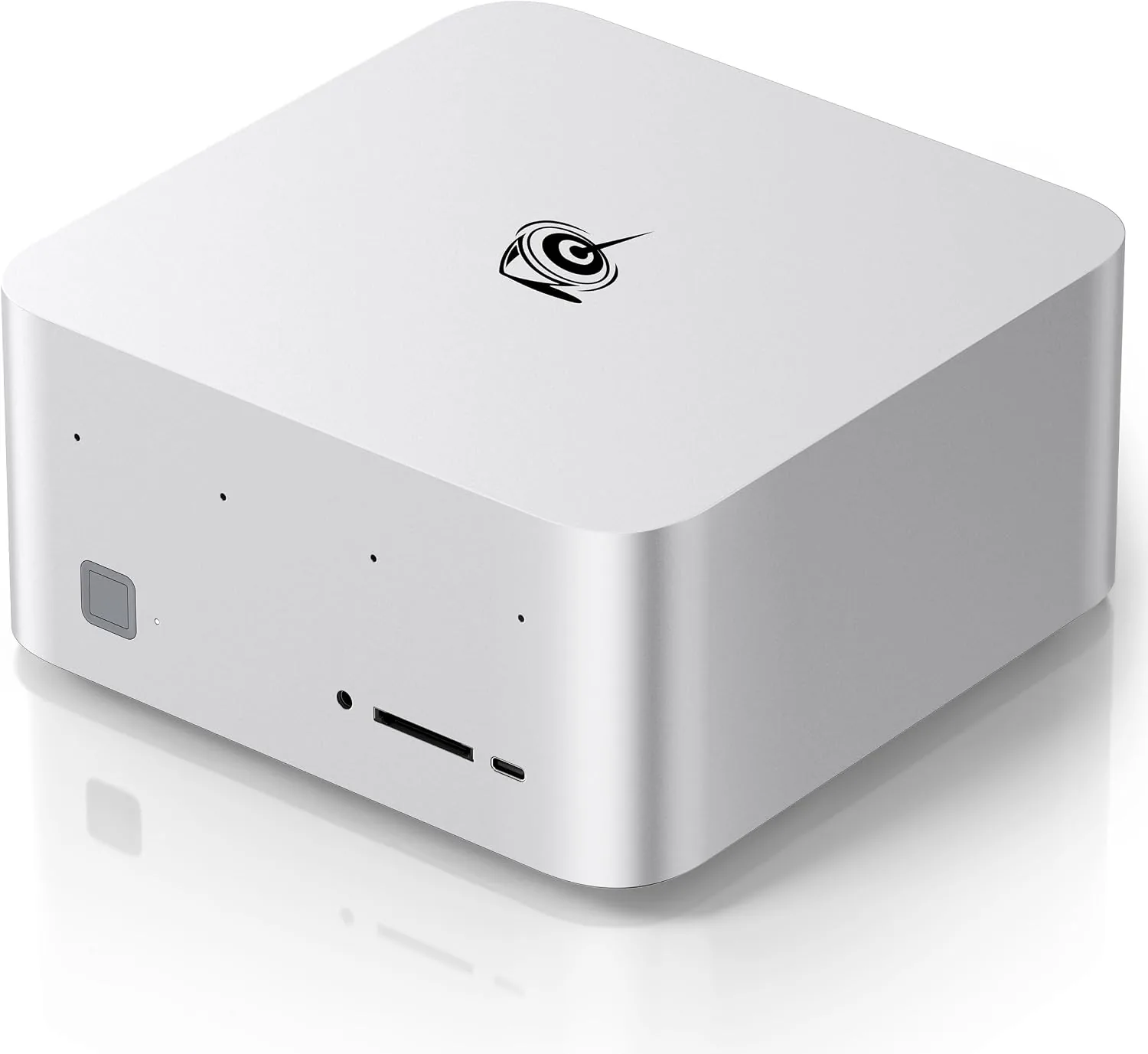
Beelink
Beelink GTR9 Pro
Runs up to 120B+ at 4-bit
- 128 GB unified
- AMD Ryzen AI Max+ 395
On Windows the GPU can be given up to 96 GB of the 128 GB; Linux lets you assign more. If you plan to run the largest models, plan for Linux.
$4,790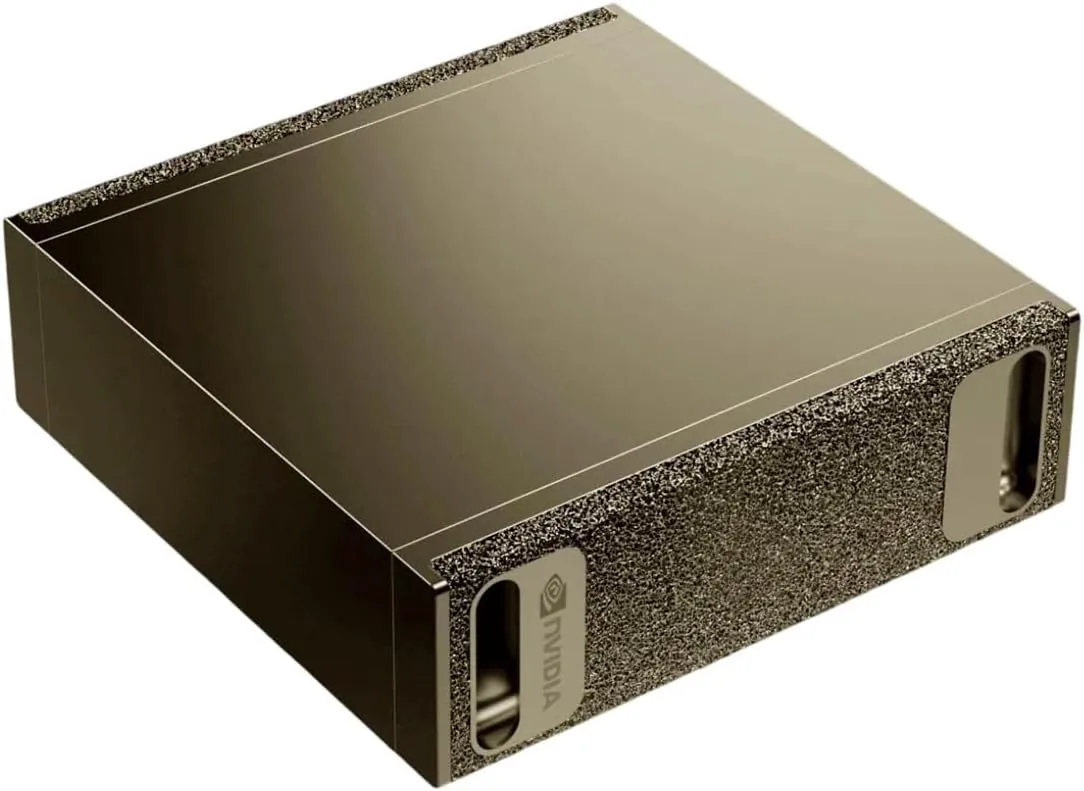
NVIDIA
NVIDIA DGX Spark
Runs up to 120B+ at 4-bit
- 128 GB unified
- NVIDIA GB10 Grace Blackwell
Its memory bandwidth (273 GB/s) is lower than a high-end graphics card's, so large dense models generate text more slowly than they would on an RTX 5090. Its strengths are capacity and the CUDA software stack.
$4,699 – $10,593Questions people ask
Can a Mac run CUDA software?
No. CUDA runs only on NVIDIA hardware. Most popular local-AI tools, including llama.cpp, Ollama and LM Studio, run natively on Macs, but tools that require CUDA will not.
Is AMD harder to set up for local AI?
It takes more checking. PyTorch and llama.cpp support ROCm, and llama.cpp also runs through Vulkan, but some niche tools still assume CUDA. Check your tools and your operating system before you buy.
Which platform is quietest?
Macs run close to silent and draw little power. Ryzen AI Max+ machines are small desktop boxes. A tower with a high-end graphics card is the loudest and most power-hungry of the three.
Which one holds the largest model?
Among single machines we sell, the 128 GB Ryzen AI Max+ mini PCs, the DGX Spark and the 96 GB RTX PRO 6000 card all hold 120B-class models at 4-bit. Mac Studio configurations above 96 GB do too.
Related guides
Local AI · 5 min read
How Much Memory Do You Need to Run a Local LLM?
Memory needed for 7B to 120B+ models at 4-bit and 8-bit, how unified memory differs from VRAM, and which machines hold each size.
Read the guide →Mini PCs · 4 min read
Ryzen AI Max+ 395 Mini PCs Compared
Beelink GTR9 Pro vs Minisforum MS-S1 Max: same chip and 128 GB of memory, different ports, expansion and power. Who each machine is for.
Read the guide →Local AI · 4 min read
NVIDIA DGX Spark: Who It Is For and When to Skip It
What the DGX Spark does well, where it is slower, and how it compares with a Mac Studio, an RTX 5090 and an RTX PRO 6000 for local AI.
Read the guide →