How Much Memory Do You Need to Run a Local LLM?
Updated 17 November 2026 · 5 min read
Memory decides which models you can run; speed comes second. A 7–8B model needs about 6 GB at 4-bit, a 70B model about 42 GB, and the largest open models most people run at home about 80 GB. Here is where those numbers come from and which machines meet them.
The short answer#
| Model size | Examples | 4-bit | 8-bit | What holds it at 4-bit |
|---|---|---|---|---|
| 7–8B | Llama 3.1 8B, Mistral 7B, Qwen2.5 7B | about 6 GB | about 10 GB | Almost any modern graphics card or Mac |
| 13–14B | Phi-4, Qwen2.5 14B | about 10 GB | about 16 GB | A 16 GB card, or a Mac mini with 24 GB |
| 27–34B | Gemma 2 27B, Qwen2.5 32B | about 20 GB | about 38 GB | One 24 GB or 32 GB card |
| 70B | Llama 3.3 70B, Qwen2.5 72B | about 42 GB | about 80 GB | Two 24 GB cards, one 48 GB card, or 64 GB+ of unified memory |
| 120B+ | gpt-oss-120b (MoE), Mistral Large 2 | about 80 GB | about 140 GB | A 96 GB card or a 128 GB unified-memory system |
These figures are deliberately conservative. Read them as the floor for a comfortable setup, not a target to squeeze into.
Where the numbers come from#
The rule of thumb is simple: a model's weights take about parameters × bits ÷ 8 bytes. A 70B model at 4 bits is about 35 GB of weights. Add 20–30% for the context (the KV cache), runtime buffers and the operating system's share, and you land at about 42 GB.
Models are usually released at 16-bit precision, where every billion parameters takes 2 GB, so an 8B model is 16 GB of weights before anything else loads. That is why few people run full precision at home.
Four things push the need up:
- Long contexts. The KV cache grows with every token the model keeps in view, so a long document or a long chat needs more than the table shows.
- Several users at once. Serving a team means batching requests, and each one needs its own context memory.
- Image and video models. They use memory differently from text models; plan more headroom.
- Mixture-of-experts (MoE) models. They run faster than dense models of the same size because only part of the model works on each token, but all of the weights still have to be in memory.
4-bit or 8-bit?#
Quantization stores each weight in fewer bits. 4-bit uses about half the memory of 8-bit with a small loss in quality, and it is how most people run models at home. 8-bit keeps more of the original quality and needs roughly twice the memory.
For chat and general use, many people find a larger model at 4-bit more useful than a smaller one at 8-bit in the same memory. For coding or exact data extraction, where small errors cost you, 8-bit is worth the memory if you have it.
Graphics memory vs unified memory#
On a graphics card the model lives in the card's own memory (VRAM). Our model guide treats about 90% of it as usable.
Apple silicon, Ryzen AI Max+ and DGX Spark machines share one pool of unified memory between the CPU and the GPU. The operating system keeps part of it and GPU limits apply, so the model guide counts about 75% as usable. On Ryzen AI Max+ machines under Windows, the GPU can be given up to 96 GB of the 128 GB; Linux lets you assign more. macOS also keeps part of the pool for the system.
In practice: a Mac mini with 24 GB has about 18 GB for models, enough for a 14B model at 8-bit but not a 30B model at 4-bit. The same Mac mini with 64 GB has about 48 GB, enough for a 70B model at 4-bit.
If a model only just fits, it will struggle as the conversation grows. Leave room for the context.
Memory decides what fits, bandwidth decides speed#
Once a model fits, its writing speed depends mostly on memory bandwidth, because each new token reads through the weights; a model that spills into system RAM slows sharply. The RTX 5090 moves 1,792 GB/s, the Mac Studio with M3 Ultra 819 GB/s, and the Mac mini with M4 Pro and the DGX Spark 273 GB/s each. A model that fits on two of these machines will generally write faster on the one with more bandwidth.
Which machine for which size#
- Up to 14B: the Intel Arc Pro B50 (16 GB), or a Mac mini with 24 GB.
- Up to 34B at 4-bit: one 24 GB or 32 GB card, such as the RTX 5090, Radeon AI PRO R9700, Arc Pro B60 or RTX 4090.
- 70B at 4-bit: the 48 GB Radeon PRO W7900, two 24 GB cards, a Mac Studio, or a Ryzen AI Max+ mini PC.
- 70B at 8-bit and 120B-class at 4-bit: the 96 GB RTX PRO 6000, a 128 GB Ryzen AI Max+ machine, or the DGX Spark.
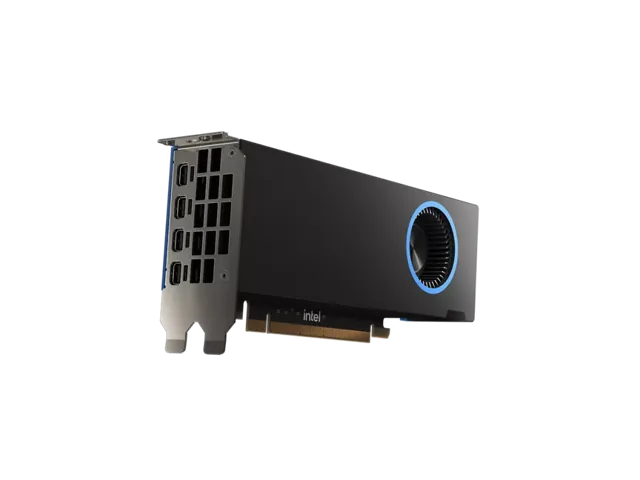
Intel
Intel Arc Pro B50
Runs up to 13–14B at 4-bit
- 16 GB
- Intel Xe2 (Battlemage)
No power cable is needed, so it suits small-form-factor machines. 16 GB runs 7B to 14B models at 4-bit; anything larger needs a bigger card.
$329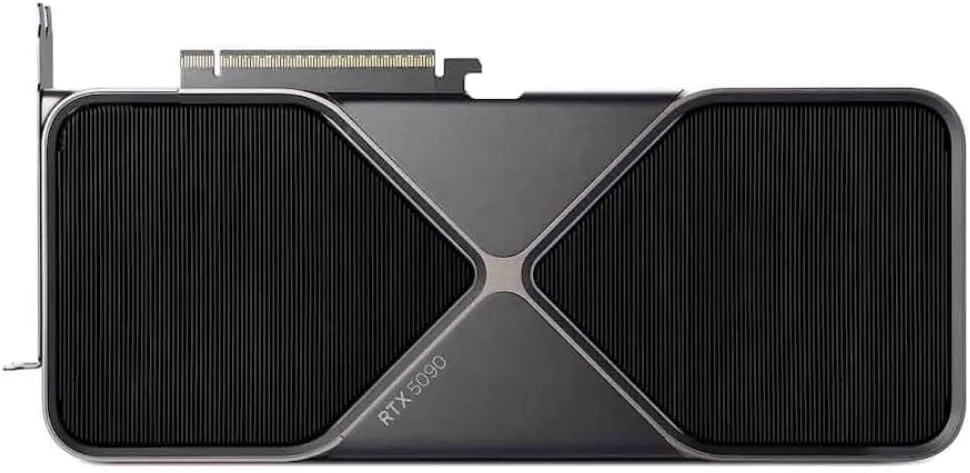
NVIDIA
NVIDIA GeForce RTX 5090
Runs up to 30–34B at 4-bit
- 32 GB
- NVIDIA Blackwell (GB202)
32 GB runs 30B-class models comfortably at 4-bit, but a 70B model will not fit on one card. For 70B, plan for two cards or a large unified-memory system.
$1,999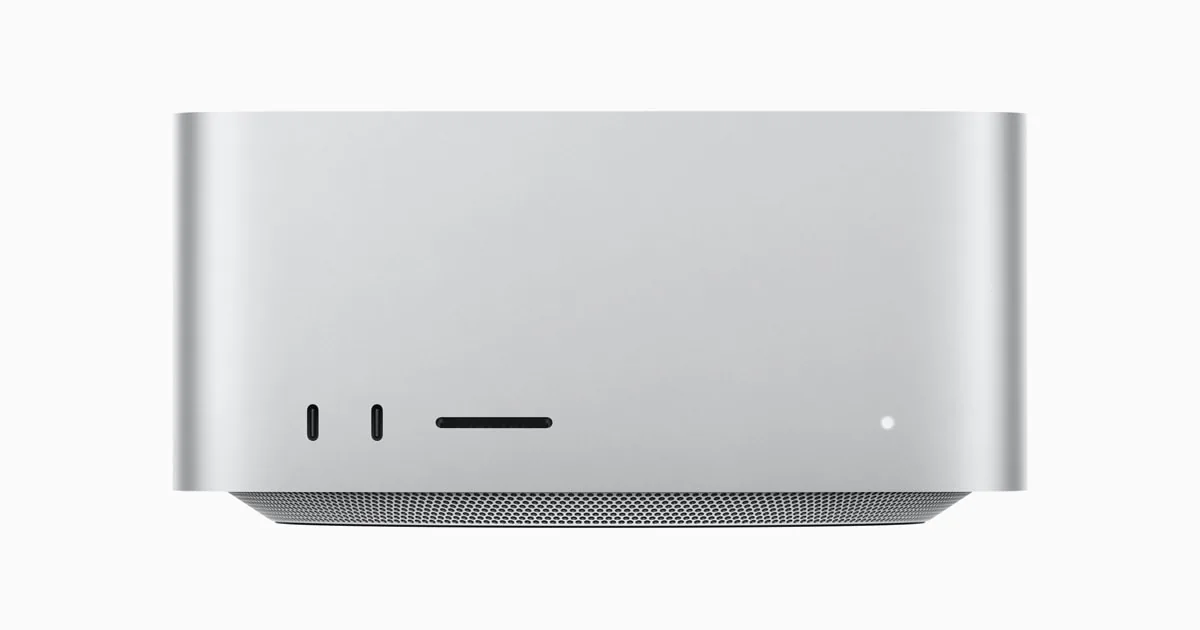
Apple
Apple Mac Studio (M3 Ultra)
Runs up to 70B at 4-bit
- 96 GB unified
- 60-core; 80-core option
macOS keeps part of the unified memory for the system, so plan for the GPU to use most of it, not all. Size the configuration with some headroom above the model.
$4,404 – $10,682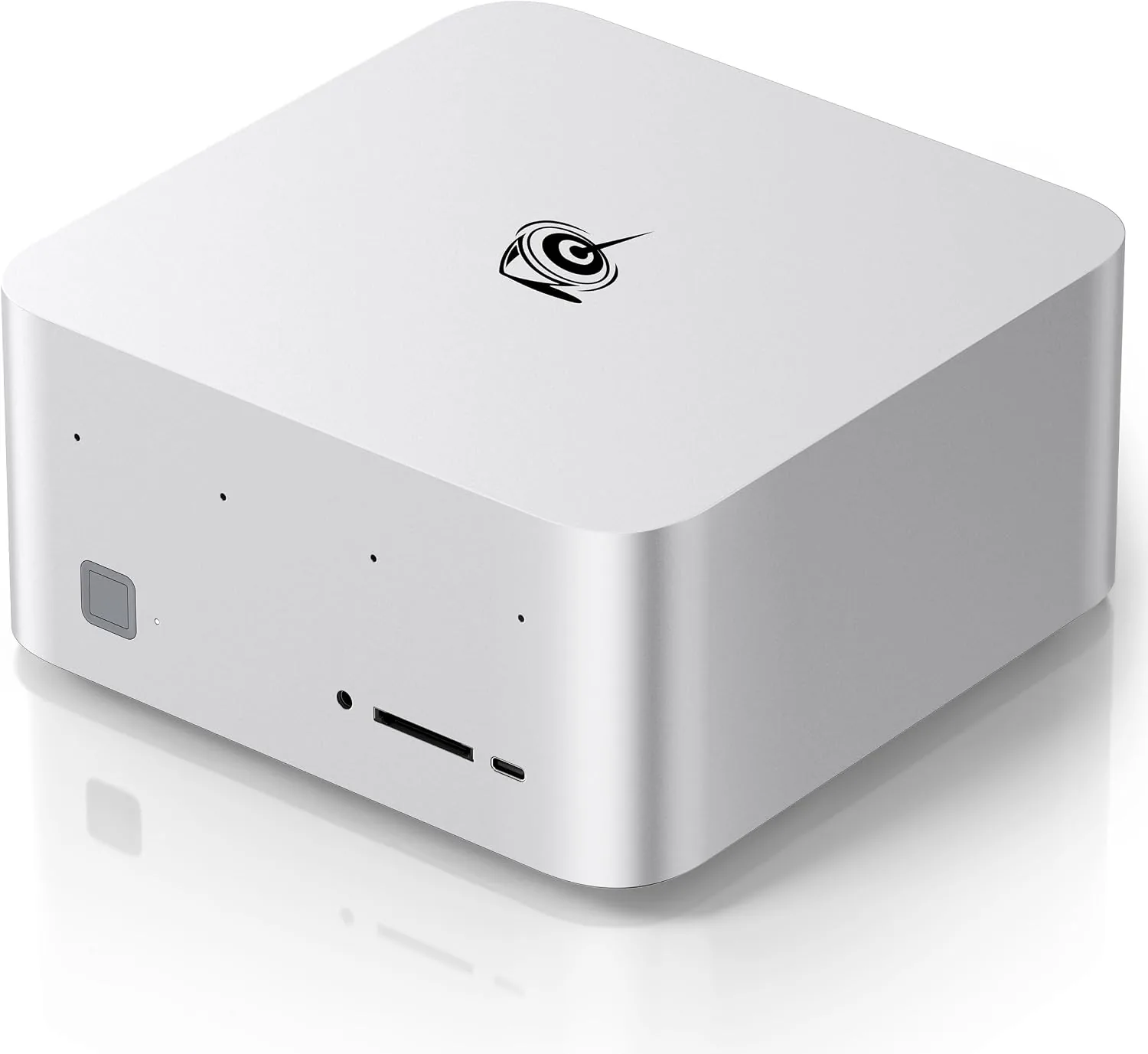
Beelink
Beelink GTR9 Pro
Runs up to 120B+ at 4-bit
- 128 GB unified
- AMD Ryzen AI Max+ 395
On Windows the GPU can be given up to 96 GB of the 128 GB; Linux lets you assign more. If you plan to run the largest models, plan for Linux.
$4,790A cheaper machine is enough when your work fits the small models. Summaries, chat, code completion and searching your own documents all work on 7–14B models, and those fit in 16 GB. The model guide shows the fit for every product we sell.
Questions people ask
Can I run a 70B model on a 32 GB graphics card?
Not comfortably. At 4-bit it needs about 42 GB. Tools can push part of the model into system RAM, but that part runs much slower. For 70B, plan for two 24 GB cards, one 48 GB card, or a unified-memory machine with 64 GB or more.
Does my PC's system RAM count?
On a PC with a graphics card, only the card's memory runs at full speed. Some tools can place part of a model in system RAM, at a large speed cost. On unified-memory machines the shared pool is the memory the GPU uses.
How much extra memory do long documents need?
The context memory grows with length, so plan headroom above the figures in the table. For long documents or long chats, choose the next memory size up rather than the one that only just holds the model.
Is 8-bit worth twice the memory?
For general chat, 4-bit is what most people run and the quality loss is small. For coding or exact extraction, 8-bit is worth it if the memory is there.
Related guides
Local AI · 5 min read
Mac vs NVIDIA vs Ryzen AI Max+ for Local AI
Which platform fits which work: CUDA on NVIDIA, unified memory on a Mac, or 128 GB on a Ryzen AI Max+ mini PC. Memory, software and trade-offs.
Read the guide →Graphics cards · 5 min read
Graphics Cards for Local AI: RTX 5090 vs R9700 vs B60
Choose a graphics card for local AI by memory, software and bandwidth: RTX 5090, Radeon AI PRO R9700, Arc Pro B60 and the 48 GB and 96 GB pro cards.
Read the guide →Local AI · 4 min read
NVIDIA DGX Spark: Who It Is For and When to Skip It
What the DGX Spark does well, where it is slower, and how it compares with a Mac Studio, an RTX 5090 and an RTX PRO 6000 for local AI.
Read the guide →