Graphics Cards for Local AI: RTX 5090 vs R9700 vs B60
Updated 17 November 2026 · 5 min read
Memory first, software second, speed third. The RTX 5090 is the fastest card with 32 GB and full CUDA support. The Radeon AI PRO R9700 gives the same 32 GB at 300 W instead of 575 W, if your tools run on ROCm. The Intel Arc Pro B60 is one of the most accessible ways to get 24 GB on one card. For a 70B model on a single card, step up to the 48 GB Radeon PRO W7900 or the 96 GB RTX PRO 6000.
The cards side by side#
| Card | Memory | Bandwidth | Board power | Software |
|---|---|---|---|---|
| NVIDIA GeForce RTX 5090 | 32 GB GDDR7 | 1,792 GB/s | 575 W | CUDA |
| AMD Radeon AI PRO R9700 | 32 GB GDDR6 | 640 GB/s | 300 W | ROCm |
| Intel Arc Pro B60 | 24 GB GDDR6 | 456 GB/s | 120–200 W, by board partner | Intel tools |
| NVIDIA GeForce RTX 4090 | 24 GB GDDR6X | 1,008 GB/s | 450 W | CUDA |
| AMD Radeon RX 7900 XTX | 24 GB GDDR6 | 960 GB/s | 355 W (reference) | ROCm |
| AMD Radeon PRO W7900 | 48 GB GDDR6 with ECC | 864 GB/s | 295 W | ROCm |
| NVIDIA RTX PRO 6000 Blackwell | 96 GB GDDR7 with ECC | 1,792 GB/s | 600 W, or 300 W (Max-Q) | CUDA |
| Intel Arc Pro B50 | 16 GB GDDR6 | 224 GB/s | 70 W, from the slot | Intel tools |
Step 1: memory sets the ceiling#
- 16 GB runs 7B to 14B models at 4-bit.
- 24 GB runs 30B-class models at 4-bit (about 20 GB), with little room left for long contexts.
- 32 GB runs 30B-class models at 4-bit comfortably, and 14B models at 8-bit.
- 48 GB just holds a 70B model at 4-bit (about 42 GB).
- 96 GB holds a 70B model at 8-bit (about 80 GB) or a 120B-class model at 4-bit.
The full table is in How much memory do you need, and the model guide checks every card against every size.
Step 2: software decides how much time you spend#
- CUDA (NVIDIA): new tools, papers and training code support it first. If a tool lists a GPU requirement, it is usually CUDA.
- ROCm (AMD): PyTorch and llama.cpp support it; some niche tools still assume CUDA. Check that ROCm supports your card on your operating system.
- Intel: llama.cpp has SYCL and Vulkan backends that run on Arc cards, and Intel's OpenVINO toolkit covers many models. Check your specific tools first.
Step 3: bandwidth sets the speed#
Once a model fits, text generation speed follows memory bandwidth. On a model that fits all three, the RTX 5090 (1,792 GB/s) will write noticeably faster than the R9700 (640 GB/s) or the B60 (456 GB/s). Whether that matters depends on the work: for a chat assistant, any of them is quick enough to read along; for long batch jobs, bandwidth saves hours.
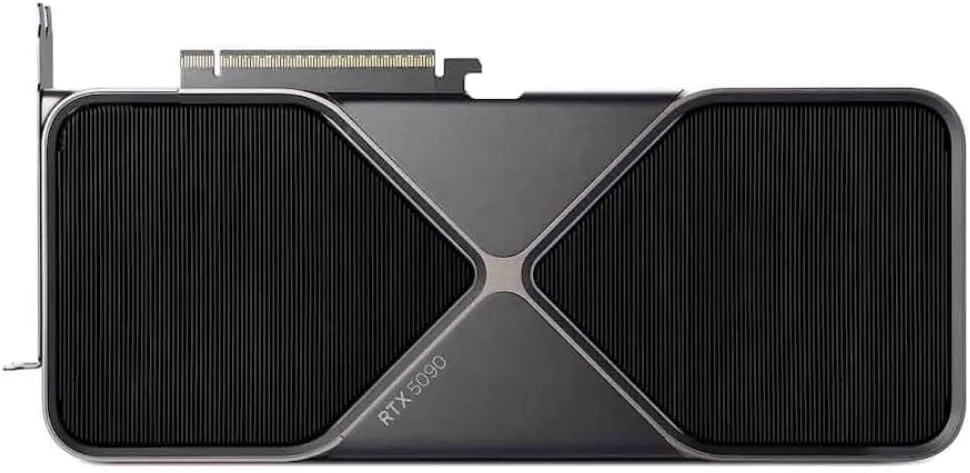
NVIDIA
NVIDIA GeForce RTX 5090
Runs up to 30–34B at 4-bit
- 32 GB
- NVIDIA Blackwell (GB202)
32 GB runs 30B-class models comfortably at 4-bit, but a 70B model will not fit on one card. For 70B, plan for two cards or a large unified-memory system.
$1,999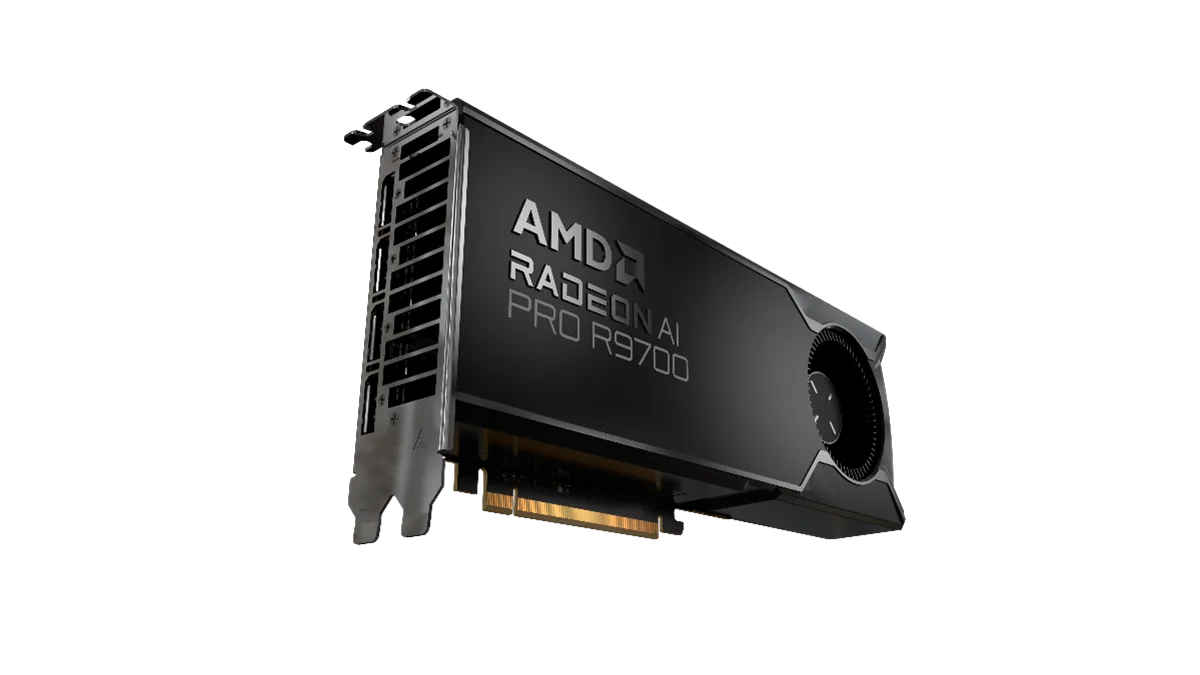
AMD
AMD Radeon AI PRO R9700 (32 GB)
Runs up to 30–34B at 4-bit
- 32 GB
- AMD RDNA 4 (Navi 48)
Check that your tools support ROCm on your operating system before buying. PyTorch and llama.cpp do; some niche tools still assume CUDA.
$1,299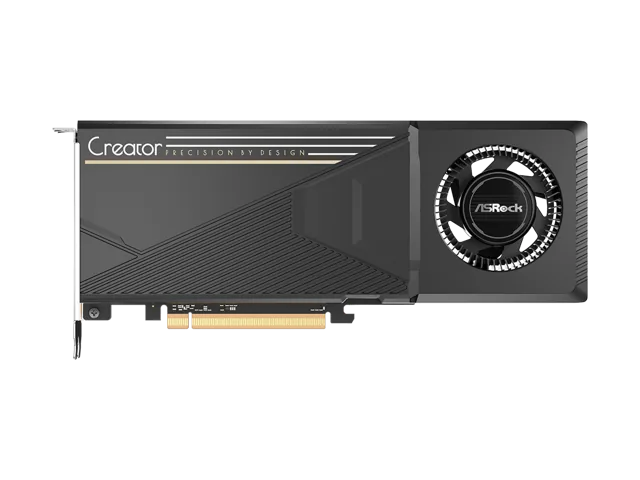
Intel
Intel Arc Pro B60
Runs up to 30–34B at 4-bit
- 24 GB
- Intel Xe2 (Battlemage)
Some partners put two B60 GPUs on one board (48 GB in total). Those dual cards need a motherboard slot that supports x8/x8 bifurcation, so check your board first.
$599.99RTX 5090: fastest, if you can power it#
The RTX 5090 is one of the quickest single cards for models that fit in 32 GB, and the fastest GeForce card for 4K gaming. It draws up to 575 W through a 16-pin 12V-2x6 connector, and NVIDIA recommends a 1,000 W power supply. A 70B model will not fit on one card.
Radeon AI PRO R9700: 32 GB per card, per watt#
The R9700 is an RDNA 4 workstation card aimed at local AI. It has the same 32 GB as the RTX 5090 at 300 W, and it is designed to be installed several to a machine. Two cards give 64 GB, enough for a 70B model at 4-bit. The trade-off is lower bandwidth and the ROCm check above.
Intel Arc Pro B60: the entry to 24 GB#
The Arc Pro B60 is a Battlemage card built by board partners, so outputs, cooling and power (120 to 200 W) vary by model. It uses a PCIe 5.0 x8 interface. Some partners put two B60 GPUs on one board for 48 GB in total; those dual cards need a motherboard slot that supports x8/x8 bifurcation.
When to buy a 48 GB or 96 GB card#
The Radeon PRO W7900 has 48 GB of ECC memory and certified workstation drivers. It suits large scenes and heavy video timelines as well as models above 32 GB. The RTX PRO 6000 has 96 GB of ECC GDDR7, enough to hold a 70B model at 8-bit on one card. Choose its 300 W Max-Q edition, with a blower cooler, to stack several cards in one chassis, and the 600 W edition for the fastest single card.
One large card or two smaller ones? Splitting a model across two cards adds their memory together, but it does not double the speed, and it needs two suitable slots, more power and more airflow. One card is simpler when the budget allows.
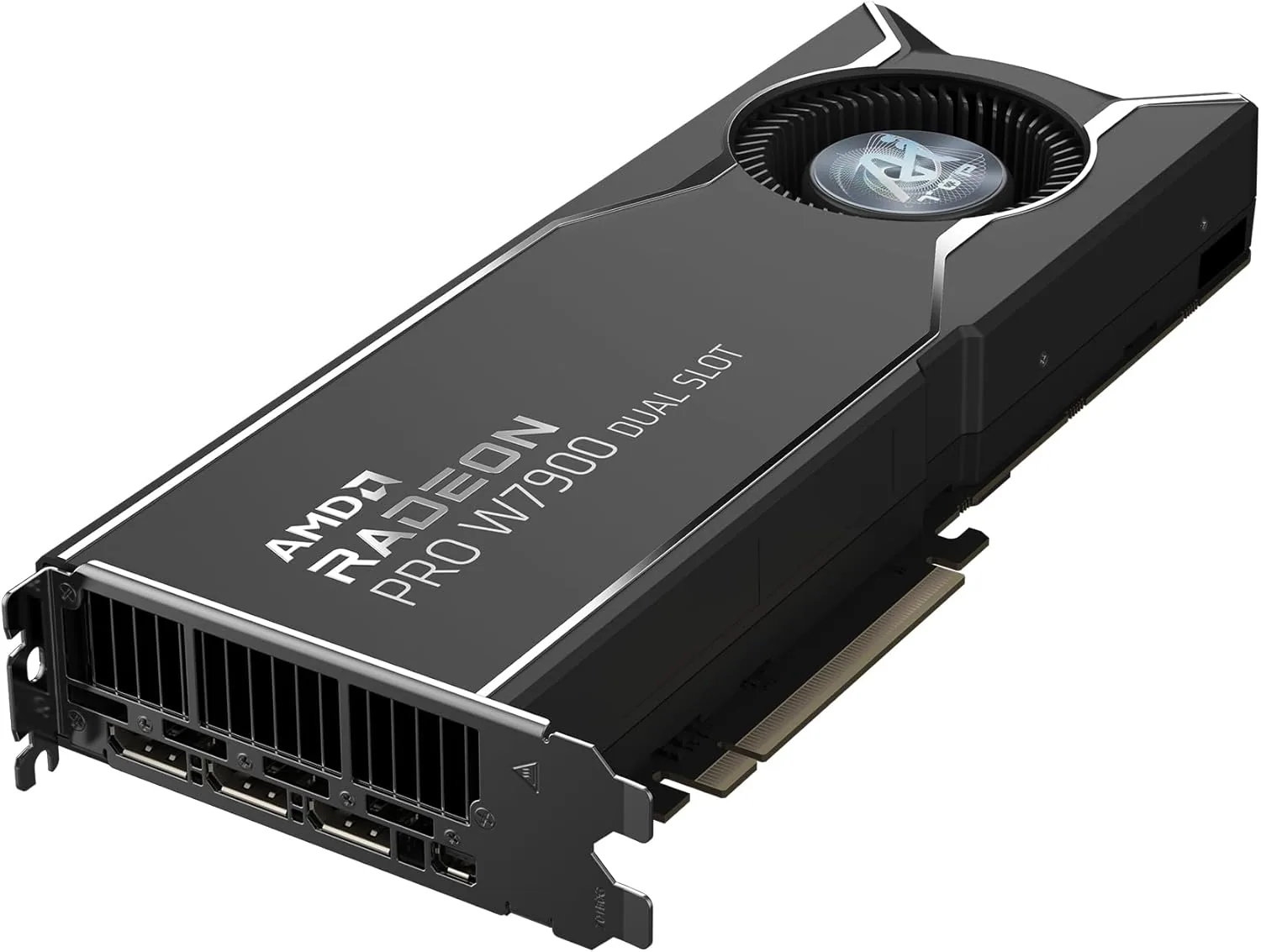
AMD
AMD Radeon PRO W7900 (48 GB)
Runs up to 70B at 4-bit
- 48 GB
- AMD RDNA 3 (Navi 31)
Choose the W7900 when model or scene size matters most. The newer R9700 has less memory (32 GB) but adds FP8 support and is faster per watt for AI.
$3,999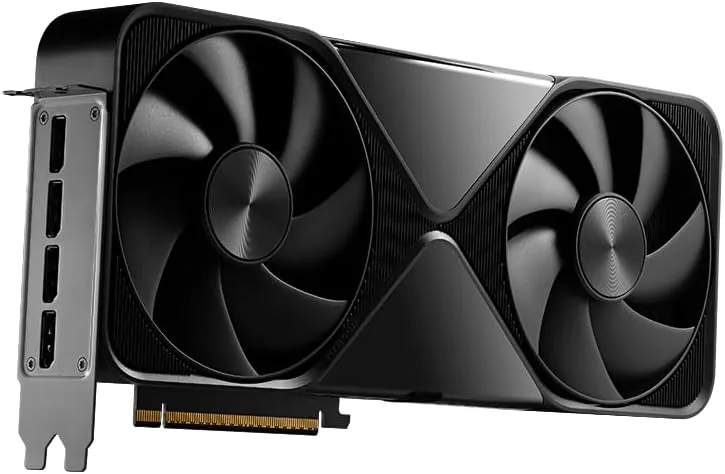
NVIDIA
NVIDIA RTX PRO 6000 Blackwell (96 GB)
Runs up to 120B+ at 4-bit
- 96 GB
- NVIDIA Blackwell (GB202)
Pick the Max-Q Workstation Edition (300 W, blower) when you plan to stack several cards in one chassis; the 600 W Workstation Edition is the faster choice for a single card.
$14,594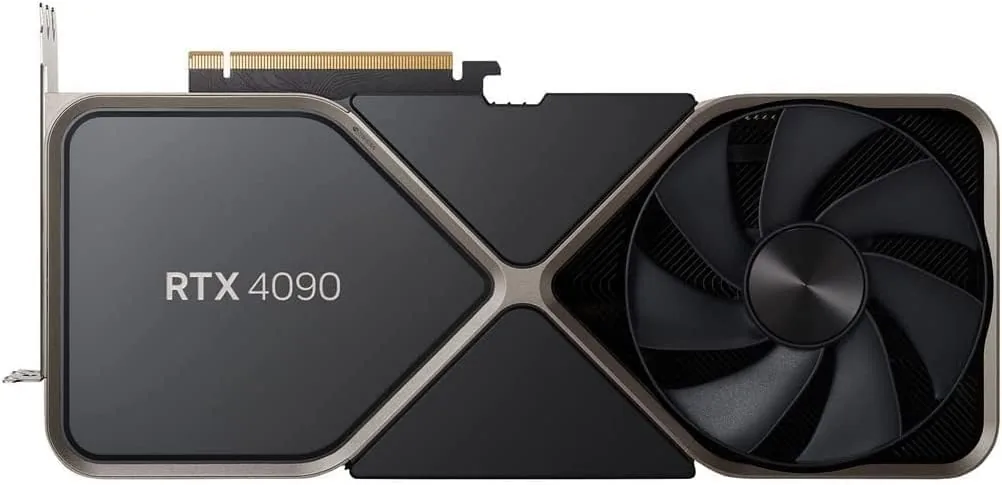
NVIDIA
NVIDIA GeForce RTX 4090
Runs up to 30–34B at 4-bit
- 24 GB
- NVIDIA Ada Lovelace (AD102)
Push the 16-pin power cable fully into the card and avoid sharp bends close to the plug. A loose connector is the most common cause of trouble with this card.
$1,761For gamers#
Match the card to your monitor. The RTX 5090 is built for 4K at high frame rates; the RTX 4090 and RX 7900 XTX remain strong 4K cards with 24 GB. At 1080p, most of that power goes unused.
A cheaper card is enough when your models are 14B or smaller. The low-profile Arc Pro B50 runs them at 4-bit in 16 GB and needs no power cable.
Questions people ask
Is 24 GB enough for local AI?
For models up to about 30B at 4-bit, yes, with little room for long contexts. For 70B you need about 42 GB: two 24 GB cards, a 48 GB card, or a unified-memory machine.
Is the RTX 4090 still worth buying?
It is a capable card with 24 GB and 1,008 GB/s of bandwidth, for buyers who want top-tier speed without stepping up to the RTX 5090. It has 8 GB less memory than the 5090 or the R9700.
Can I mix NVIDIA and AMD cards in one machine?
Some tools can use both, but it complicates drivers and setup. Keeping one brand per machine is the simpler path.
Will a PCIe 5.0 card work in a PCIe 4.0 slot?
Yes. The link runs at the slower speed. For a model held entirely in the card's memory, link speed mostly affects loading time.
Related guides
Graphics cards · 4 min read
Fitting a High-End Graphics Card: Power, Case, Cooling
Before you order a high-end graphics card: power supply wattage, the 16-pin connector, case size, PCIe slots, airflow and running two cards.
Read the guide →Local AI · 5 min read
How Much Memory Do You Need to Run a Local LLM?
Memory needed for 7B to 120B+ models at 4-bit and 8-bit, how unified memory differs from VRAM, and which machines hold each size.
Read the guide →Local AI · 5 min read
Mac vs NVIDIA vs Ryzen AI Max+ for Local AI
Which platform fits which work: CUDA on NVIDIA, unified memory on a Mac, or 128 GB on a Ryzen AI Max+ mini PC. Memory, software and trade-offs.
Read the guide →