RTX 5070 Ti vs RX 9070 XT: Which 16 GB Card to Buy
Updated 20 November 2026 · 4 min read
Both are 16 GB cards for high-refresh 1440p and for 4K with upscaling, so the choice comes down to software and fit. Choose the RTX 5070 Ti for DLSS and CUDA, which also makes it the card to have if you run local AI tools. Choose the RX 9070 XT if you prefer AMD's software and FSR, and your case has room for a 320 mm, three-slot card.
Side by side#
| GIGABYTE RTX 5070 Ti WINDFORCE OC SFF | SAPPHIRE PULSE RX 9070 XT | |
|---|---|---|
| GPU | NVIDIA Blackwell, 8,960 CUDA cores | AMD RDNA 4, 64 compute units |
| Memory | 16 GB GDDR7, 256-bit, 28 Gbps | 16 GB GDDR6, 256-bit, 20 Gbps, 64 MB Infinity Cache |
| Boost clock | 2,497 MHz | Up to 2,970 MHz |
| Power | 300 W (NVIDIA reference) | 304 W |
| Power connector | 1 × 16-pin, adapter to 2 × 8-pin in the box | 2 × 8-pin |
| Recommended PSU | 750 W | 750 W minimum |
| Size | 304 × 126 × 50 mm | 320 × 120 × 62 mm, 3 slots |
| Outputs | 3 × DisplayPort 2.1b, 1 × HDMI 2.1b | 2 × DisplayPort 2.1a, 2 × HDMI |
| Upscaling | DLSS 4 with Multi Frame Generation | FSR |
| Local AI software | CUDA: Ollama, LM Studio, llama.cpp and PyTorch without extra setup | ROCm or Vulkan: llama.cpp, Ollama and LM Studio; no CUDA-only tools |
GIGABYTE
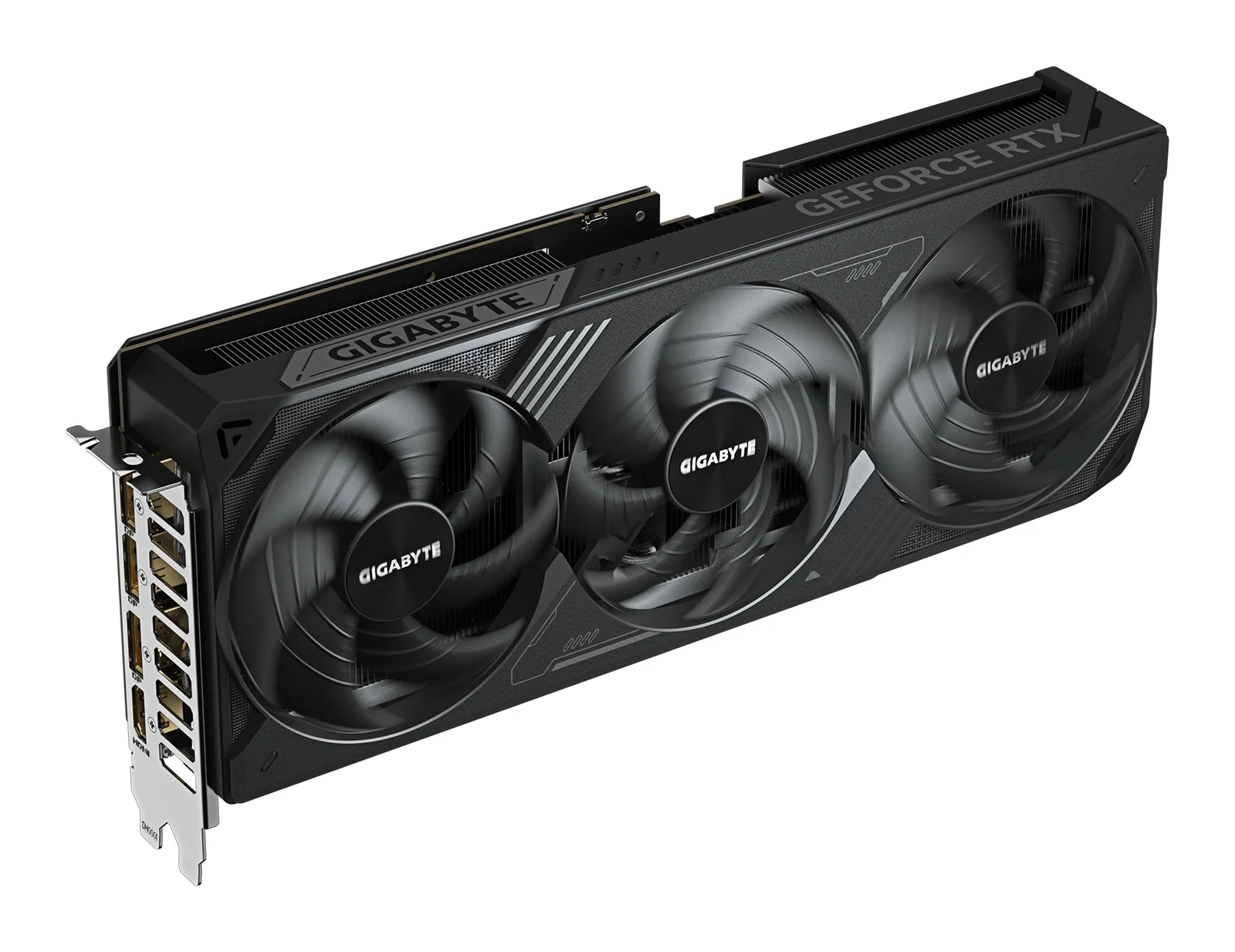
GIGABYTE GeForce RTX 5070 Ti WINDFORCE OC SFF 16G
Runs up to 13–14B at 4-bit
- 16 GB
- NVIDIA GeForce RTX 5070 Ti (Blackwell)
It needs one 16-pin power cable or the adapter in the box, which takes two 8-pin PCIe cables. GIGABYTE recommends a 750 W power supply.
£709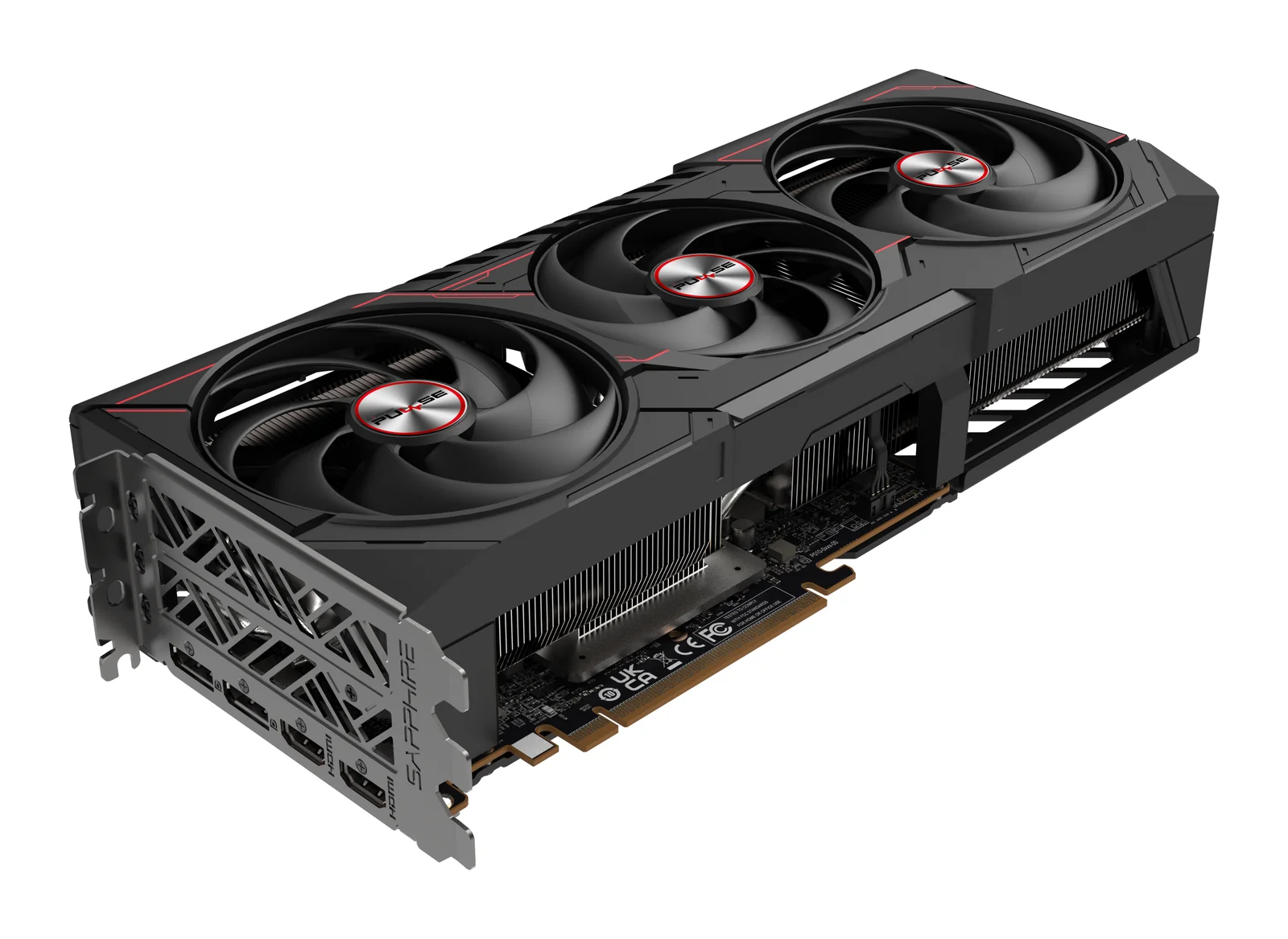
SAPPHIRE
SAPPHIRE PULSE AMD Radeon RX 9070 XT 16GB
Runs up to 13–14B at 4-bit
- 16 GB
- AMD Radeon RX 9070 XT (RDNA 4)
The card is 320 mm long and three slots thick, and it takes two 8-pin power cables. SAPPHIRE asks for at least a 750 W power supply, so measure the case first.
£439Gaming#
At 1440p both cards drive high refresh rates in current games, and both handle 4K with upscaling. The differences are in the extras: NVIDIA's DLSS and frame generation are supported in more games, while the RX 9070 XT gives the same 16 GB of memory with AMD's FSR. Neither card is short of memory for games at these resolutions.
Local AI#
Both cards hold the same models: about 90% of 16 GB is usable, enough for 13B to 14B models at 4-bit and 7B to 8B at 8-bit. The RTX 5070 Ti is the simpler choice because most AI tools support CUDA first. On the RX 9070 XT, llama.cpp, Ollama and LM Studio run through ROCm or Vulkan; check your other tools before you buy. More in choosing a GPU for local AI.
Size, power and fit#
The GIGABYTE card is the easier fit: 304 mm long and 50 mm thick, with one 16-pin cable. The SAPPHIRE card is 320 mm long and three slots thick, takes two 8-pin cables and comes with a support bracket. Both makers ask for a 750 W power supply. Measure your case with our guide to fitting a graphics card.
Who should buy which#
- RTX 5070 Ti: you want DLSS, you run or plan to run local AI tools, or your case is tight.
- RX 9070 XT: you prefer AMD, you mostly play games, and your case takes a 320 mm, three-slot card.
- Neither: for 4K at high refresh rates, the RTX 5080 is the step up (see RTX 5080 vs RTX 5070 Ti); on a tighter budget, see the 16 GB cards in our 1440p guide.
Questions people ask
Do both cards have 16 GB of memory?
Yes. The RTX 5070 Ti uses faster GDDR7; the RX 9070 XT uses GDDR6 with 64 MB of Infinity Cache. Both have a 256-bit memory bus.
Which one suits local AI?
The RTX 5070 Ti, because most AI tools support CUDA first. Both hold the same model sizes, up to about 14B at 4-bit.
Will they fit in my case?
The RTX 5070 Ti here is 304 mm long and 50 mm thick; the RX 9070 XT is 320 mm long and three slots thick. Check your case's maximum graphics card length.
Do I need a new power supply?
Both makers recommend 750 W. The RTX 5070 Ti uses a 16-pin connector, with an adapter for two 8-pin cables in the box; the RX 9070 XT uses two 8-pin cables.
Shop this topic: Graphics cards · Graphics cards for 4K gaming
Related guides
Graphics cards · 5 min read
Choosing a GPU for 1440p Gaming: 12 GB or 16 GB
Choosing a GPU for 1440p gaming: RTX 5070 Ti, RX 9070 XT, RTX 5070, RTX 5060 Ti 16GB and RX 9060 XT 16GB, by memory, refresh rate, power and case size.
Read the guide →Graphics cards · 4 min read
RTX 5080 vs RTX 5070 Ti: Is the Step Up Worth It?
RTX 5080 vs RTX 5070 Ti: both have 16 GB of GDDR7. What the 5080's extra cores and bandwidth give you at 4K, what they don't change for AI, and power.
Read the guide →Graphics cards · 5 min read
Choosing a GPU for Local AI: RTX 5090, R9700, B60
Choose a GPU for local AI by memory, software and bandwidth: RTX 5090, Radeon AI PRO R9700, Arc Pro B60 and the 48 GB and 96 GB workstation cards.
Read the guide →