Category
AI accelerator cards and desktops for building models
AI accelerator cards and desktops built for AI first: Tenstorrent cards with an open-source software stack and the NVIDIA DGX Spark desktop.

Pick an AI accelerator by its software first. The NVIDIA DGX Spark is a 128 GB CUDA development machine whose code moves to bigger DGX systems and the cloud; the Tenstorrent cards run a fully open-source stack you can program down to the kernels. If you mainly want to run large models quickly rather than build them, a Mac Studio or a graphics card is often the better fit.
Our picks
CUDA development with 128 GB
DGX Spark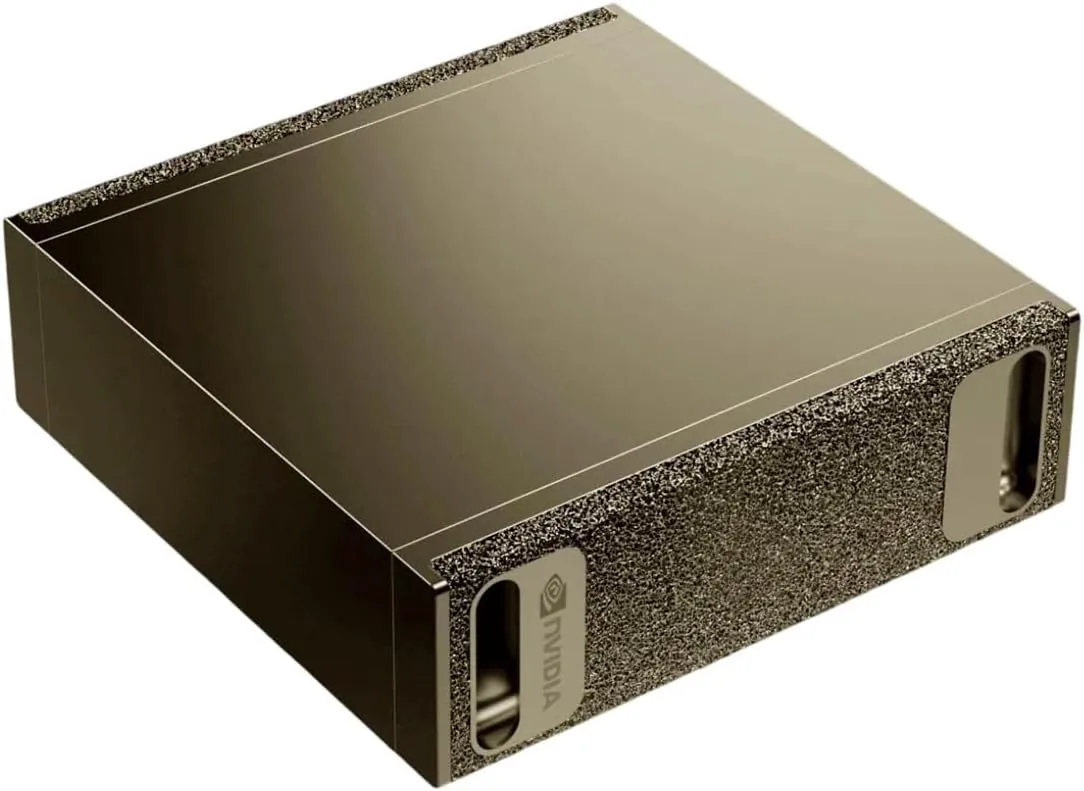
NVIDIA
NVIDIA DGX Spark
- 128 GB unified
- NVIDIA GB10 Grace Blackwell
Runs up to 120B+ at 4-bit
Its memory bandwidth (273 GB/s) is lower than a high-end graphics card's, so large dense models generate text more slowly than they would on an RTX 5090. Its strengths are capacity and the CUDA software stack.
£3,929A 150 mm square desktop box with NVIDIA's software stack, for prototyping and fine-tuning before moving to bigger NVIDIA hardware.
Most memory on an open-stack card
Tenstorrent Blackhole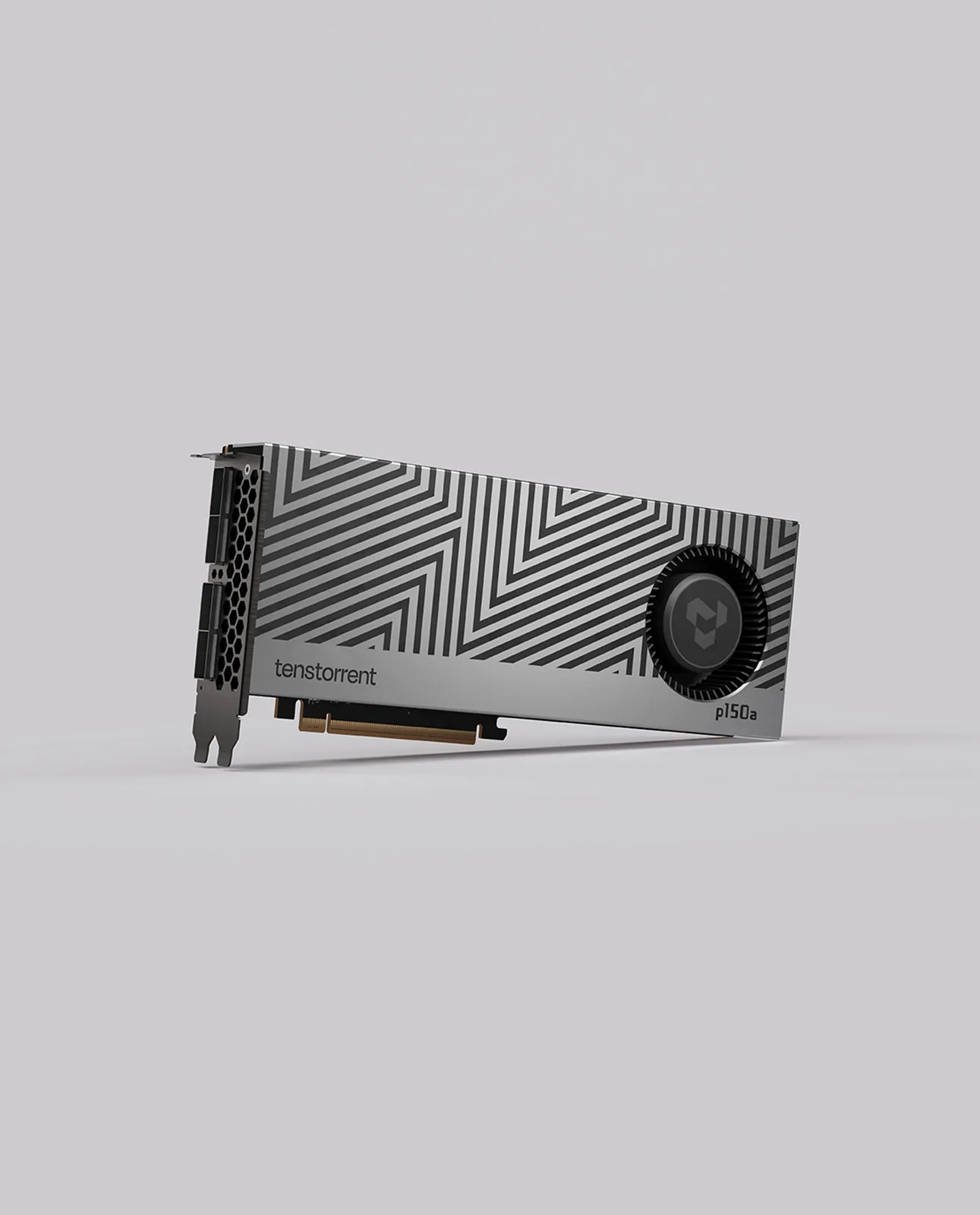
Tenstorrent
Tenstorrent Blackhole p150a
- 32 GB
- Tenstorrent Blackhole
Runs up to 30–34B at 4-bit
This is not a CUDA card. Check that the models you need are supported in Tenstorrent's open-source model library before you buy.
£1,16932 GB of GDDR6, 120 Tensix cores and four 800G ports for linking cards, with software you can read and change.
Entry point to Tenstorrent
Tenstorrent Wormhole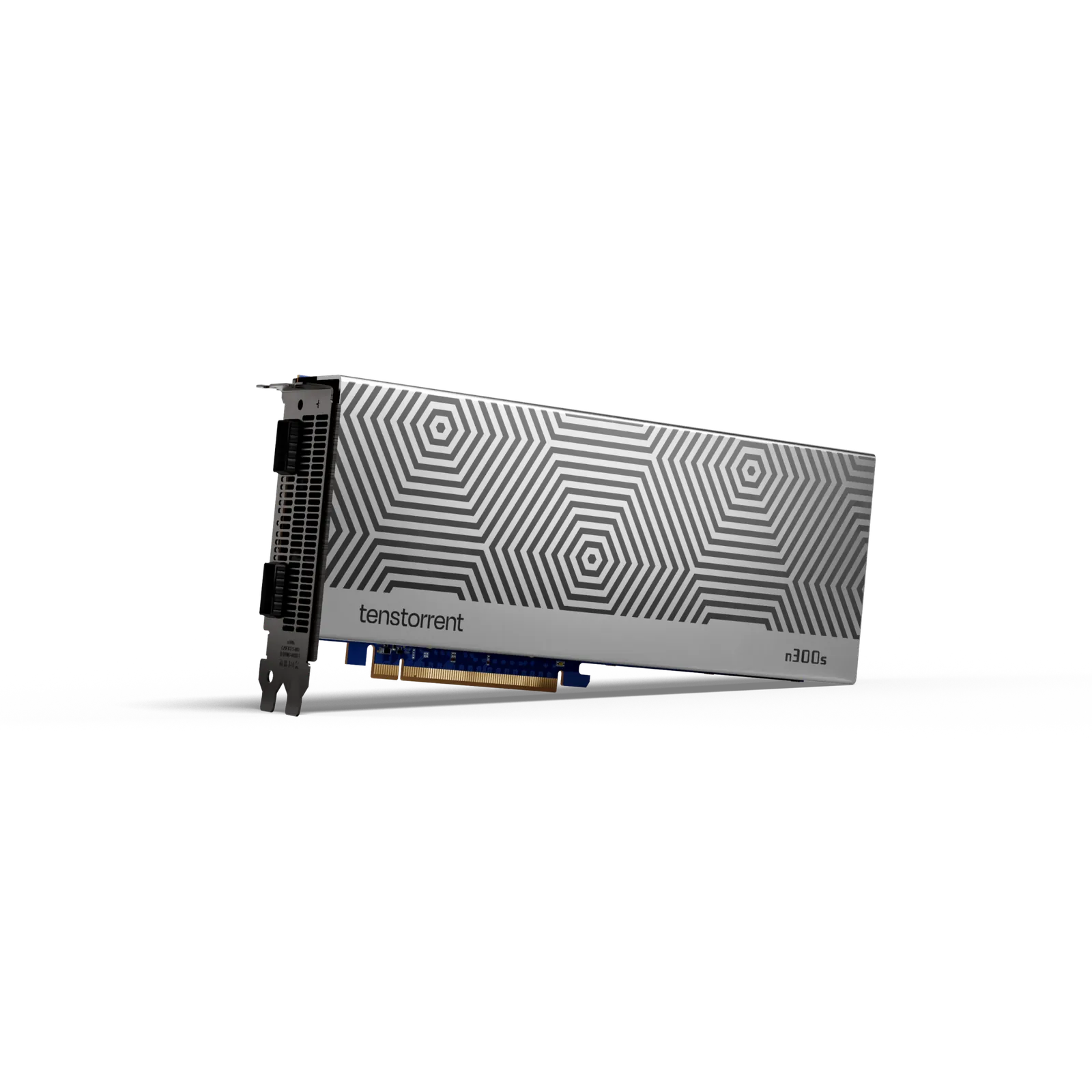
Tenstorrent
Tenstorrent Wormhole n300s
- 24 GB
Runs up to 30–34B at 4-bit
The 24 GB is split across two chips (12 GB each), so larger models have to be spread across both. Check that the model you want has a working multi-chip version.
£1,169Two Wormhole chips and 24 GB on one card, running the same open-source software as Blackhole, for learning and building on the stack.
NVIDIA
NVIDIA DGX Spark
- 128 GB unified
- NVIDIA GB10 Grace Blackwell
Runs up to 120B+ at 4-bit
Its memory bandwidth (273 GB/s) is lower than a high-end graphics card's, so large dense models generate text more slowly than they would on an RTX 5090. Its strengths are capacity and the CUDA software stack.
£3,929Tenstorrent
Tenstorrent Blackhole p150a
- 32 GB
- Tenstorrent Blackhole
Runs up to 30–34B at 4-bit
This is not a CUDA card. Check that the models you need are supported in Tenstorrent's open-source model library before you buy.
£1,169Tenstorrent
Tenstorrent Wormhole n300s
- 24 GB
Runs up to 30–34B at 4-bit
The 24 GB is split across two chips (12 GB each), so larger models have to be spread across both. Check that the model you want has a working multi-chip version.
£1,169How to choose an AI accelerator
- CUDA or open source
- The DGX Spark ships with NVIDIA's AI software stack, so code written on it moves to larger DGX systems with little change. Tenstorrent cards run TT-Metalium and TT-Forge, open source from the low-level kernels up to the model compiler. They are not CUDA cards.
- Check model support first
- Before you buy a Tenstorrent card, confirm that the models you need are in Tenstorrent's open-source model library. On the Wormhole n300 the 24 GB is split into 12 GB per chip, so larger models need a working multi-chip version.
- Memory sets the ceiling
- By our model guide rule, the Spark's 128 GB of unified memory holds a 70B model at 8-bit or a 120B-class model at 4-bit. The Blackhole p150a has 32 GB of GDDR6 at 512 GB/s, enough memory for a 30B-class model at 4-bit if the library supports it.
- Capacity is not speed
- The Spark's memory bandwidth is 273 GB/s, against 1,792 GB/s on an RTX 5090. Large dense models generate text more slowly on it; mixture-of-experts models, which read only part of their weights per token, feel the gap less.
- Plan for scaling
- Two DGX Sparks link over the built-in ConnectX-7 networking at 200 Gb/s. The p150a has four QSFP-DD 800G ports and the n300 two QSFP-DD ports for chaining cards. Each Tenstorrent card draws 300 W and needs a PCIe x16 slot, so plan host power and airflow.
Questions people ask
Should I buy an AI accelerator or a graphics card?
Buy an accelerator for its software: the DGX Spark for CUDA development with 128 GB, a Tenstorrent card for an open stack. For the fastest speed on models up to about 30B, or if you also game, a graphics card such as the RTX 5090 is the better buy.
Will my CUDA code run on a Tenstorrent card?
No. Tenstorrent cards run their own open-source stack, TT-Metalium and TT-Forge. Check that your models are supported in Tenstorrent's model library before you buy.
Can the DGX Spark run Windows or games?
No. It runs NVIDIA DGX OS, a Linux system based on Ubuntu, on an Arm CPU. Software built only for x86 Windows will not run, and it is not a gaming machine.
Can I fine-tune models on the DGX Spark?
Yes. Fine-tuning needs more memory than running a model, and parameter-efficient methods such as LoRA cut that need sharply. The Spark's 128 GB gives room for that work at sizes a 32 GB card cannot reach.
Related pages: Hardware for local AI · Apple
Guides
Local AI · 4 min read
DGX Spark vs Mac Studio: Who the Spark Is For
Is the DGX Spark worth it? What it does well, where it is slower, and how it compares with a Mac Studio, an RTX 5090 and an RTX PRO 6000 for local AI.
Read the guide →Local AI · 5 min read
Mac vs NVIDIA vs Ryzen AI Max+ for Local AI
Which platform fits which work: CUDA on NVIDIA, unified memory on a Mac, or 128 GB on a Ryzen AI Max+ mini PC. Memory, software and trade-offs.
Read the guide →Local AI · 5 min read
How Much Memory Do You Need to Run a Local LLM?
How much memory a local LLM needs: 7B to 120B+ models at 4-bit and 8-bit, how unified memory differs from VRAM, and which machines hold each size.
Read the guide →