Shop by use
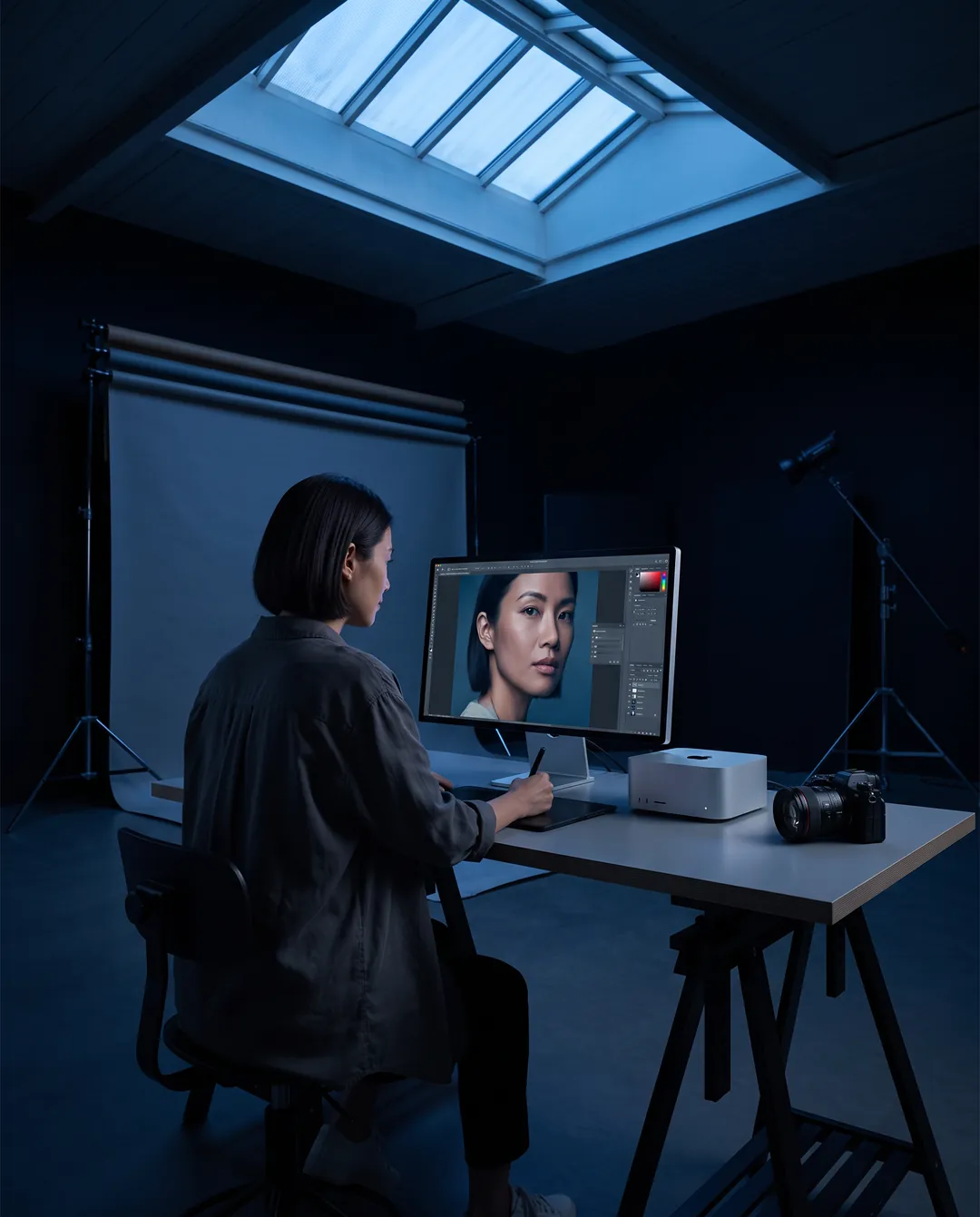
Computers for video editing, 3D and photo work
Computers for video editing, 3D rendering and photo work, with the memory and GPU headroom large projects need.
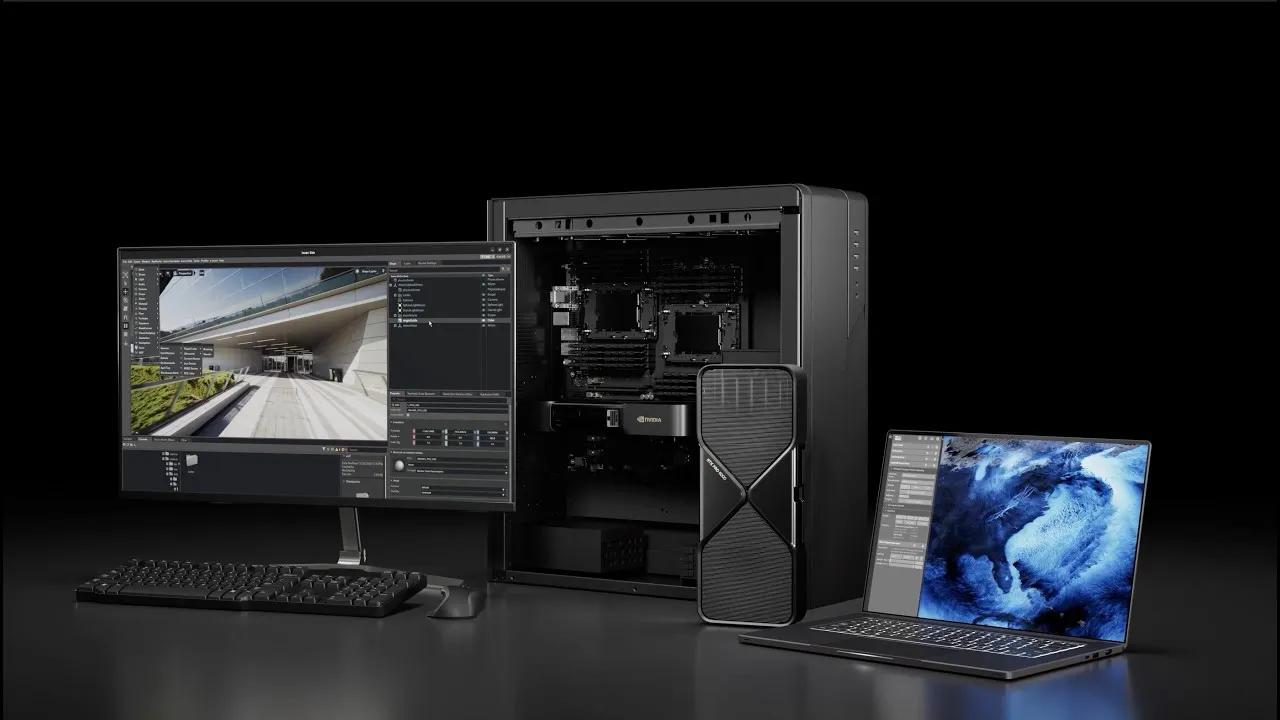
Buying tip: Check which GPU your editing or 3D software accelerates best before you choose a brand.
Start with your software: check which GPU your editing or 3D application accelerates best, then pick the brand. After that, memory decides how large a scene or timeline you can work with, from 16 GB on the Arc Pro B50 to 96 GB on the RTX PRO 6000. If you would rather not build a tower, a Mac mini or Mac Studio handles the work quietly, with unified memory the GPU uses directly.
Our picks
Heavy creative work, near silent
Mac Studio M3 Ultra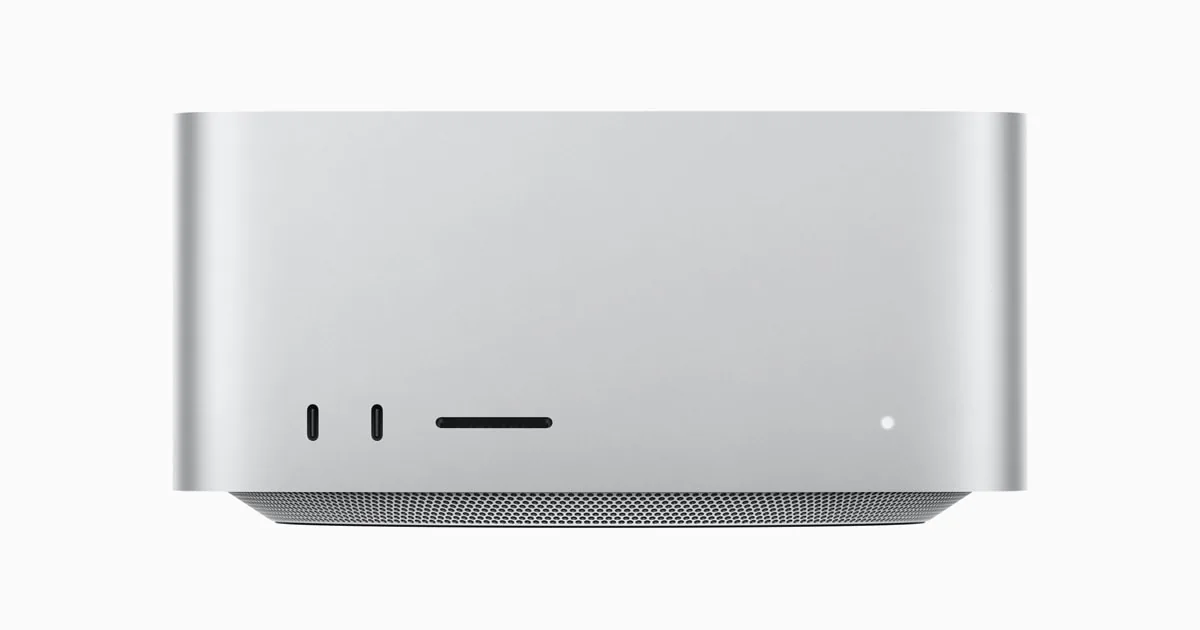
Apple
Apple Mac Studio (M3 Ultra)
- 96 GB unified
- 60-core; 80-core option
Runs up to 70B at 4-bit
macOS keeps part of the unified memory for the system, so plan for the GPU to use most of it, not all. Size the configuration with some headroom above the model.
£3,339M3 Ultra with 96 GB of unified memory as standard, six Thunderbolt 5 ports and an SDXC card slot on the front.
Compact editing desk
Mac mini M4 Pro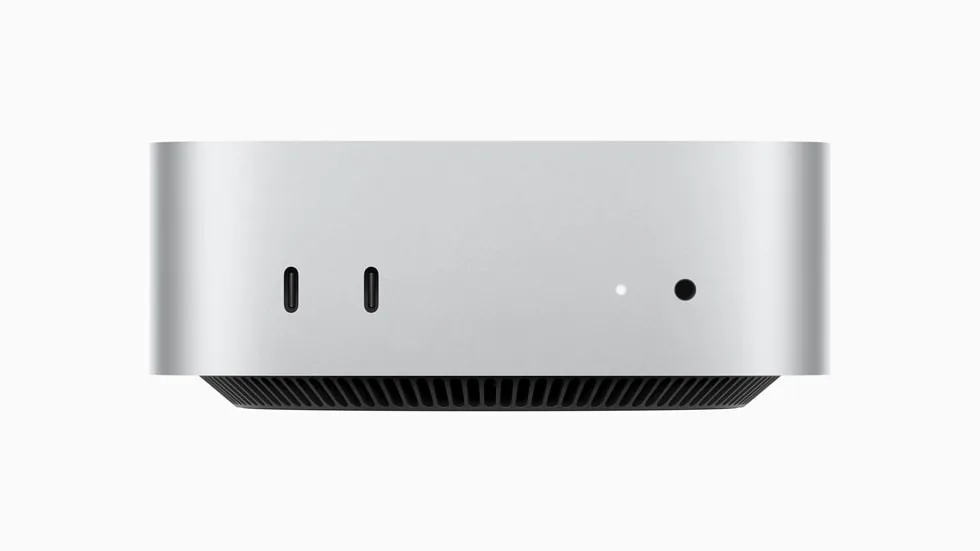
Apple
Apple Mac mini (M4 Pro)
- 24 GB unified
- 16-core; 20-core option
Runs up to 13–14B at 4-bit
Memory cannot be upgraded after purchase. If local AI is the goal, choose 48 GB or 64 GB now. With 24 GB, models above about 14B parameters are a squeeze.
£1,169M4 Pro and Thunderbolt 5 in a five-inch-square case that stays quiet through editing and development work.
48 GB for large scenes
Radeon PRO W7900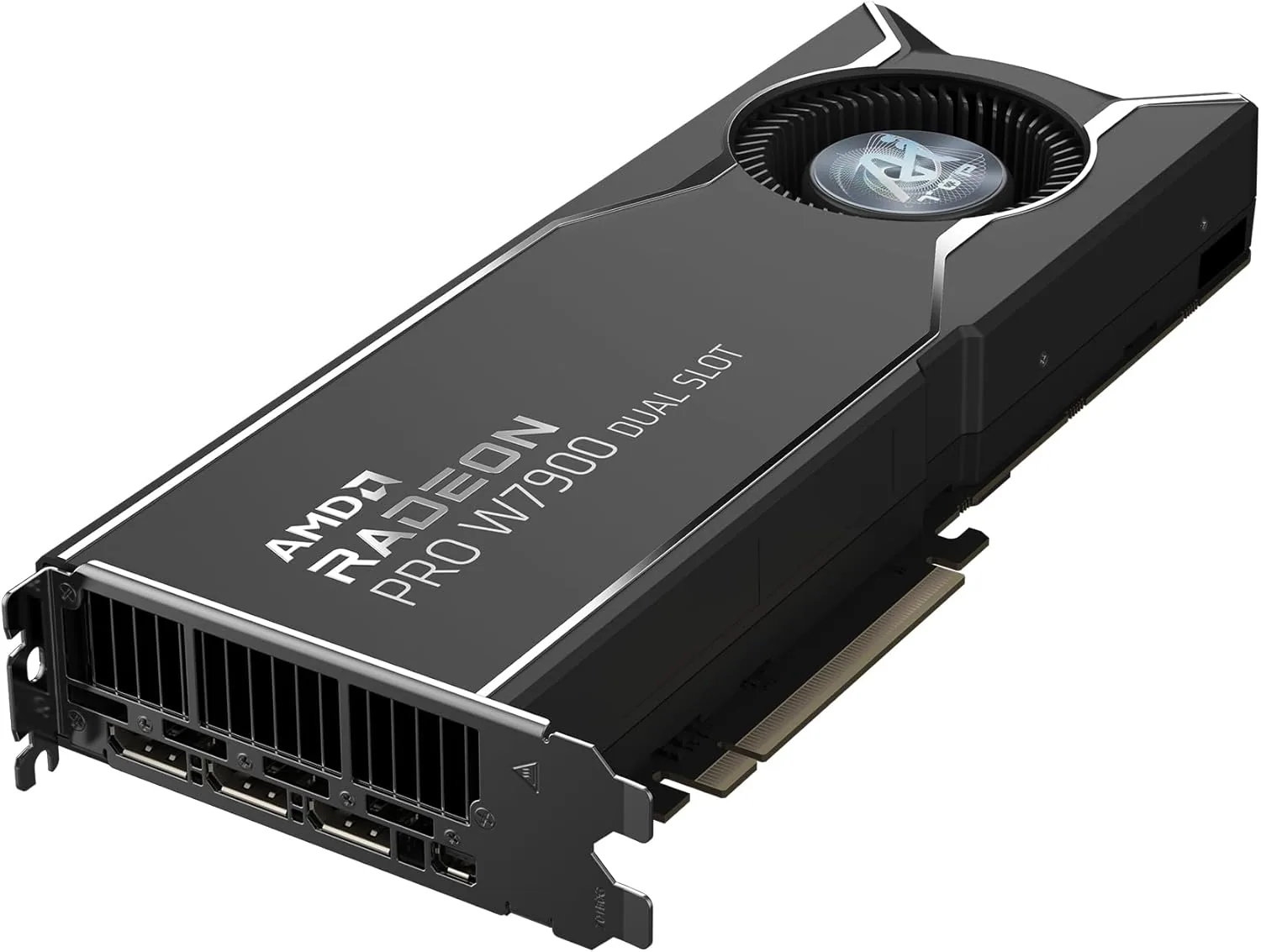
AMD
AMD Radeon PRO W7900 (48 GB)
- 48 GB
- AMD RDNA 3 (Navi 31)
Runs up to 70B at 4-bit
Choose the W7900 when model or scene size matters most. The newer R9700 has less memory (32 GB) but adds FP8 support and is faster per watt for AI.
£2,999ECC memory and certified workstation drivers for big scenes, heavy timelines and models above 32 GB.
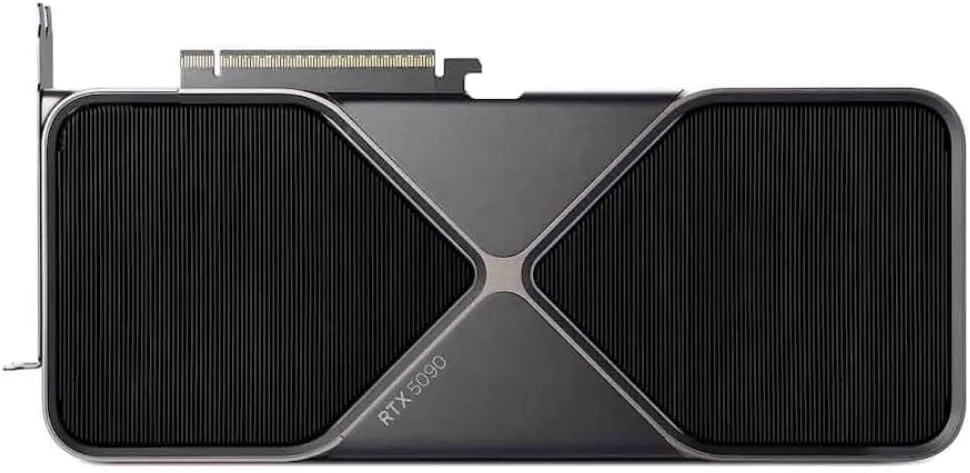
NVIDIA
NVIDIA GeForce RTX 5090
- 32 GB
- NVIDIA Blackwell (GB202)
Runs up to 30–34B at 4-bit
32 GB runs 30B-class models comfortably at 4-bit, but a 70B model will not fit on one card. For 70B, plan for two cards or a large unified-memory system.
£1,669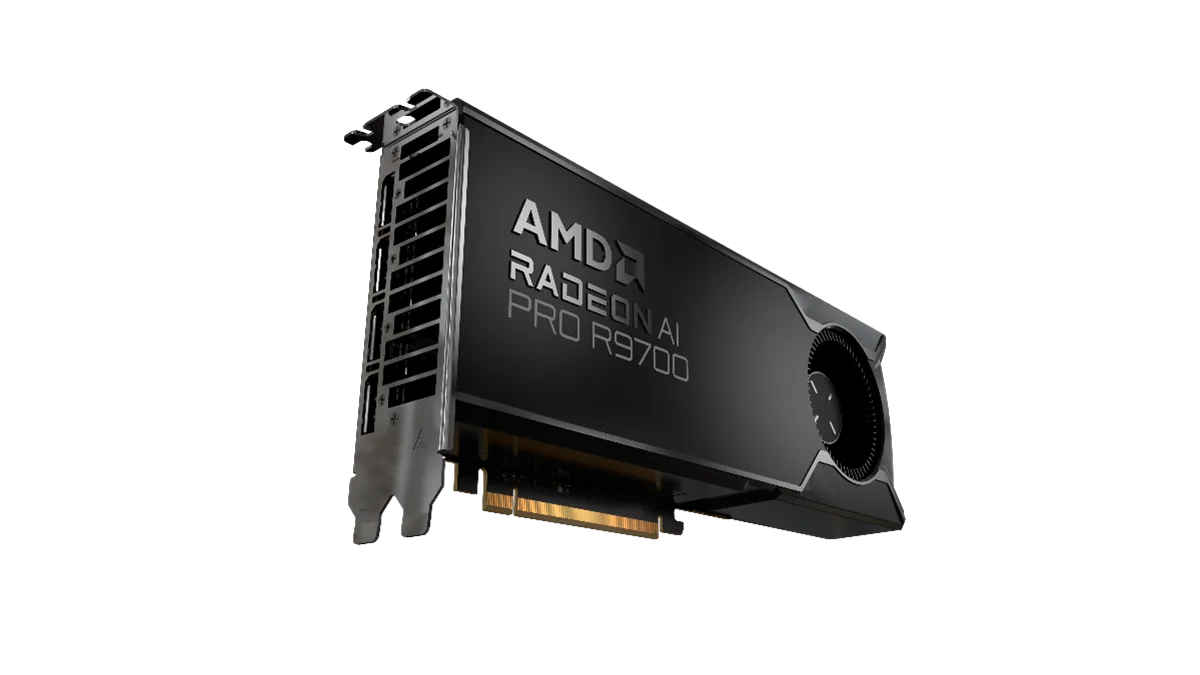
PowerColor
PowerColor AMD Radeon AI PRO R9700 32GB
- 32 GB
- AMD RDNA 4 (Navi 48)
Runs up to 30–34B at 4-bit
Check that your tools support ROCm on your operating system before buying. PyTorch and llama.cpp do; some niche tools still assume CUDA.
£1,089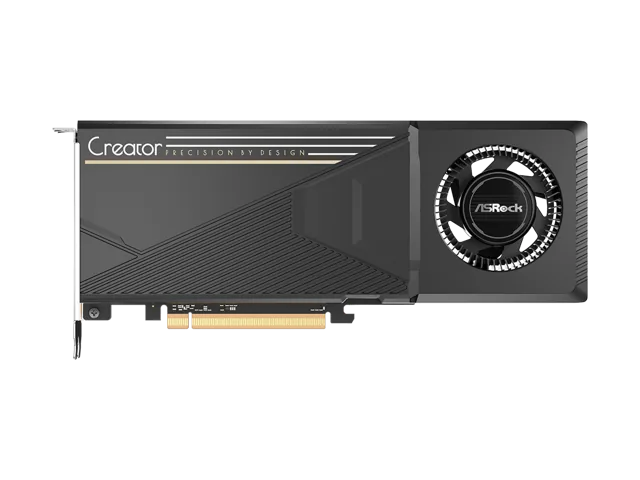
ASRock
ASRock Intel Arc Pro B60 Creator 24GB
- 24 GB
- Intel Xe2 (Battlemage)
Runs up to 30–34B at 4-bit
This is a single-GPU card with 24 GB. It uses a PCIe 5.0 slot wired at x8 and also works in PCIe 4.0 slots; check ASRock's spec sheet for the exact length and power connector before you order.
£499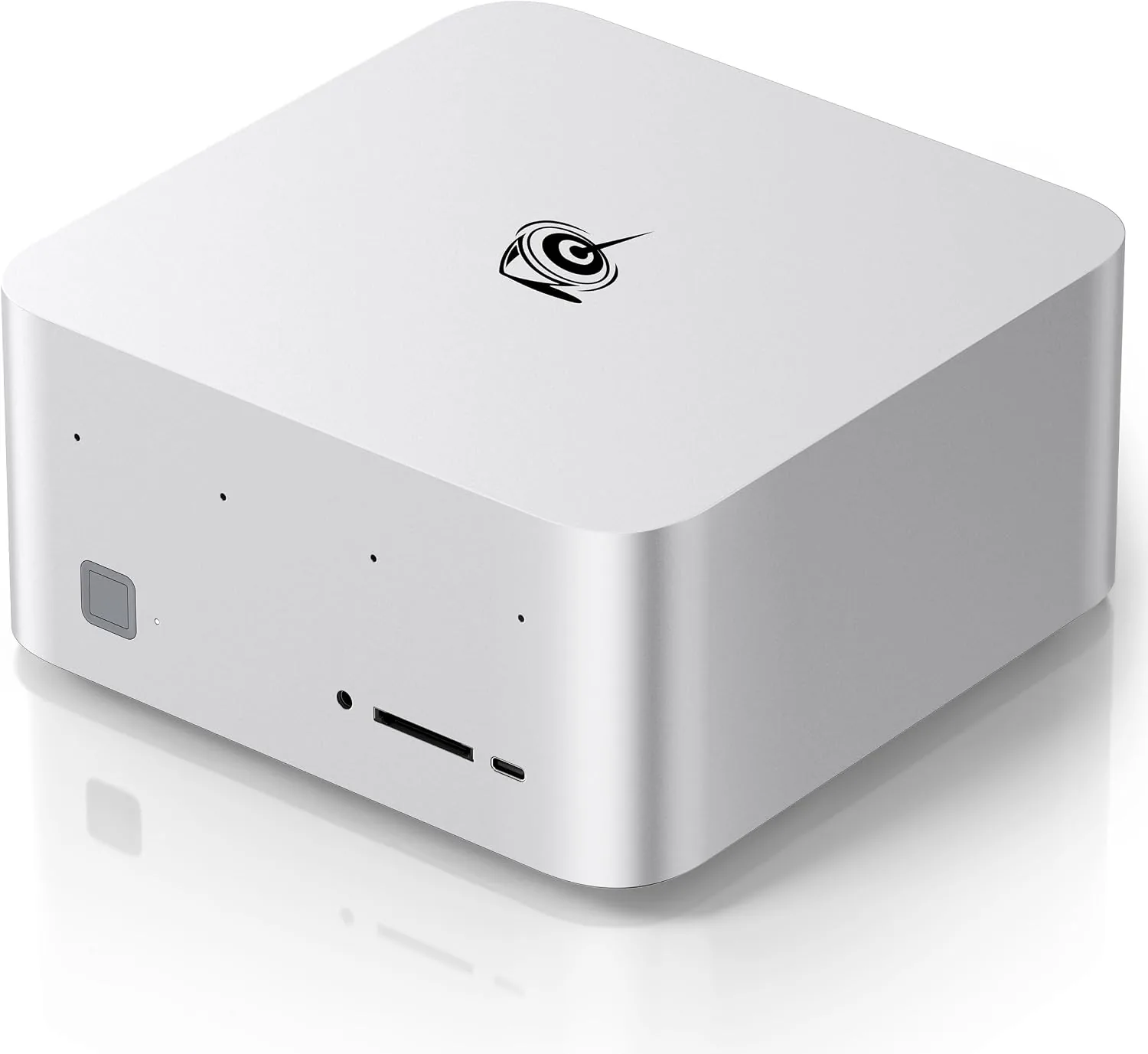
Beelink
Beelink GTR9 Pro
- 128 GB unified
- AMD Ryzen AI Max+ 395
Runs up to 120B+ at 4-bit
On Windows the GPU can be given up to 96 GB of the 128 GB. Check that the model you plan to run fits in that before you buy.
£3,639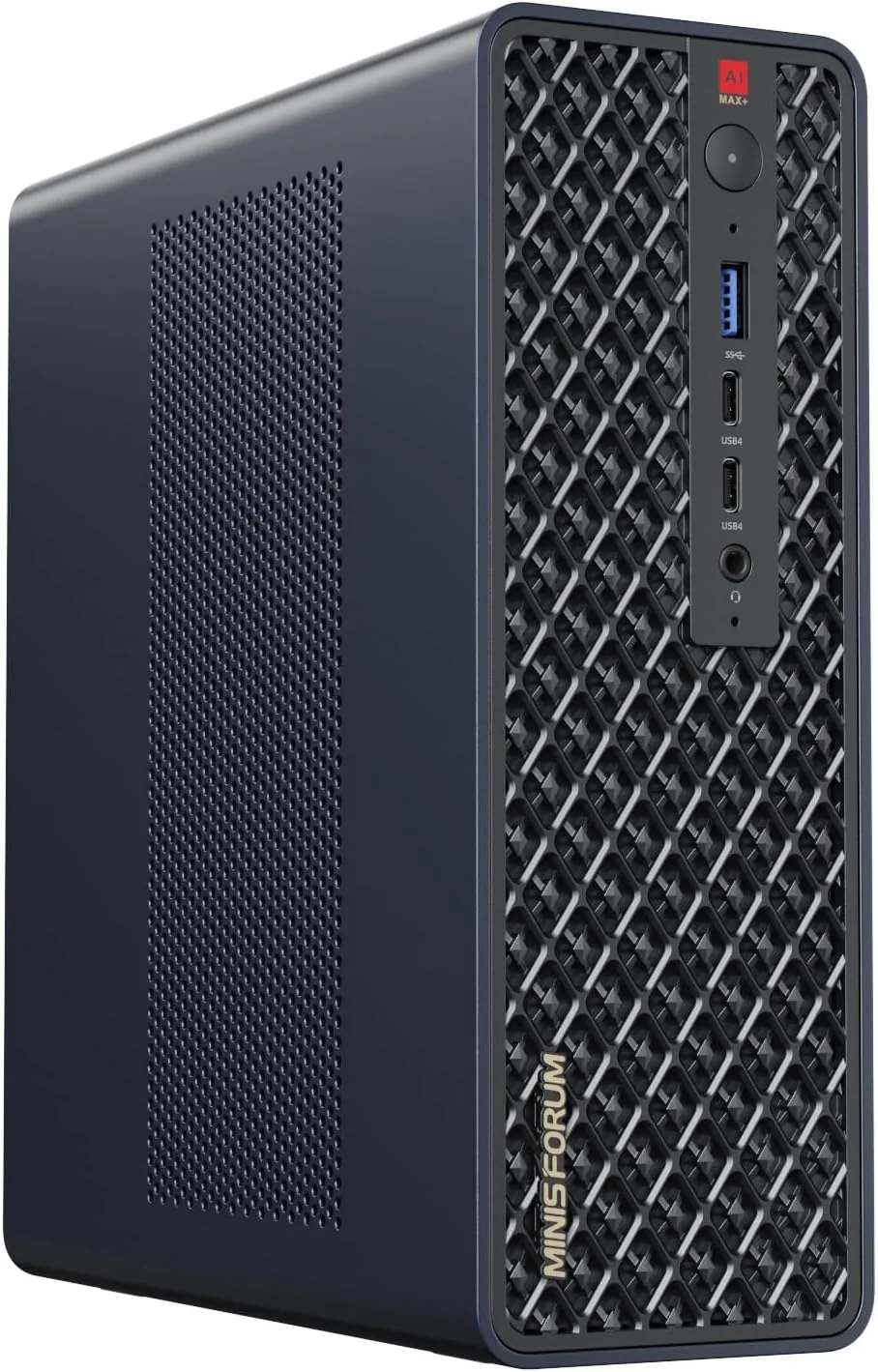
Minisforum
Minisforum MS-S1 Max
- 128 GB unified
- AMD Ryzen AI Max+ 395
Runs up to 120B+ at 4-bit
The PCIe slot takes low-profile cards and runs at x4 lanes. It is ideal for a faster network card, not for adding a full-size graphics card.
£2,059Apple
Apple Mac Studio (M3 Ultra)
- 96 GB unified
- 60-core; 80-core option
Runs up to 70B at 4-bit
macOS keeps part of the unified memory for the system, so plan for the GPU to use most of it, not all. Size the configuration with some headroom above the model.
£3,339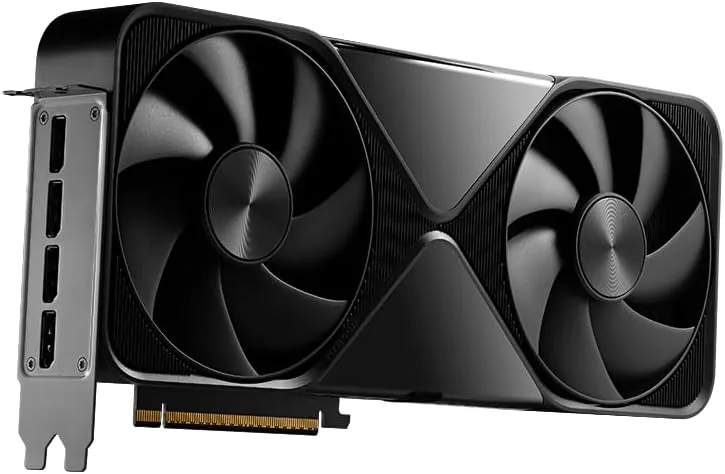
NVIDIA
NVIDIA RTX PRO 6000 Blackwell Workstation Edition (96 GB)
- 96 GB
- NVIDIA Blackwell (GB202)
Runs up to 120B+ at 4-bit
This is the 600 W Workstation Edition with a double flow-through cooler. It needs a 16-pin power cable, a case that takes a 12-inch card and good airflow.
£11,079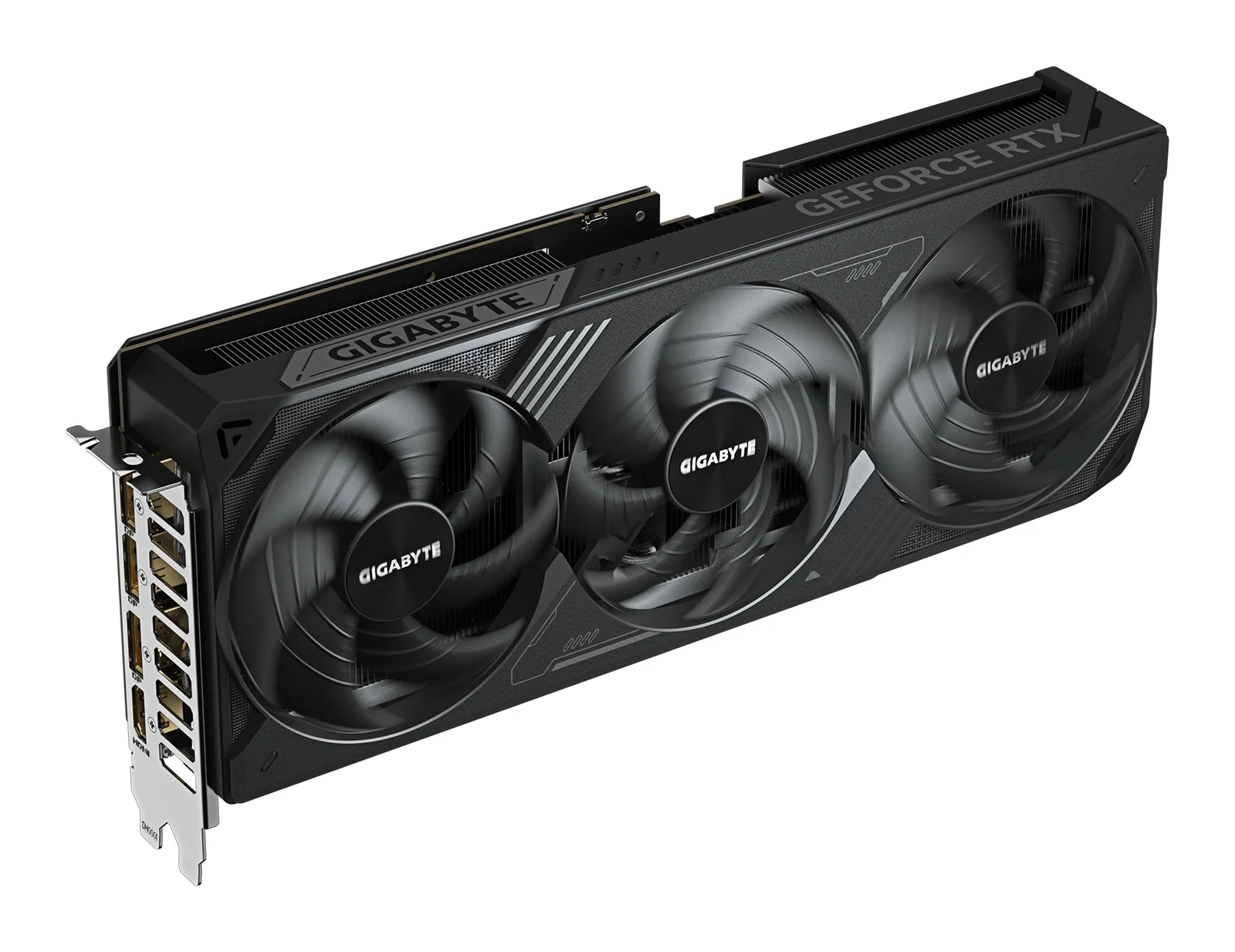
GIGABYTE
GIGABYTE GeForce RTX 5070 Ti WINDFORCE OC SFF 16G
- 16 GB
- NVIDIA GeForce RTX 5070 Ti (Blackwell)
Runs up to 13–14B at 4-bit
It needs one 16-pin power cable or the adapter in the box, which takes two 8-pin PCIe cables. GIGABYTE recommends a 750 W power supply.
£709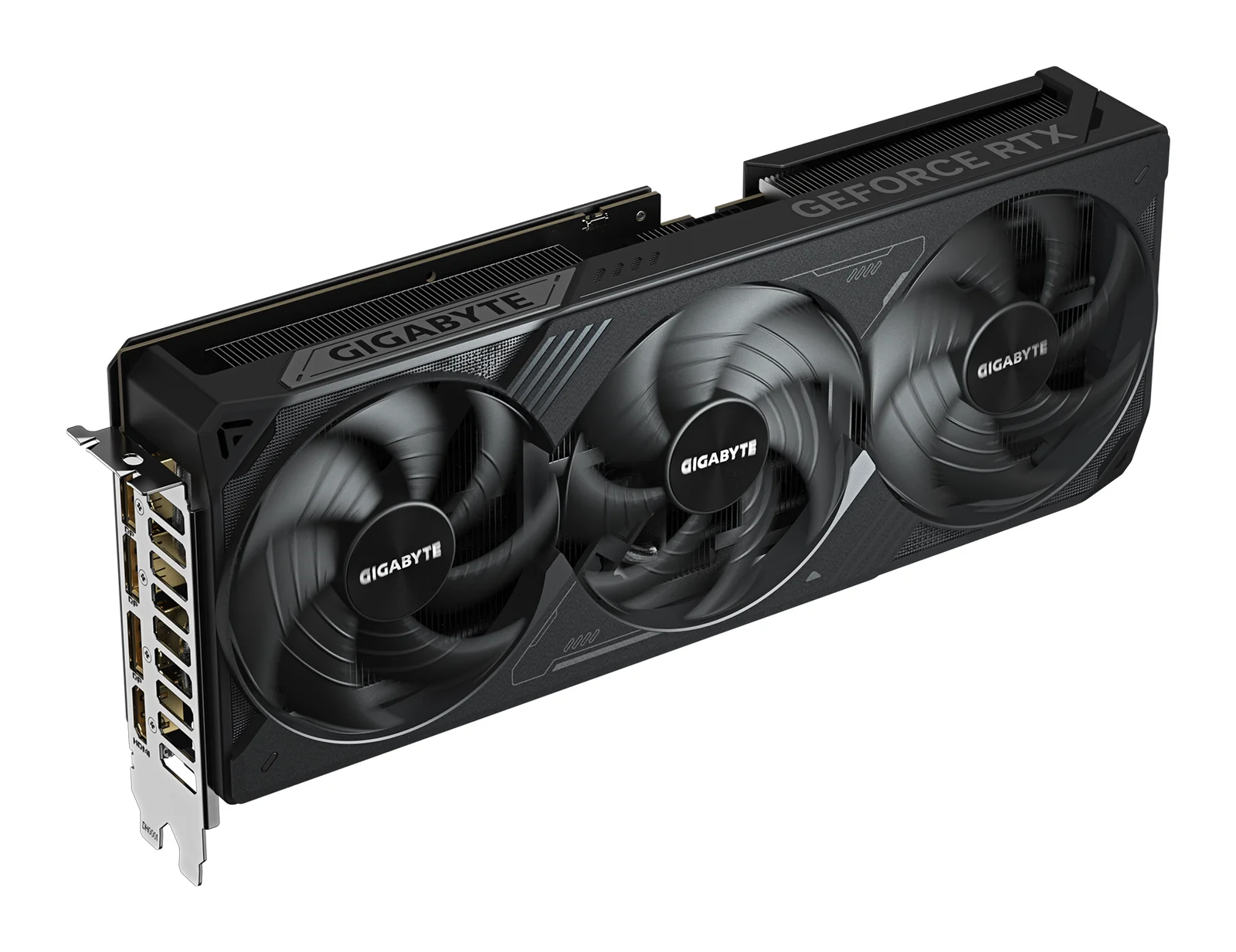
GIGABYTE
GIGABYTE GeForce RTX 5080 WINDFORCE OC SFF 16G
- 16 GB
- NVIDIA GeForce RTX 5080 (Blackwell)
Runs up to 13–14B at 4-bit
It has the same 16 GB as the RTX 5070 Ti, so it does not fit larger AI models; it runs them faster. For more memory on one card, look at the RTX 5090 or a 24 to 32 GB card.
£899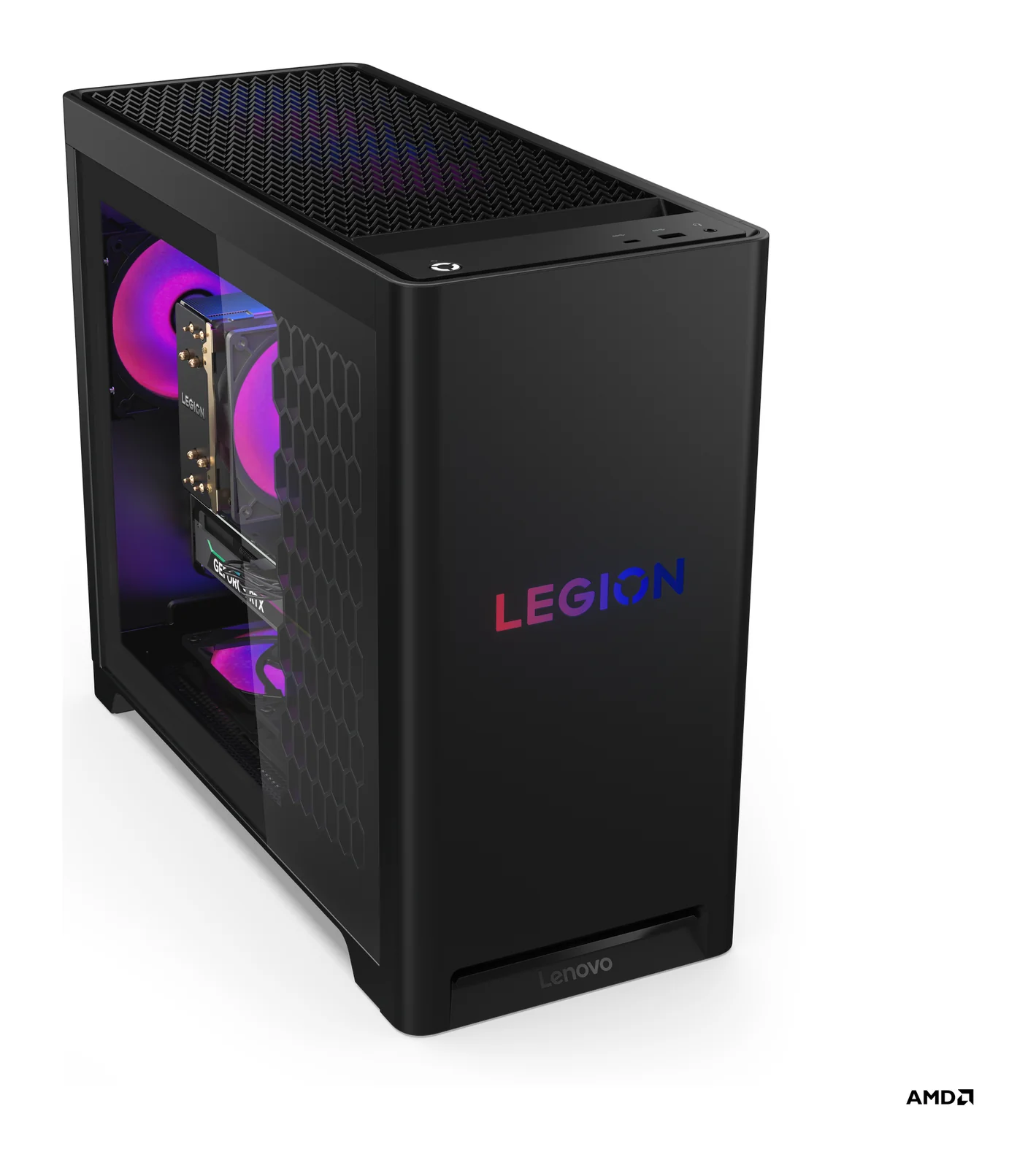
Lenovo
Lenovo Legion Tower 5 Gen 10 (RTX 5070 Ti)
- 32 GB
- AMD Ryzen 7 7800X3D (8 cores / 16 threads, 4.2 / 5.0 GHz, 96 MB L3)
The system memory is two 16 GB modules, and Lenovo lists 32 GB as the maximum for this tower, so plan on 32 GB for its life. Storage has room to grow: three M.2 slots and a 3.5-inch bay.
£1,809Apple
Apple Mac mini (M4 Pro)
- 24 GB unified
- 16-core; 20-core option
Runs up to 13–14B at 4-bit
Memory cannot be upgraded after purchase. If local AI is the goal, choose 48 GB or 64 GB now. With 24 GB, models above about 14B parameters are a squeeze.
£1,169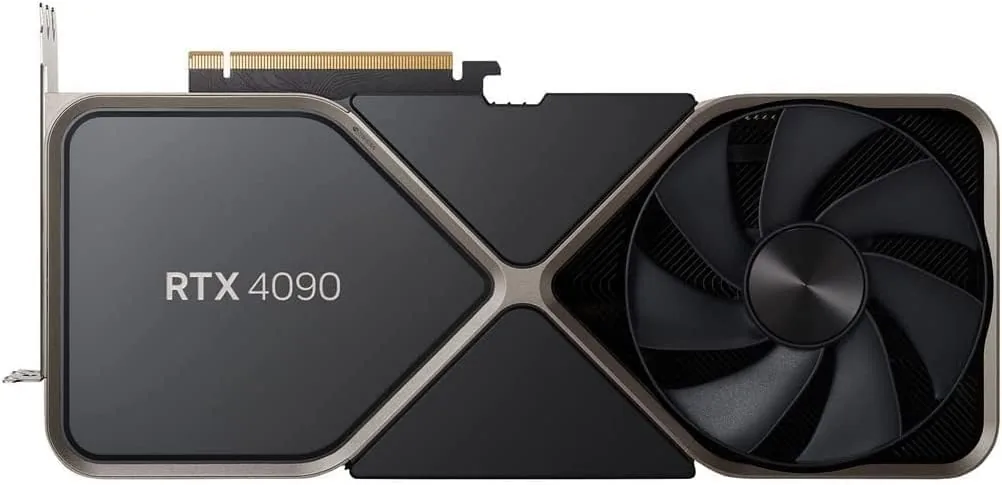
NVIDIA
NVIDIA GeForce RTX 4090
- 24 GB
- NVIDIA Ada Lovelace (AD102)
Runs up to 30–34B at 4-bit
Push the 16-pin power cable fully into the card and avoid sharp bends close to the plug. A loose connector is the most common cause of trouble with this card.
£1,339AMD
AMD Radeon PRO W7900 (48 GB)
- 48 GB
- AMD RDNA 3 (Navi 31)
Runs up to 70B at 4-bit
Choose the W7900 when model or scene size matters most. The newer R9700 has less memory (32 GB) but adds FP8 support and is faster per watt for AI.
£2,999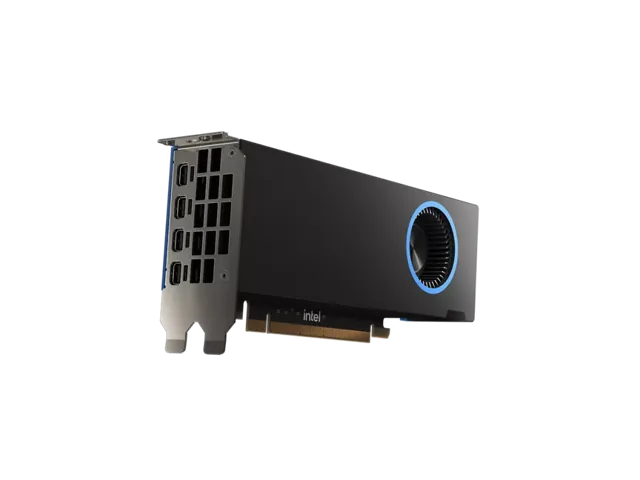
Intel
Intel Arc Pro B50
- 16 GB
- Intel Xe2 (Battlemage)
Runs up to 13–14B at 4-bit
No power cable is needed, so it suits small-form-factor machines. 16 GB runs 7B to 14B models at 4-bit; anything larger needs a bigger card.
£249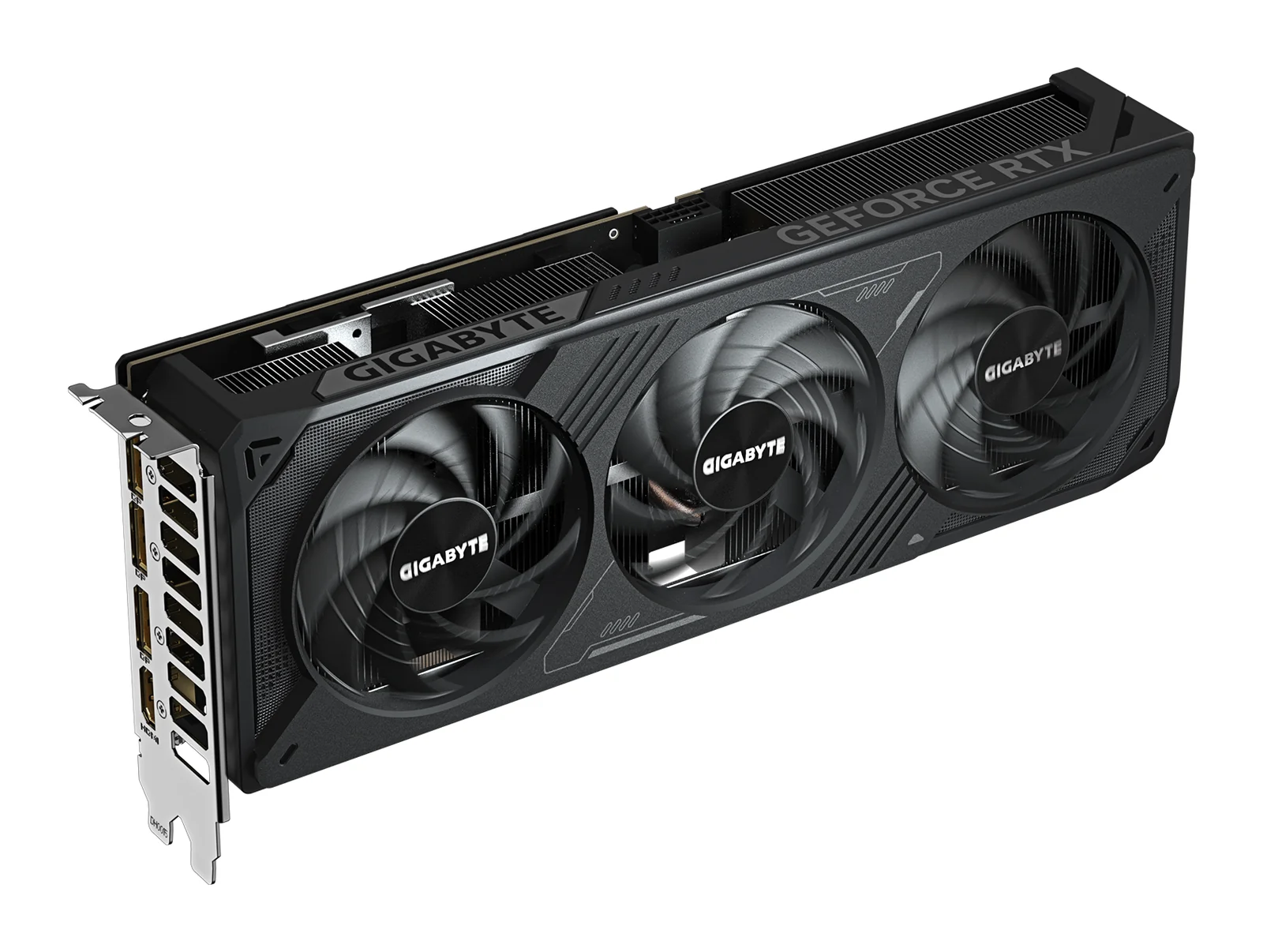
GIGABYTE
GIGABYTE GeForce RTX 5070 WINDFORCE OC SFF 12G
- 12 GB
- NVIDIA GeForce RTX 5070 (Blackwell)
Runs up to 13–14B at 4-bit
12 GB is limiting for local AI. It runs models up to about 8B parameters comfortably; 13B and 14B models only fit at 4-bit with little room left. If local AI matters, choose a 16 GB card.
£439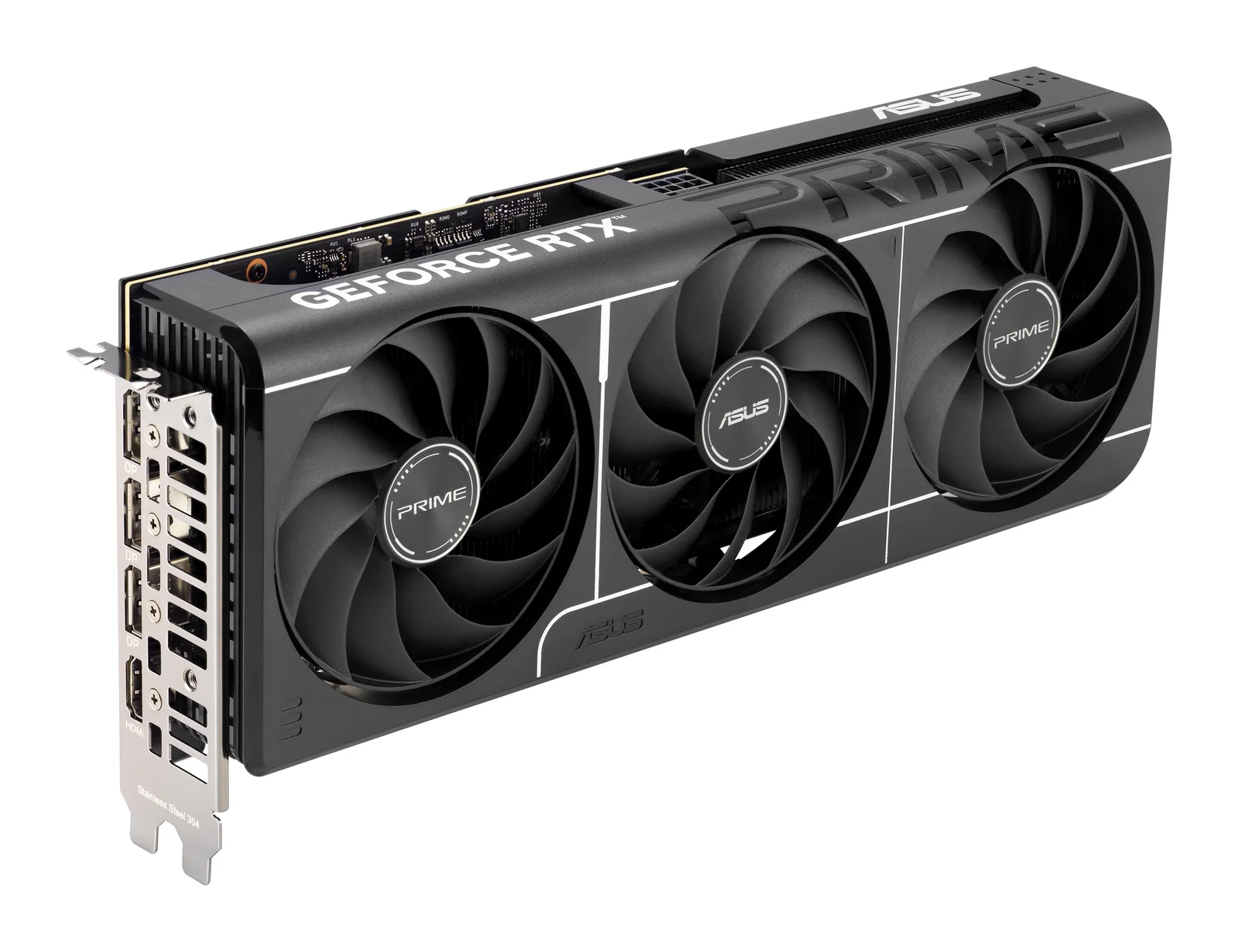
ASUS
ASUS Prime GeForce RTX 5060 Ti 16GB OC Edition
- 16 GB
- NVIDIA GeForce RTX 5060 Ti (Blackwell)
Runs up to 13–14B at 4-bit
Buy only the 16 GB version for local AI; this is the one. Its 128-bit memory bus is narrower than the bigger cards', so models generate text more slowly than on an RTX 5070 Ti.
£309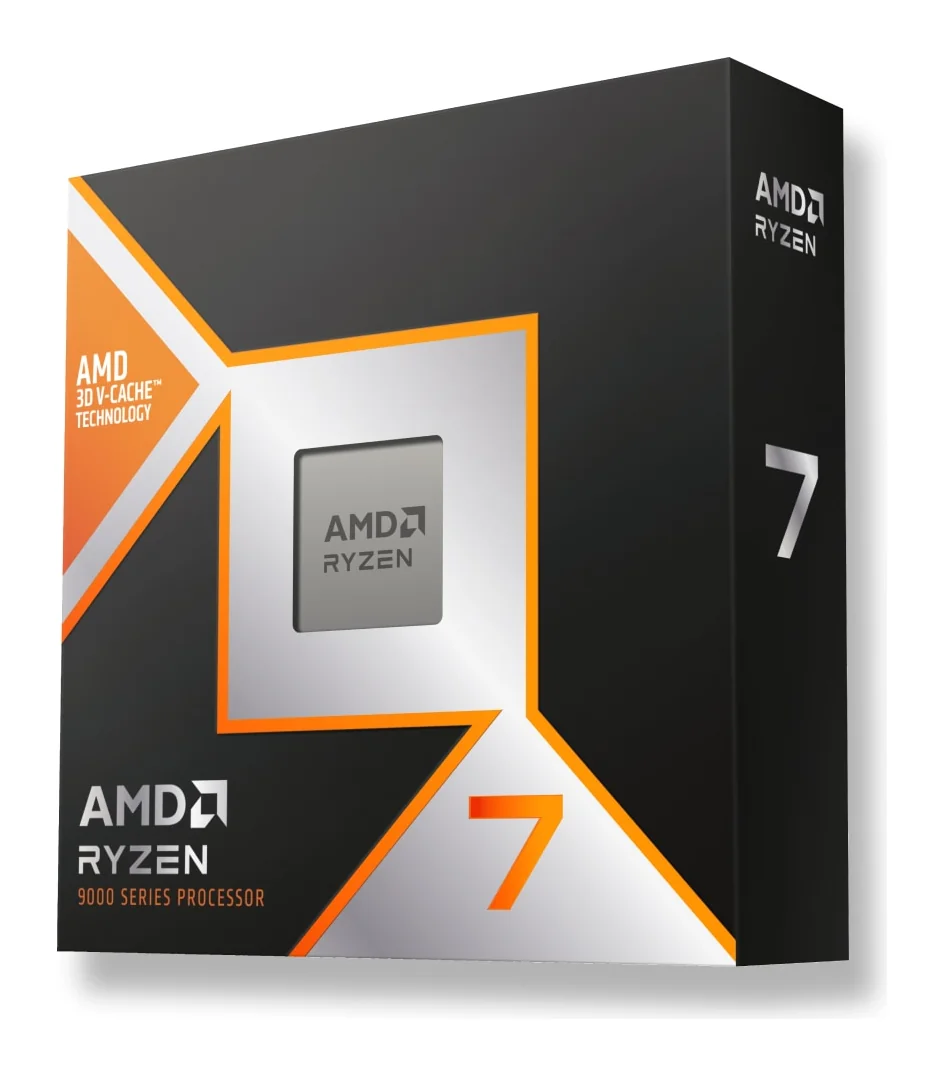
AMD
AMD Ryzen 7 9850X3D
- 8 cores / 16 threads
- 4.7 GHz base, up to 5.6 GHz boost
No cooler comes in the box and AMD recommends liquid cooling. On an older AM5 board, update the BIOS before you fit the chip.
£329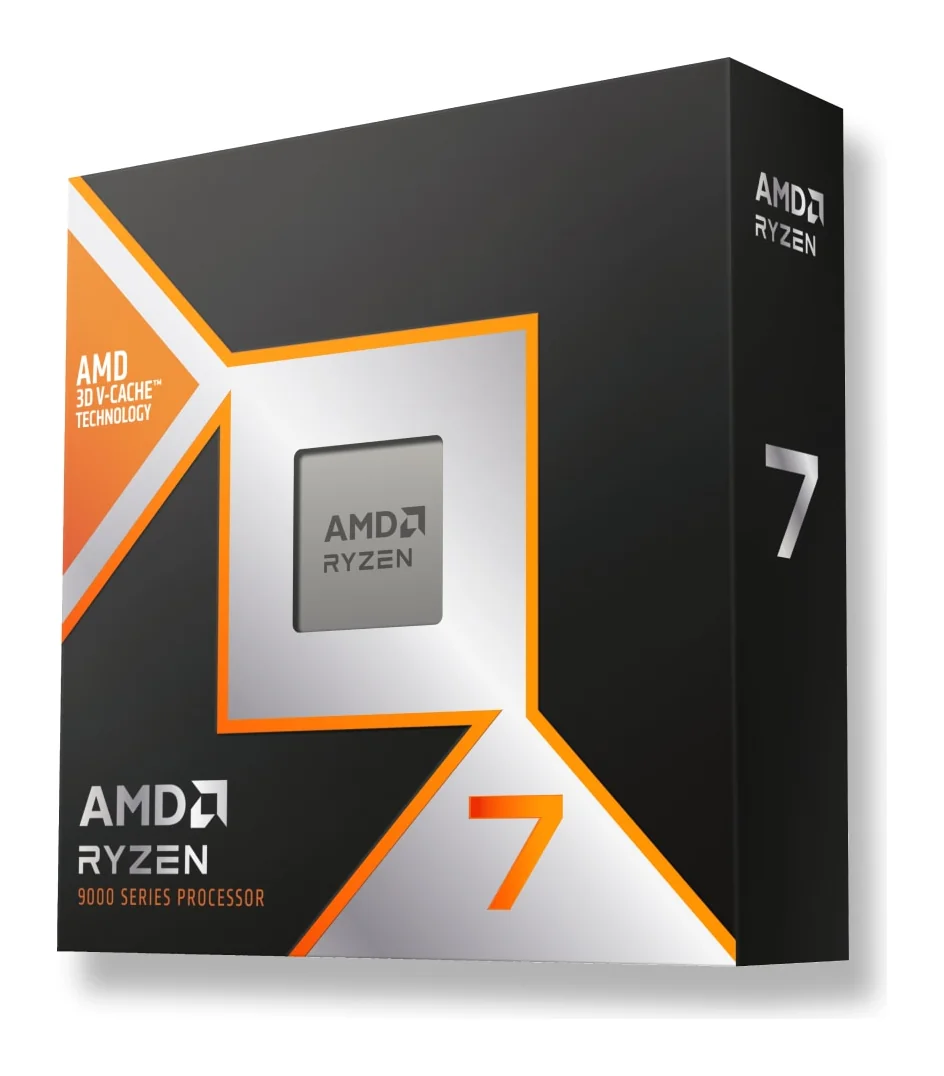
AMD
AMD Ryzen 7 9800X3D
- 8 cores / 16 threads
- 4.7 GHz base, up to 5.2 GHz boost
It has the same cores and cache as the 9850X3D; the difference is the boost clock (5.2 GHz against 5.6 GHz). No cooler is included, so budget for a good air cooler or a liquid cooler.
£319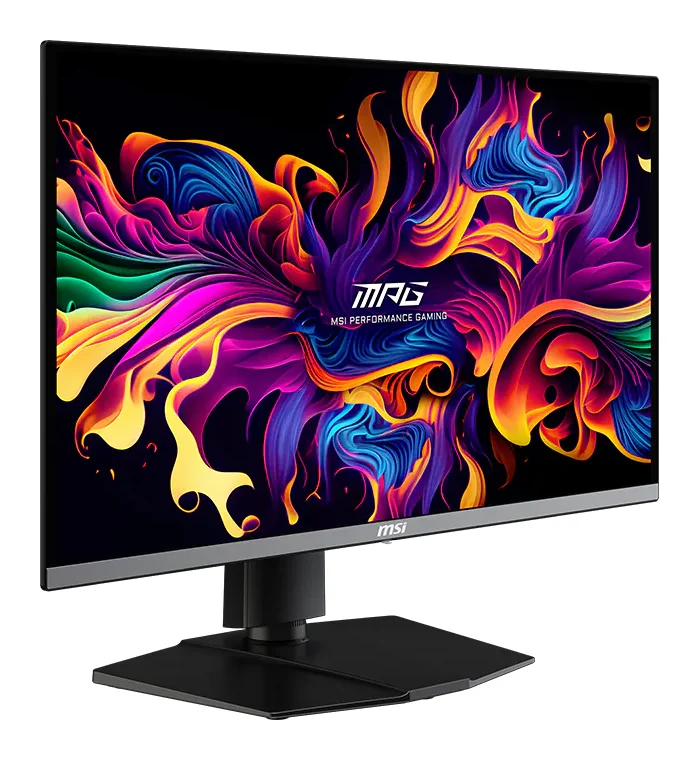
MSI
MSI MPG 272URX QD-OLED
- QD-OLED, 26.5 in (27-inch class), flat
- 240 Hz
To get 4K at 240 Hz you need a card that can drive it: an RTX 5080 or a top AMD card suits it best. Use the DisplayPort 2.1a or HDMI 2.1 input, not an older cable.
£569How to choose a computer for creative work
- Your software picks the brand
- Check which GPU your editing or 3D software accelerates best before you choose NVIDIA, AMD, Intel or Apple. That one check matters more than any single spec on the card.
- GPU memory sets project size
- Large scenes and heavy video timelines need memory on the card. The Radeon PRO W7900 has 48 GB of ECC memory, the RTX PRO 6000 96 GB of ECC GDDR7, and the RTX 5090 and Radeon AI PRO R9700 32 GB each.
- Certified drivers for professional apps
- The W7900 comes with certified workstation drivers through AMD Software: PRO Edition. Choose it when scene size matters most; the newer R9700 has less memory (32 GB) but is faster per watt for AI.
- A quiet desk
- The Mac mini (M4 Pro) and Mac Studio (M3 Ultra) run close to silent and draw little power. Memory cannot be upgraded later, so buy for your largest projects; the Mac Studio starts at 96 GB with 819 GB/s of bandwidth.
- Small workstations
- In a small-form-factor machine, the low-profile Arc Pro B50 adds 16 GB and draws 70 W from the slot with no power cable. For a full-size card, check power and case fit in our fitting guide.
Questions people ask
Mac or PC for video editing?
Choose by your software and how you work. A Mac gives unified memory, very low noise and low power draw in a small case. A PC with a workstation card gives more GPU memory on one card, up to 96 GB, and lets you change the card later.
How much GPU memory do I need for 3D rendering?
Larger scenes need more. The cards we sell run from 16 GB on the Arc Pro B50 to 96 GB on the RTX PRO 6000, and the 48 GB W7900 suits large scenes with certified drivers.
Can one machine edit video and run local AI?
Yes. The Mac Studio, the RTX 5090 and the Ryzen AI Max+ mini PCs serve both. Size the memory for the larger of the two jobs; the model guide shows which models each machine holds.
Which graphics card suits a small workstation?
The Arc Pro B50: low-profile and dual-slot, with 16 GB, powered from the slot at 70 W, four Mini DisplayPort 2.1 outputs and a full-height bracket in the box.
Related pages: Apple · Graphics cards
Guides
Graphics cards · 5 min read
Choosing a GPU for Local AI: RTX 5090, R9700, B60
Choose a GPU for local AI by memory, software and bandwidth: RTX 5090, Radeon AI PRO R9700, Arc Pro B60 and the 48 GB and 96 GB workstation cards.
Read the guide →Graphics cards · 4 min read
Fitting a High-End Graphics Card: Power, Case, Cooling
Before you order a high-end graphics card: power supply wattage, the 16-pin connector, case size, PCIe slots, airflow and running two cards.
Read the guide →Local AI · 5 min read
Mac vs NVIDIA vs Ryzen AI Max+ for Local AI
Which platform fits which work: CUDA on NVIDIA, unified memory on a Mac, or 128 GB on a Ryzen AI Max+ mini PC. Memory, software and trade-offs.
Read the guide →