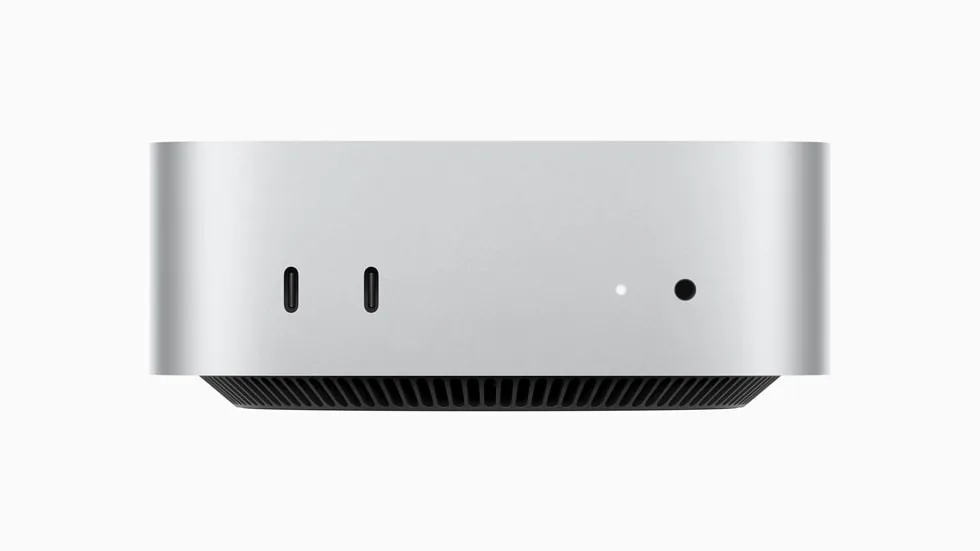
- Mac mini M4 Pro24 GB unified memory
Full specifications
- Operating system
- macOS
- Chip
- Apple M4 Pro
- CPU
- 12-core (8 performance, 4 efficiency); 14-core option
- GPU
- 16-core; 20-core option
- Neural Engine
- 16-core
- Memory
- 24 GB unified memory (48 GB or 64 GB options), 273 GB/s
- Storage
- 512 GB SSD (up to 8 TB options)
- Ports
- 3 × Thunderbolt 5, 2 × USB-C (10 Gb/s), HDMI, Gigabit Ethernet (10 Gb option), headphone jack
- Wireless
- Wi-Fi 6E, Bluetooth 5.3
- Size
- 12.7 × 12.7 × 5.0 cm
Good for
- Creators and developers who want a quiet, compact desk machine
- Running 7B to 14B models, or up to 70B at 4-bit with 64 GB
- An always-on home machine with low power draw
Not ideal for
- Large-model work in the 24 GB configuration
- CUDA-only workflows
- Anyone who expects to upgrade memory or internal storage later
Apple
Apple Mac mini (M4 Pro)
The Mac mini is a five-inch-square desktop with the M4 Pro chip, Thunderbolt 5 and unified memory that the GPU can draw on directly. It is quiet, sips power and handles editing, development and small-to-mid-size local models with ease.
£1,169Charged in euros at checkout: €1,399. Import duties and taxes included.In stock. Dispatched in 1 to 3 business days.
- 30-day returns
- Free shipping over €199, charged in euros
- Ships from our UK warehouse
- Import duties and taxes included
- Shipping, returns and warranty
What it can run
Up to 13–14B at 4-bit, 13–14B at 8-bit (approximate)
Based on 24 GB of unified memory, about 75% of which the GPU can use. See every machine by model size
Guides for this product
Local AI · 5 min read
How Much Memory Do You Need to Run a Local LLM?
How much memory a local LLM needs: 7B to 120B+ models at 4-bit and 8-bit, how unified memory differs from VRAM, and which machines hold each size.
Read the guide →Local AI · 5 min read
Mac vs NVIDIA vs Ryzen AI Max+ for Local AI
Which platform fits which work: CUDA on NVIDIA, unified memory on a Mac, or 128 GB on a Ryzen AI Max+ mini PC. Memory, software and trade-offs.
Read the guide →About the Apple Mac mini (M4 Pro)
The Mac mini with M4 Pro is a 12.7 cm square desktop with Thunderbolt 5, up to 64 GB of unified memory and 273 GB/s of memory bandwidth, and it stays almost silent. It handles editing, development and local models up to about 14B parameters in the base 24 GB configuration, and up to 70B at 4-bit with 64 GB. Buy it for a quiet desk machine that does creative work and runs mid-size models; choose the memory now, because it cannot be changed later.
Key features
- Apple M4 Pro: 12-core CPU and 16-core GPU, or 14-core CPU and 20-core GPU
- 24 GB unified memory, configurable to 48 GB or 64 GB; 273 GB/s
- 16-core Neural Engine
- 3 × Thunderbolt 5 (up to 120 Gb/s) at the rear
- Up to three displays, including one 8K at 60 Hz
- Gigabit Ethernet, configurable to 10 Gb
- 12.7 × 12.7 × 5.0 cm, 0.73 kg
What it runs
macOS keeps part of unified memory for the system, so we count about 75% as usable for models. The configuration you choose decides the ceiling:
| Memory | Usable for models (approx.) | Largest tier that fits |
|---|---|---|
| 24 GB | 18 GB | 13–14B at 8-bit; 30B at 4-bit does not fit |
| 48 GB | 36 GB | 30–34B at 4-bit |
| 64 GB | 48 GB | 70B at 4-bit |
If local AI is a main reason to buy, 48 GB is the sensible minimum and 64 GB opens up 70B models at 4-bit. Run your own model list through our model fit tool before choosing.
Performance in context
273 GB/s is generous for a machine this size, but lower than a high-end graphics card or the M3 Ultra. Small and mid-size models respond quickly; 70B models at 4-bit run, but slowly enough that you will notice. For creative work, the M4 Pro GPU and media engines take on photo, video and music projects comfortably, and the machine stays quiet: Apple declares 4 dB at the operator position at idle.
Ports
- Front: 2 × USB-C (up to 10 Gb/s) and a 3.5 mm headphone jack with support for high-impedance headphones
- Rear: 3 × Thunderbolt 5 (up to 120 Gb/s, DisplayPort 2.1), HDMI with up to 8K at 60 Hz or 4K at 240 Hz, Gigabit Ethernet (10 Gb option)
- Wi-Fi 6E and Bluetooth 5.3
Thunderbolt 5 makes fast external storage practical, which is useful because internal storage, like memory, is fixed at purchase. Storage starts at 512 GB and can be configured up to 8 TB.
Power
The power supply is internal and the maximum continuous draw is 155 W, so the Mac mini costs little to leave running and suits always-on jobs as well as desk work.
Software
Local models run on macOS through tools such as Ollama, LM Studio and llama.cpp, and Apple's open-source MLX framework is built for Apple silicon. There is no CUDA on a Mac, so CUDA-only training code will need another machine.
What to pair it with
A Thunderbolt 5 or USB4 SSD enclosure for model files and projects, and a 10 Gb Ethernet configuration if you move large files on your network. If you need more than 64 GB, the Mac Studio with M3 Ultra starts at 96 GB with three times the bandwidth. Our Mac vs NVIDIA vs Ryzen AI Max+ guide compares the options.
In the box
- Mac mini
- Power cord (1.8 m)
Good for
- Creators and developers who want a quiet, compact desk machine
- Running 7B to 14B models, or up to 70B at 4-bit with 64 GB
- An always-on home machine with low power draw
Not ideal for
- Large-model work in the 24 GB configuration
- CUDA-only workflows
- Anyone who expects to upgrade memory or internal storage later
Memory cannot be upgraded after purchase. If local AI is the goal, choose 48 GB or 64 GB now. With 24 GB, models above about 14B parameters are a squeeze.
Who it's for
Creators and developers who want a quiet, capable desk machine that can also run local models.
Full specifications
- Operating system
- macOS
- Chip
- Apple M4 Pro
- CPU
- 12-core (8 performance, 4 efficiency); 14-core option
- GPU
- 16-core; 20-core option
- Neural Engine
- 16-core
- Memory
- 24 GB unified memory (48 GB or 64 GB options), 273 GB/s
- Storage
- 512 GB SSD (up to 8 TB options)
- Ports
- 3 × Thunderbolt 5, 2 × USB-C (10 Gb/s), HDMI, Gigabit Ethernet (10 Gb option), headphone jack
- Wireless
- Wi-Fi 6E, Bluetooth 5.3
- Size
- 12.7 × 12.7 × 5.0 cm
Reviews
What reviewers say
Digital Trends
Lots to like in the small redesigned case and far more GPU power than you might expect. The power button on the underside is the main gripe.
“the M4 Pro Mac mini is a fantastic little computer.”
Read the review
Atomrig customer reviews
No customer reviews yet. Bought this from us? Tell us how it runs.
Related products
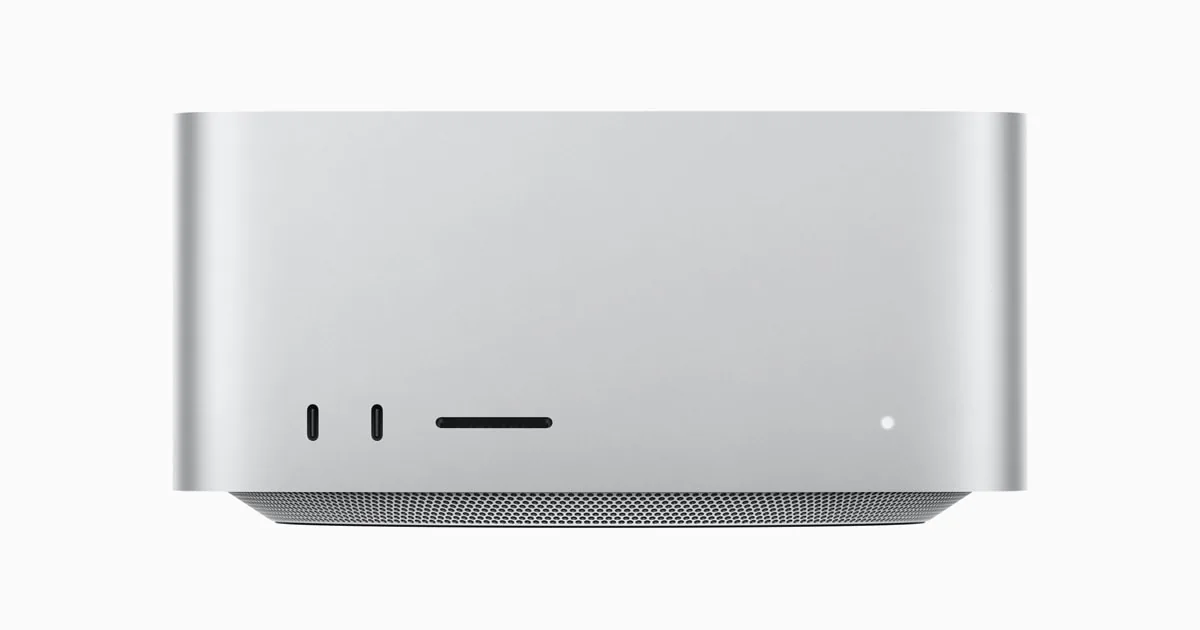
Apple
Apple Mac Studio (M3 Ultra)
Runs up to 70B at 4-bit
- 96 GB unified
- 60-core; 80-core option
macOS keeps part of the unified memory for the system, so plan for the GPU to use most of it, not all. Size the configuration with some headroom above the model.
£3,339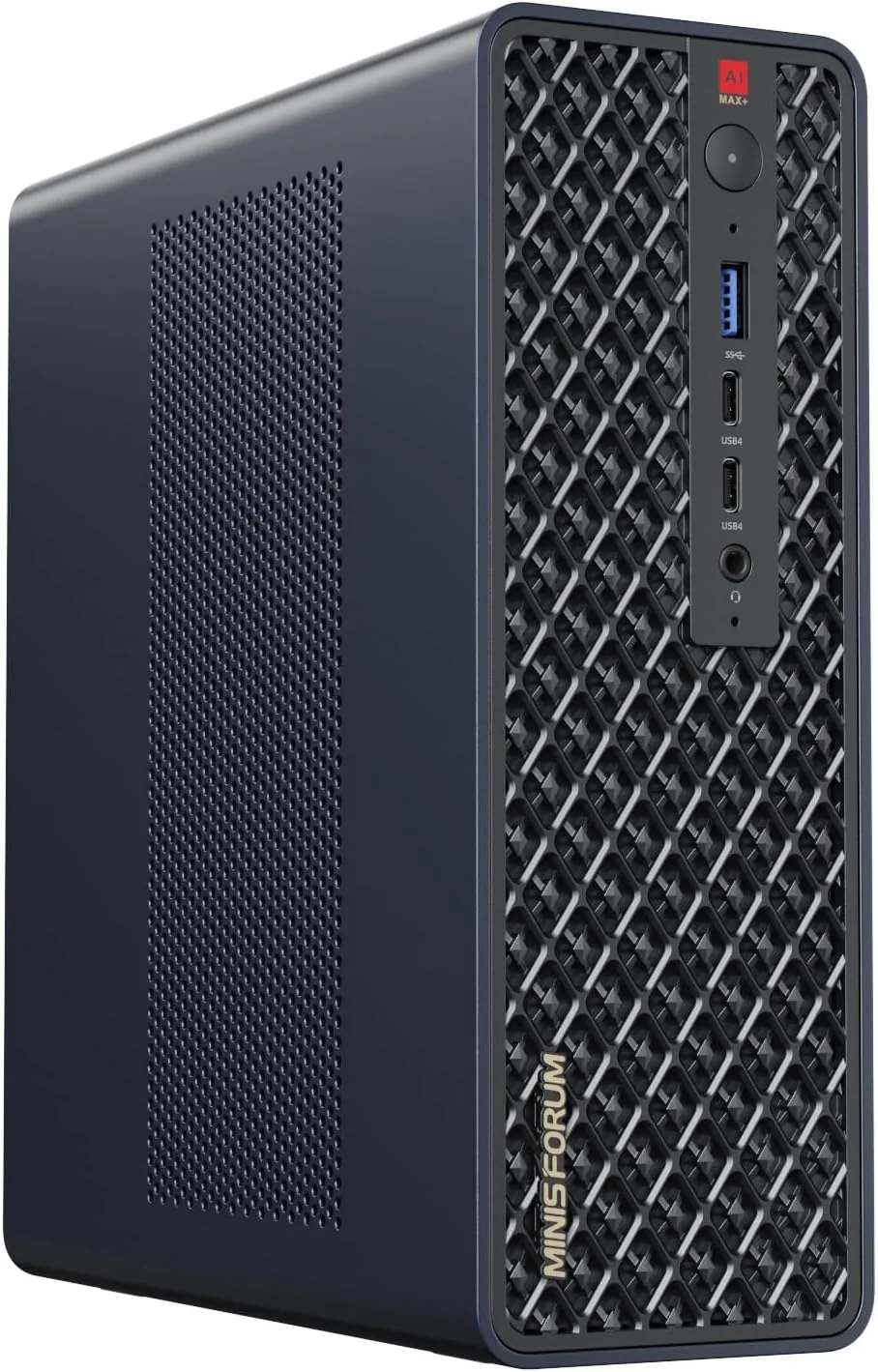
Minisforum
Minisforum MS-S1 Max
Runs up to 120B+ at 4-bit
- 128 GB unified
- AMD Ryzen AI Max+ 395
The PCIe slot takes low-profile cards and runs at x4 lanes. It is ideal for a faster network card, not for adding a full-size graphics card.
£2,059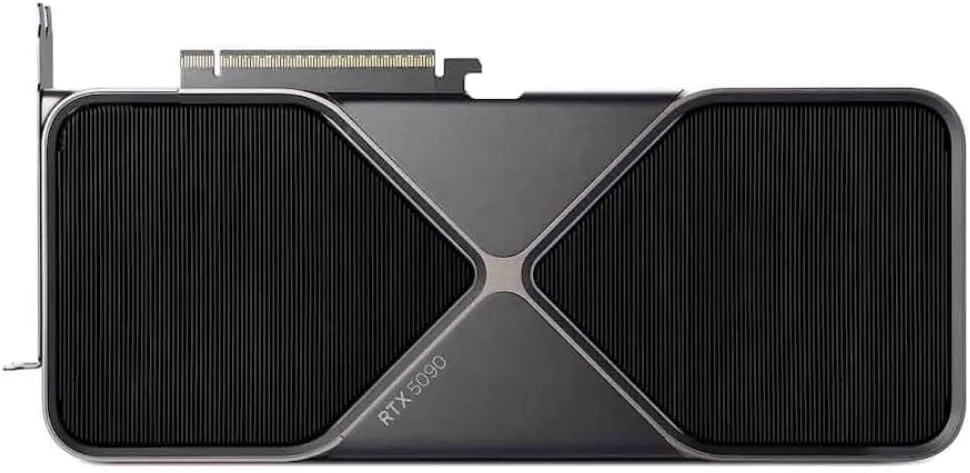
NVIDIA
NVIDIA GeForce RTX 5090
Runs up to 30–34B at 4-bit
- 32 GB
- NVIDIA Blackwell (GB202)
32 GB runs 30B-class models comfortably at 4-bit, but a 70B model will not fit on one card. For 70B, plan for two cards or a large unified-memory system.
£1,669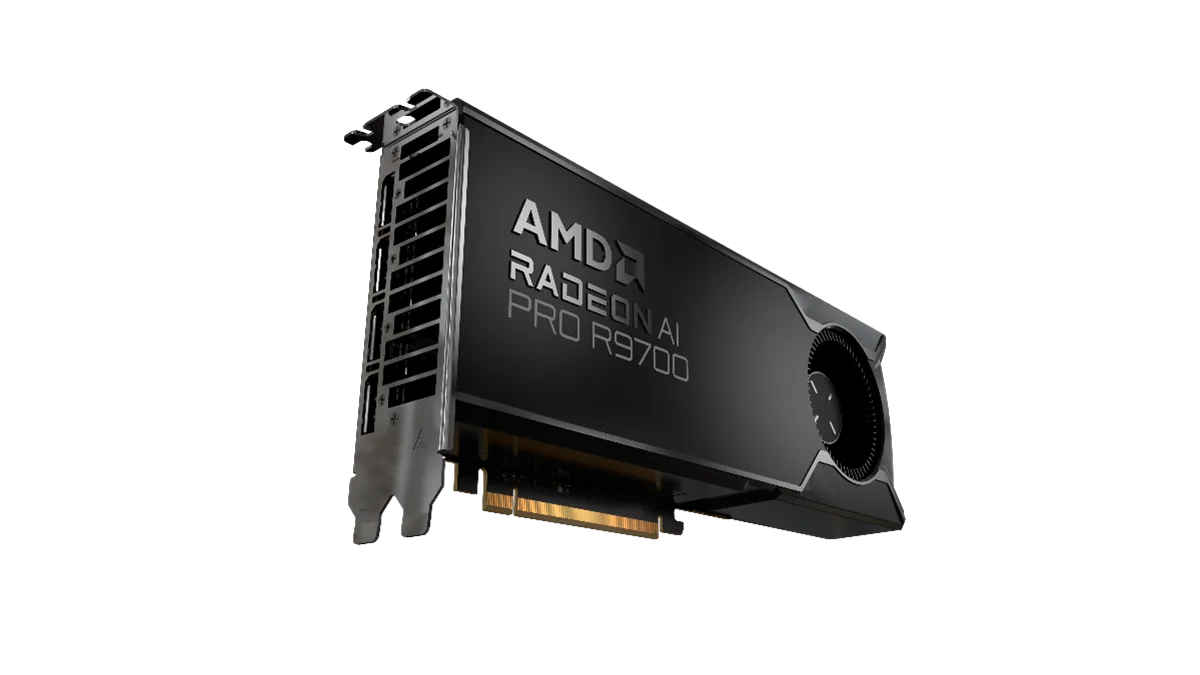
PowerColor
PowerColor AMD Radeon AI PRO R9700 32GB
Runs up to 30–34B at 4-bit
- 32 GB
- AMD RDNA 4 (Navi 48)
Check that your tools support ROCm on your operating system before buying. PyTorch and llama.cpp do; some niche tools still assume CUDA.
£1,089