Category
Graphics cards for gaming, local AI and creative work
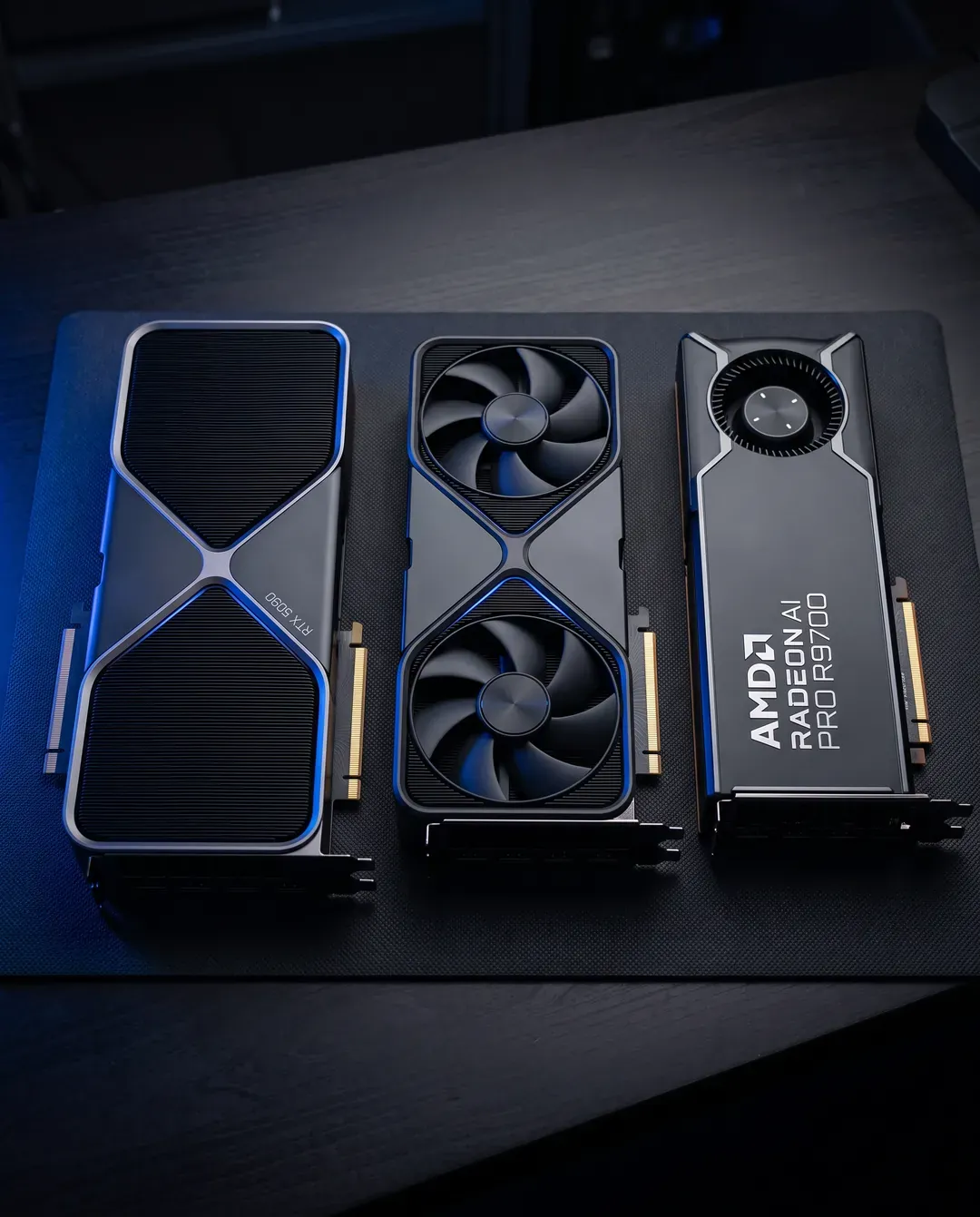
Graphics cards from NVIDIA, AMD and Intel for gaming, creative work and local AI, from 12 GB gaming cards to 96 GB workstation boards.
Choose a GPU for AI by memory first, software second and speed third. A 24 GB card runs 30B-class models at 4-bit, a 48 GB card just holds a 70B model at 4-bit, and a 96 GB card holds 70B at 8-bit. Then match CUDA (NVIDIA), ROCm (AMD) or Intel's tools to the software you use.
Our picks
Fastest on models up to 30B, and 4K gaming
GeForce RTX 5090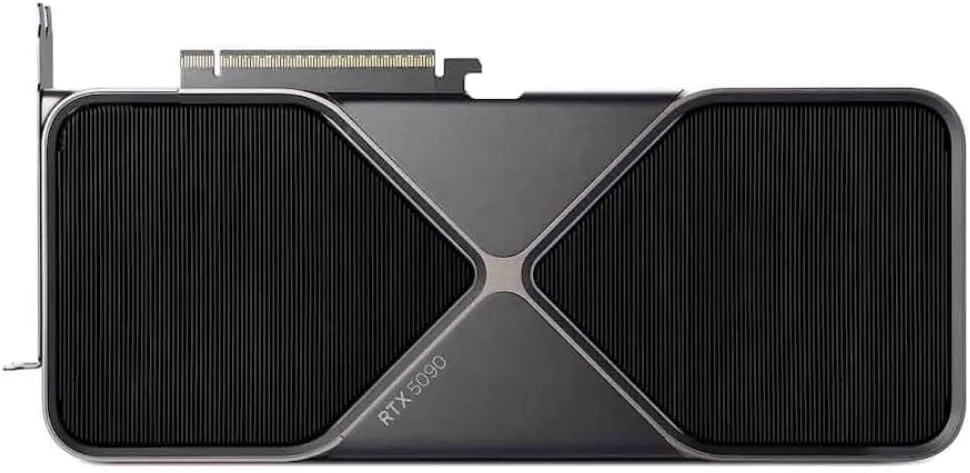
NVIDIA
NVIDIA GeForce RTX 5090
- 32 GB
- NVIDIA Blackwell (GB202)
Runs up to 30–34B at 4-bit
32 GB runs 30B-class models comfortably at 4-bit, but a 70B model will not fit on one card. For 70B, plan for two cards or a large unified-memory system.
£1,66932 GB of GDDR7 at 1,792 GB/s with full CUDA support; it needs a 1,000 W power supply and room for a 304 mm Founders Edition.
32 GB per card at 300 W
Radeon AI PRO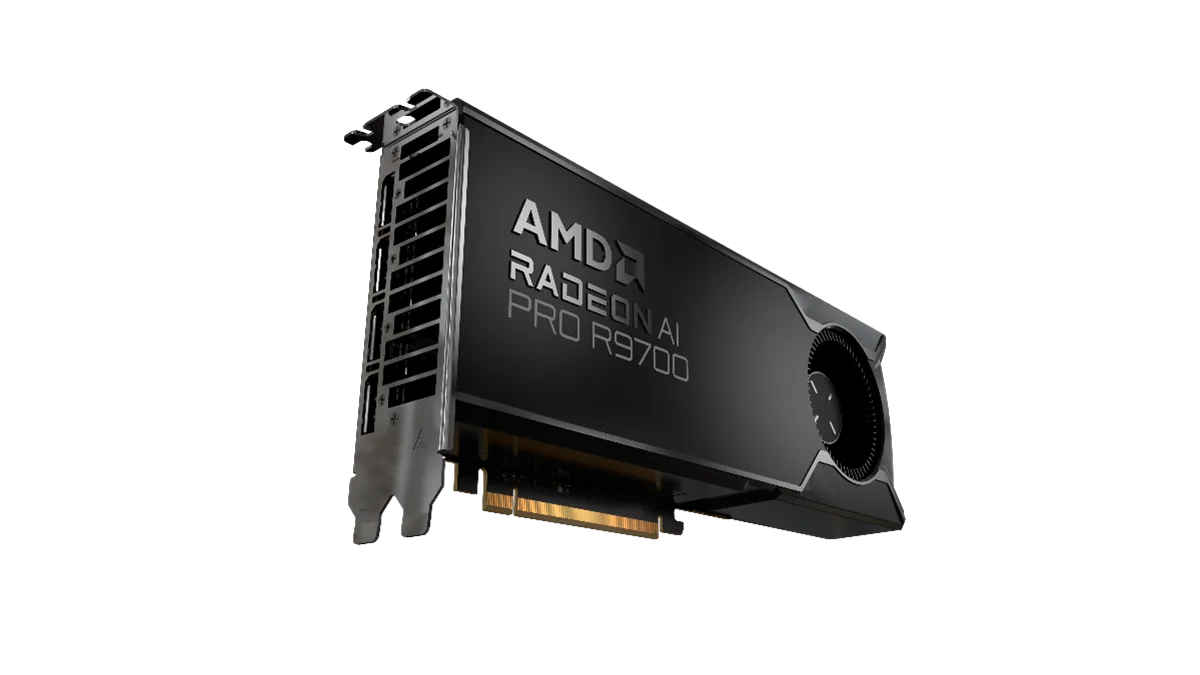
PowerColor
PowerColor AMD Radeon AI PRO R9700 32GB
- 32 GB
- AMD RDNA 4 (Navi 48)
Runs up to 30–34B at 4-bit
Check that your tools support ROCm on your operating system before buying. PyTorch and llama.cpp do; some niche tools still assume CUDA.
£1,089The same memory as the RTX 5090 at about half the board power, designed to run several to a machine, if your tools run on ROCm.
70B at 8-bit on one card
RTX PRO 6000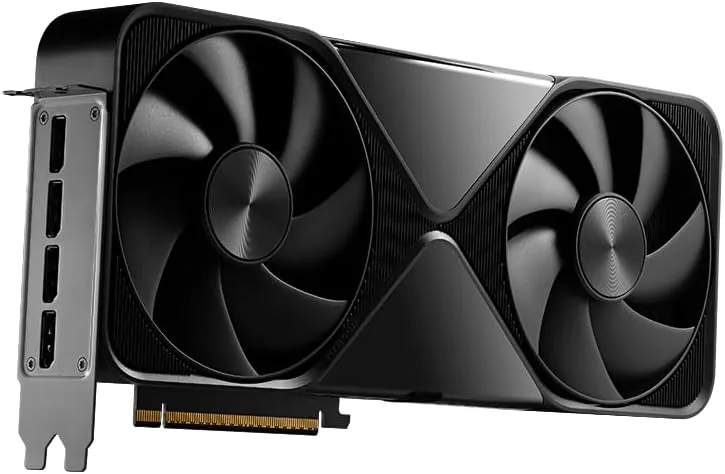
NVIDIA
NVIDIA RTX PRO 6000 Blackwell Workstation Edition (96 GB)
- 96 GB
- NVIDIA Blackwell (GB202)
Runs up to 120B+ at 4-bit
This is the 600 W Workstation Edition with a double flow-through cooler. It needs a 16-pin power cable, a case that takes a 12-inch card and good airflow.
£11,07996 GB of ECC GDDR7 with CUDA; pick the 300 W Max-Q edition to stack cards, the 600 W edition for the fastest single card.
NVIDIA
NVIDIA GeForce RTX 5090
- 32 GB
- NVIDIA Blackwell (GB202)
Runs up to 30–34B at 4-bit
32 GB runs 30B-class models comfortably at 4-bit, but a 70B model will not fit on one card. For 70B, plan for two cards or a large unified-memory system.
£1,669PowerColor
PowerColor AMD Radeon AI PRO R9700 32GB
- 32 GB
- AMD RDNA 4 (Navi 48)
Runs up to 30–34B at 4-bit
Check that your tools support ROCm on your operating system before buying. PyTorch and llama.cpp do; some niche tools still assume CUDA.
£1,089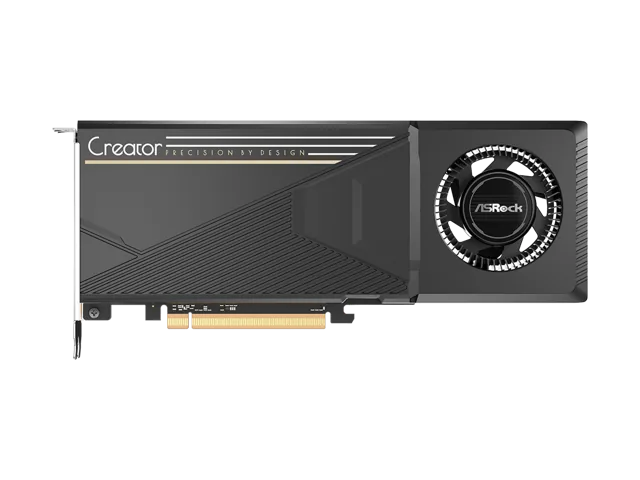
ASRock
ASRock Intel Arc Pro B60 Creator 24GB
- 24 GB
- Intel Xe2 (Battlemage)
Runs up to 30–34B at 4-bit
This is a single-GPU card with 24 GB. It uses a PCIe 5.0 slot wired at x8 and also works in PCIe 4.0 slots; check ASRock's spec sheet for the exact length and power connector before you order.
£499NVIDIA
NVIDIA RTX PRO 6000 Blackwell Workstation Edition (96 GB)
- 96 GB
- NVIDIA Blackwell (GB202)
Runs up to 120B+ at 4-bit
This is the 600 W Workstation Edition with a double flow-through cooler. It needs a 16-pin power cable, a case that takes a 12-inch card and good airflow.
£11,079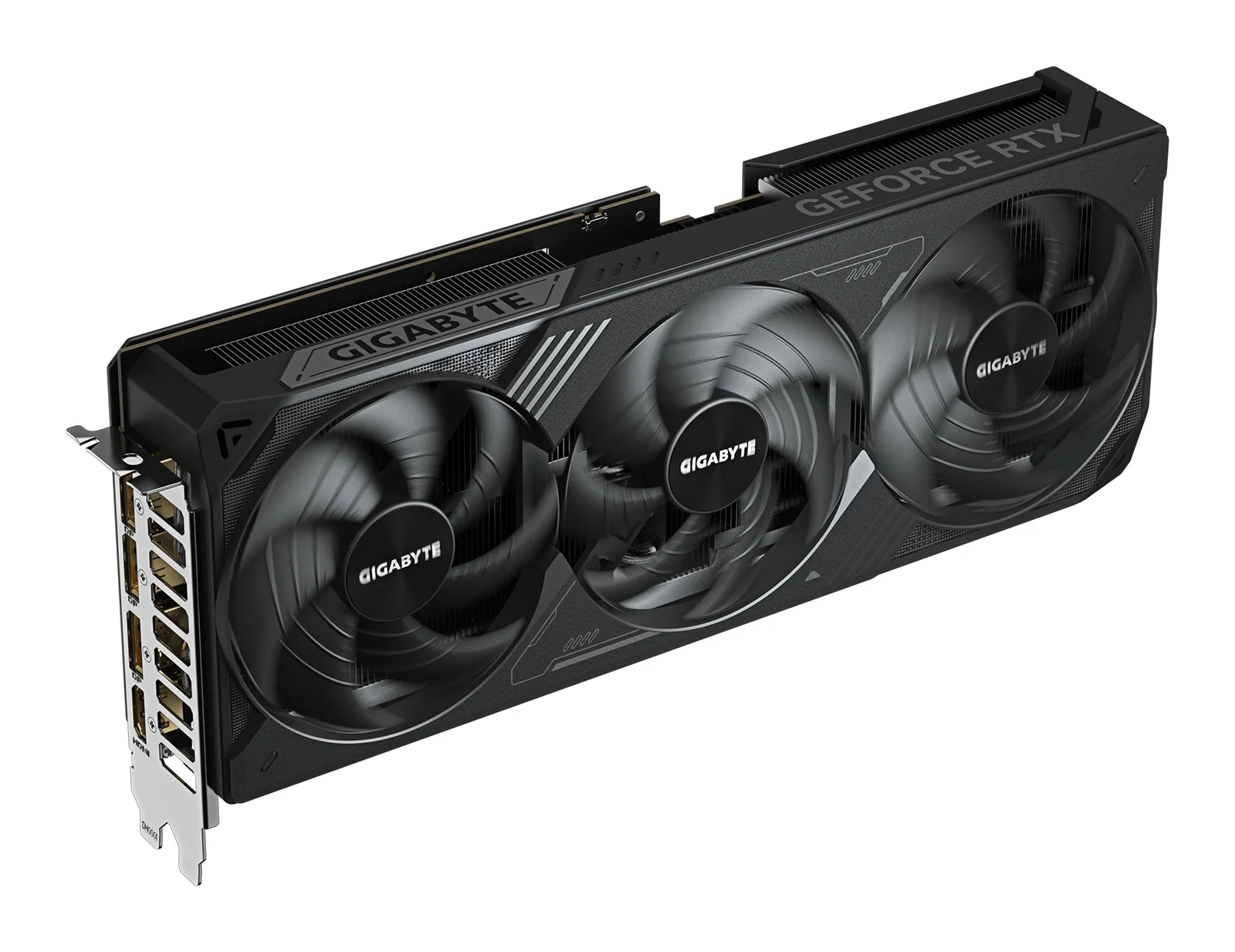
GIGABYTE
GIGABYTE GeForce RTX 5070 Ti WINDFORCE OC SFF 16G
- 16 GB
- NVIDIA GeForce RTX 5070 Ti (Blackwell)
Runs up to 13–14B at 4-bit
It needs one 16-pin power cable or the adapter in the box, which takes two 8-pin PCIe cables. GIGABYTE recommends a 750 W power supply.
£709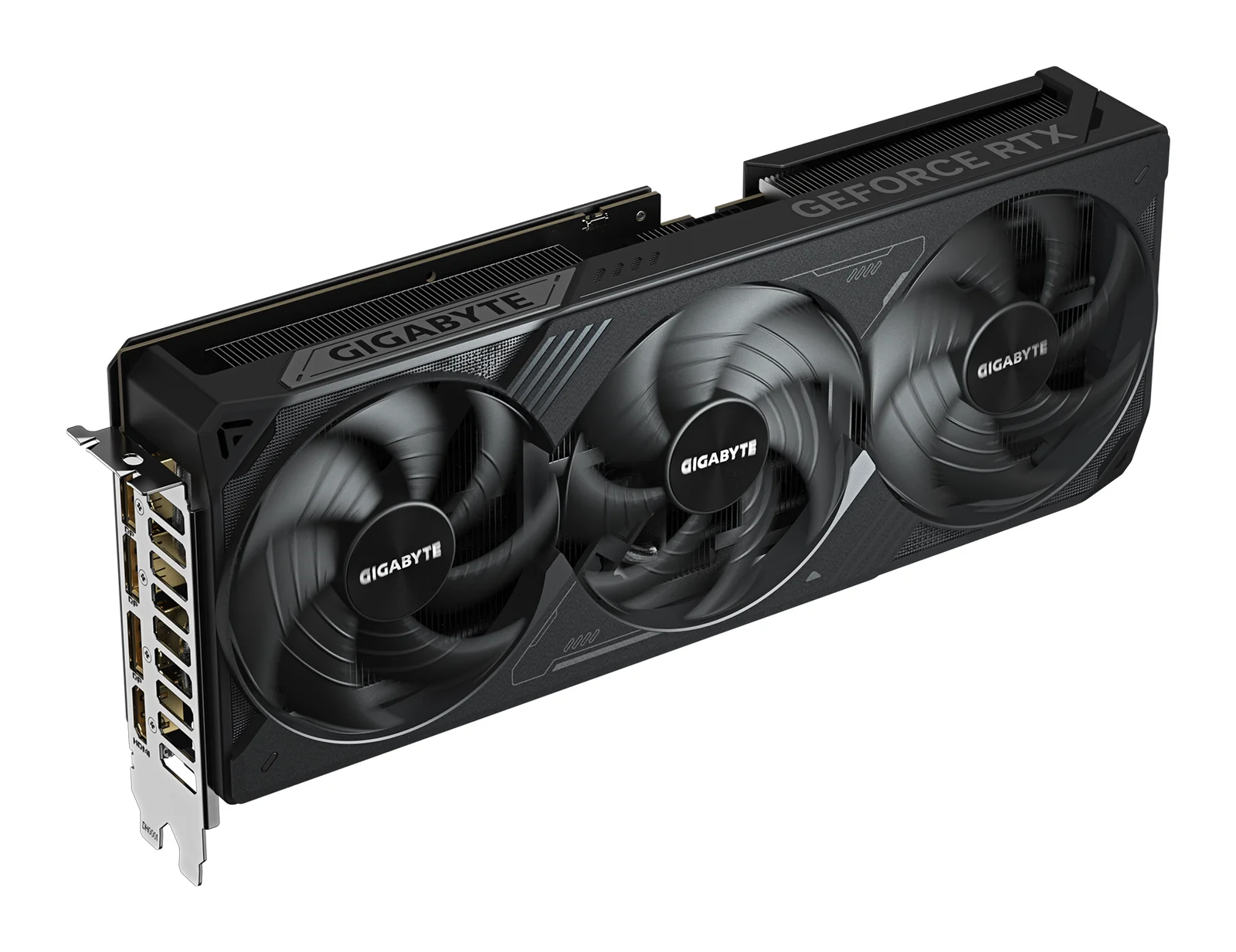
GIGABYTE
GIGABYTE GeForce RTX 5080 WINDFORCE OC SFF 16G
- 16 GB
- NVIDIA GeForce RTX 5080 (Blackwell)
Runs up to 13–14B at 4-bit
It has the same 16 GB as the RTX 5070 Ti, so it does not fit larger AI models; it runs them faster. For more memory on one card, look at the RTX 5090 or a 24 to 32 GB card.
£899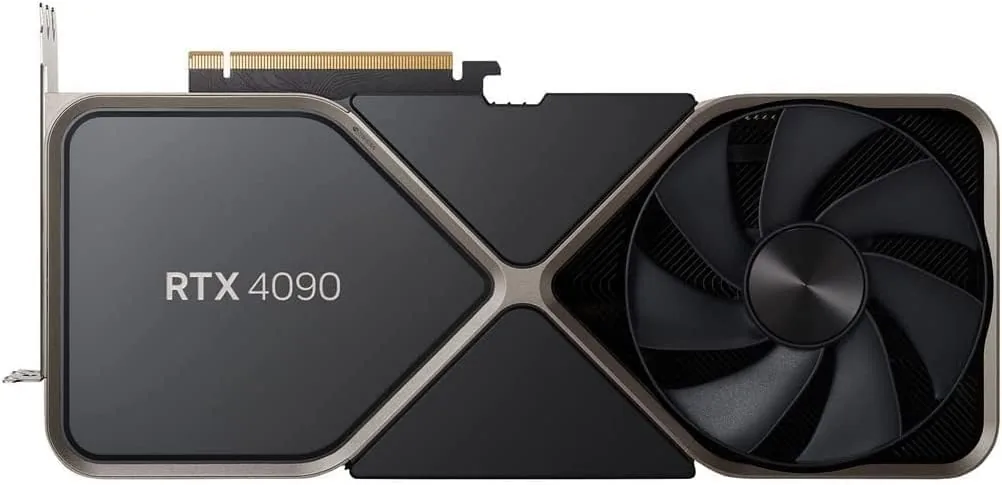
NVIDIA
NVIDIA GeForce RTX 4090
- 24 GB
- NVIDIA Ada Lovelace (AD102)
Runs up to 30–34B at 4-bit
Push the 16-pin power cable fully into the card and avoid sharp bends close to the plug. A loose connector is the most common cause of trouble with this card.
£1,339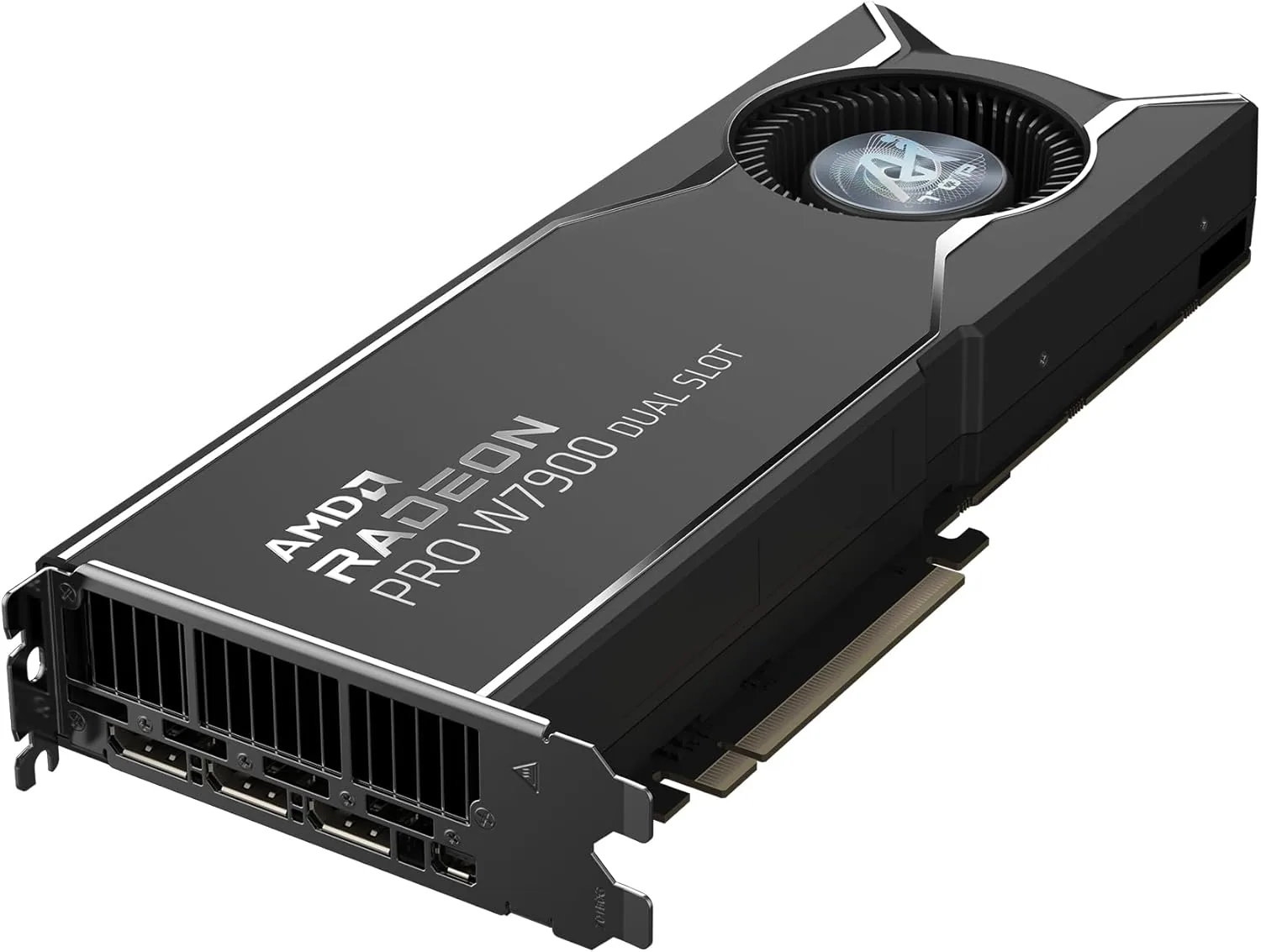
AMD
AMD Radeon PRO W7900 (48 GB)
- 48 GB
- AMD RDNA 3 (Navi 31)
Runs up to 70B at 4-bit
Choose the W7900 when model or scene size matters most. The newer R9700 has less memory (32 GB) but adds FP8 support and is faster per watt for AI.
£2,999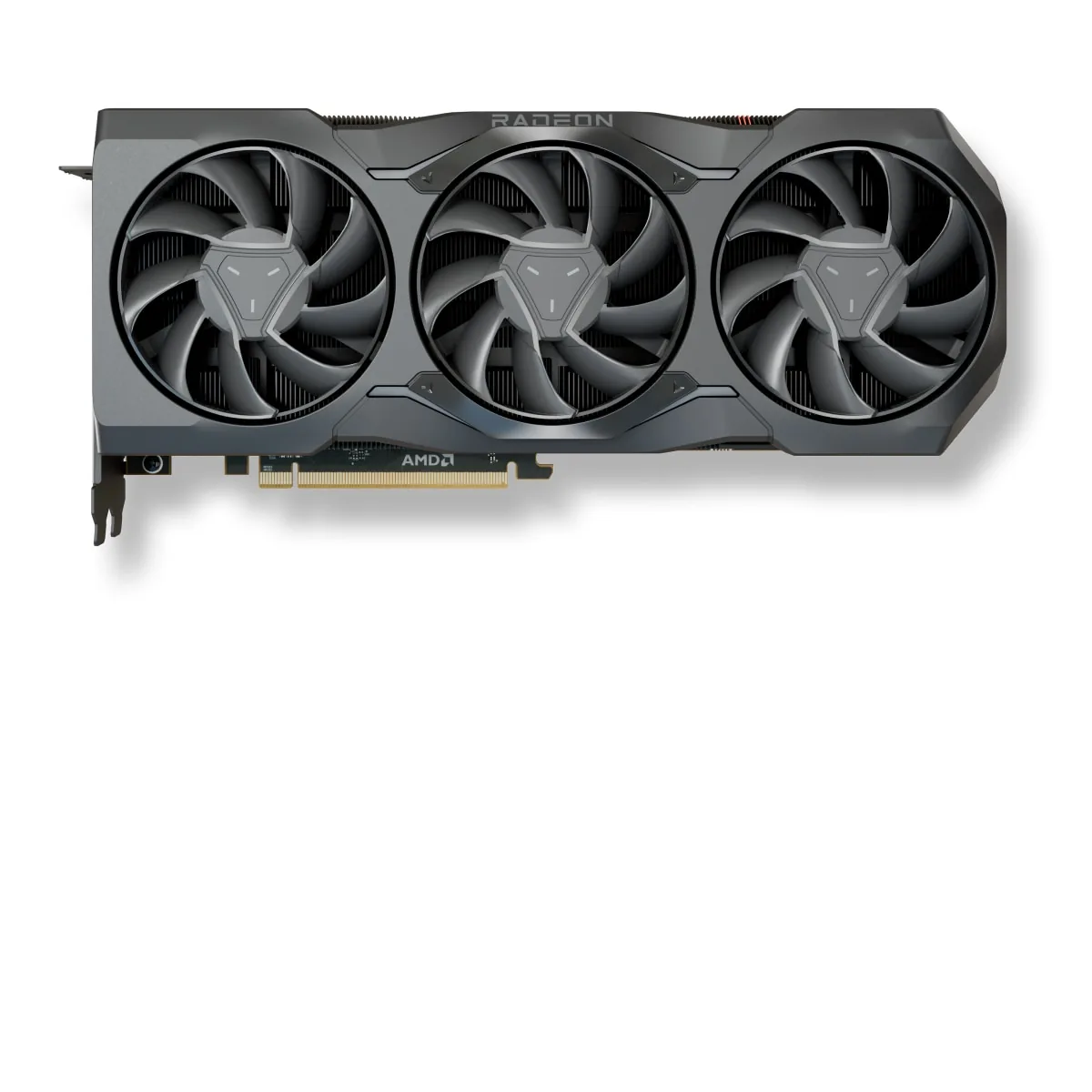
SAPPHIRE
SAPPHIRE PULSE AMD Radeon RX 7900 XTX 24GB
- 24 GB
- AMD RDNA 3 (Navi 31)
Runs up to 30–34B at 4-bit
The PULSE is 313 mm long and 2.7 slots thick, with three 8-pin power connectors. Measure your case and check your power supply (800 W minimum) before ordering.
£749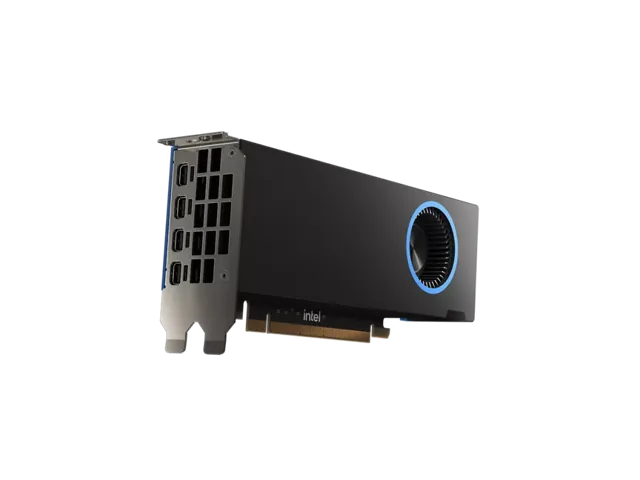
Intel
Intel Arc Pro B50
- 16 GB
- Intel Xe2 (Battlemage)
Runs up to 13–14B at 4-bit
No power cable is needed, so it suits small-form-factor machines. 16 GB runs 7B to 14B models at 4-bit; anything larger needs a bigger card.
£249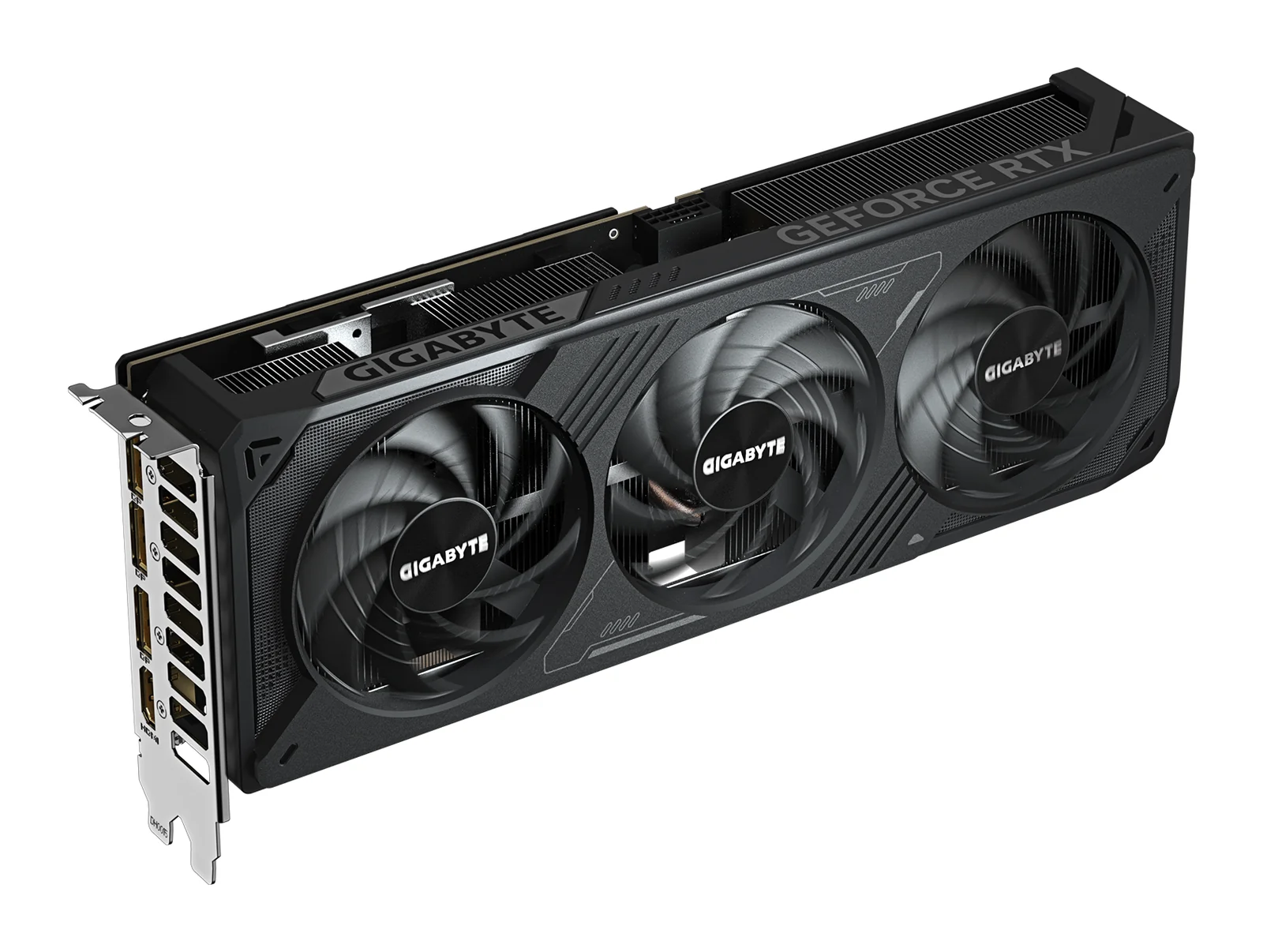
GIGABYTE
GIGABYTE GeForce RTX 5070 WINDFORCE OC SFF 12G
- 12 GB
- NVIDIA GeForce RTX 5070 (Blackwell)
Runs up to 13–14B at 4-bit
12 GB is limiting for local AI. It runs models up to about 8B parameters comfortably; 13B and 14B models only fit at 4-bit with little room left. If local AI matters, choose a 16 GB card.
£439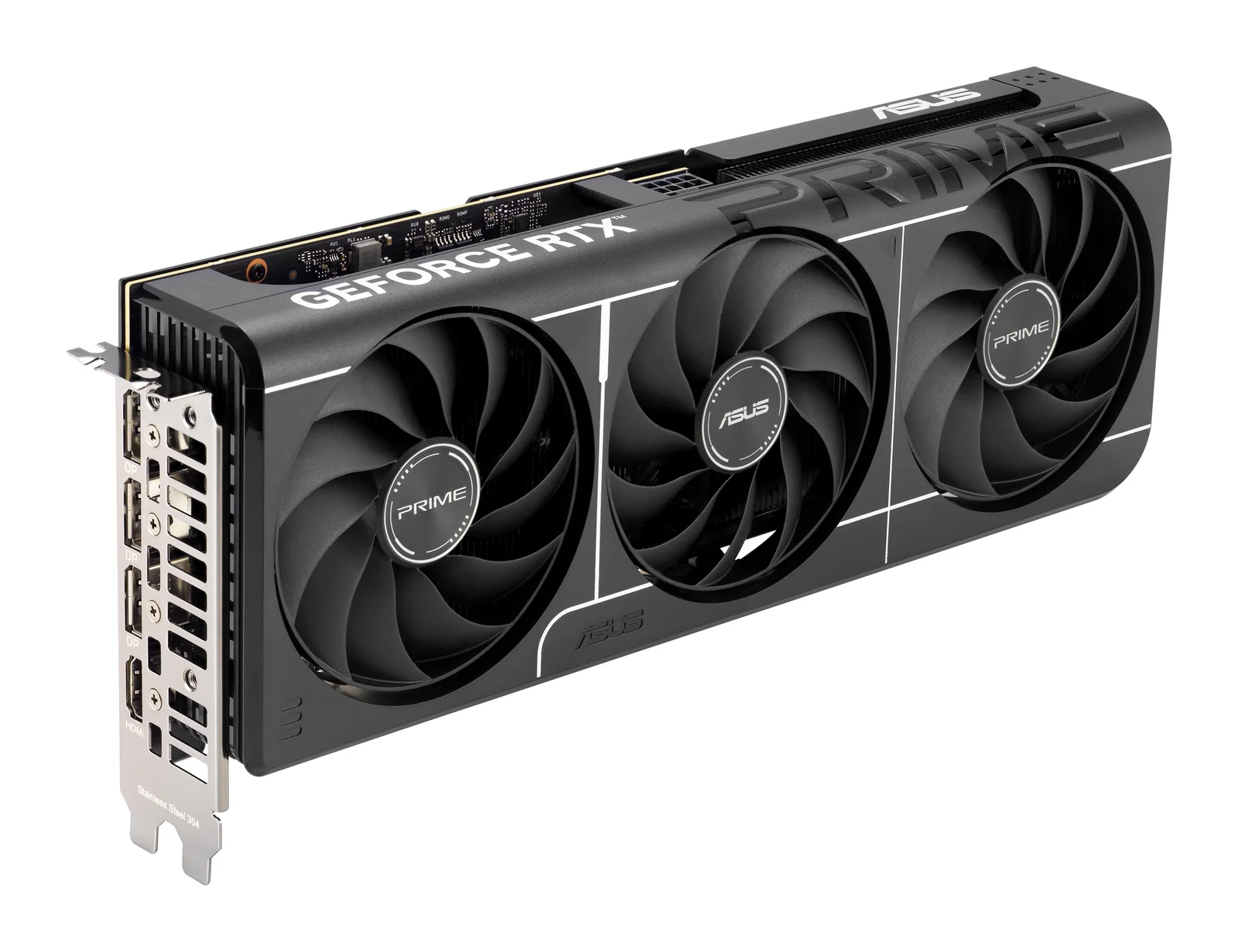
ASUS
ASUS Prime GeForce RTX 5060 Ti 16GB OC Edition
- 16 GB
- NVIDIA GeForce RTX 5060 Ti (Blackwell)
Runs up to 13–14B at 4-bit
Buy only the 16 GB version for local AI; this is the one. Its 128-bit memory bus is narrower than the bigger cards', so models generate text more slowly than on an RTX 5070 Ti.
£309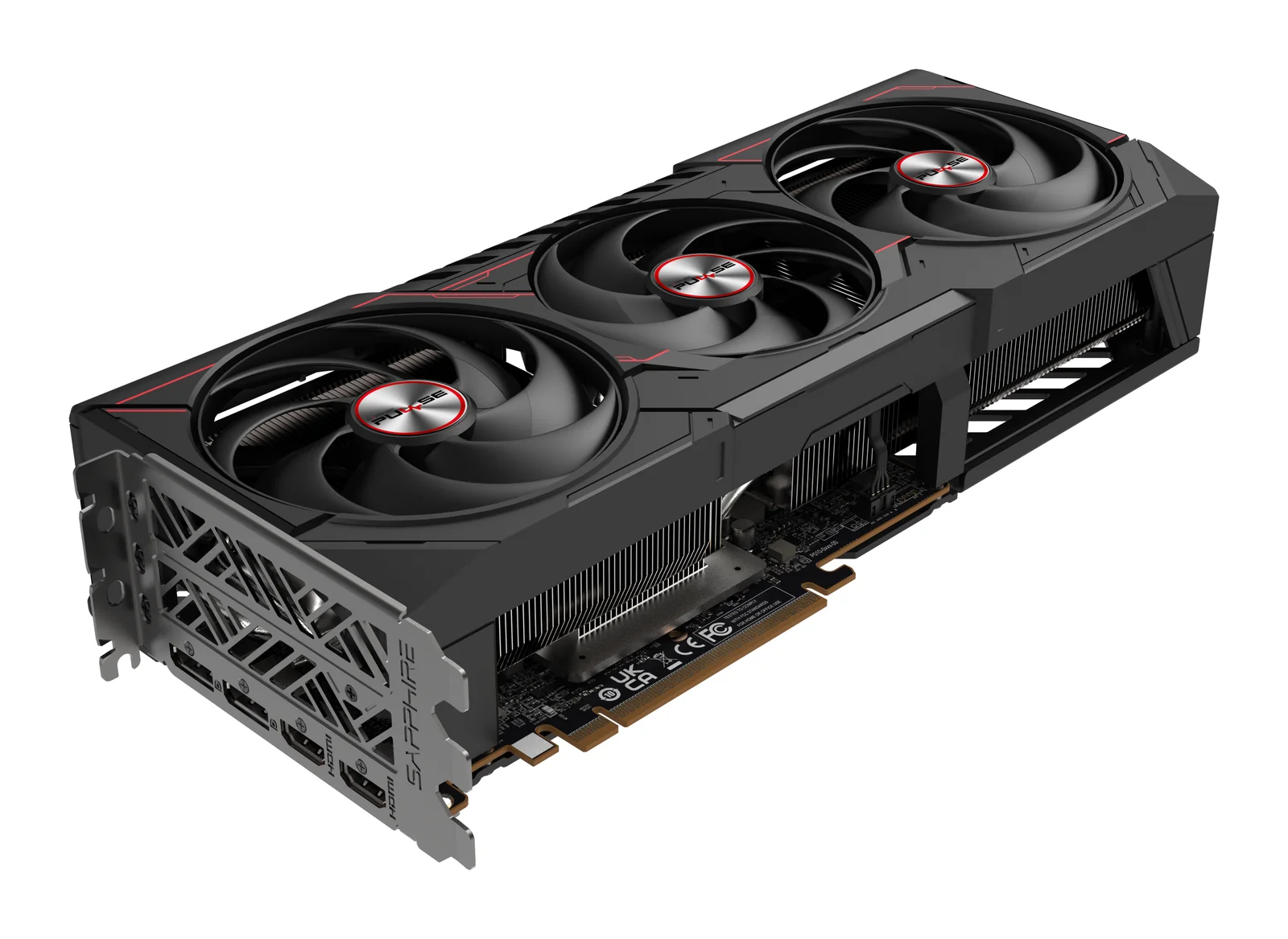
SAPPHIRE
SAPPHIRE PULSE AMD Radeon RX 9070 XT 16GB
- 16 GB
- AMD Radeon RX 9070 XT (RDNA 4)
Runs up to 13–14B at 4-bit
The card is 320 mm long and three slots thick, and it takes two 8-pin power cables. SAPPHIRE asks for at least a 750 W power supply, so measure the case first.
£439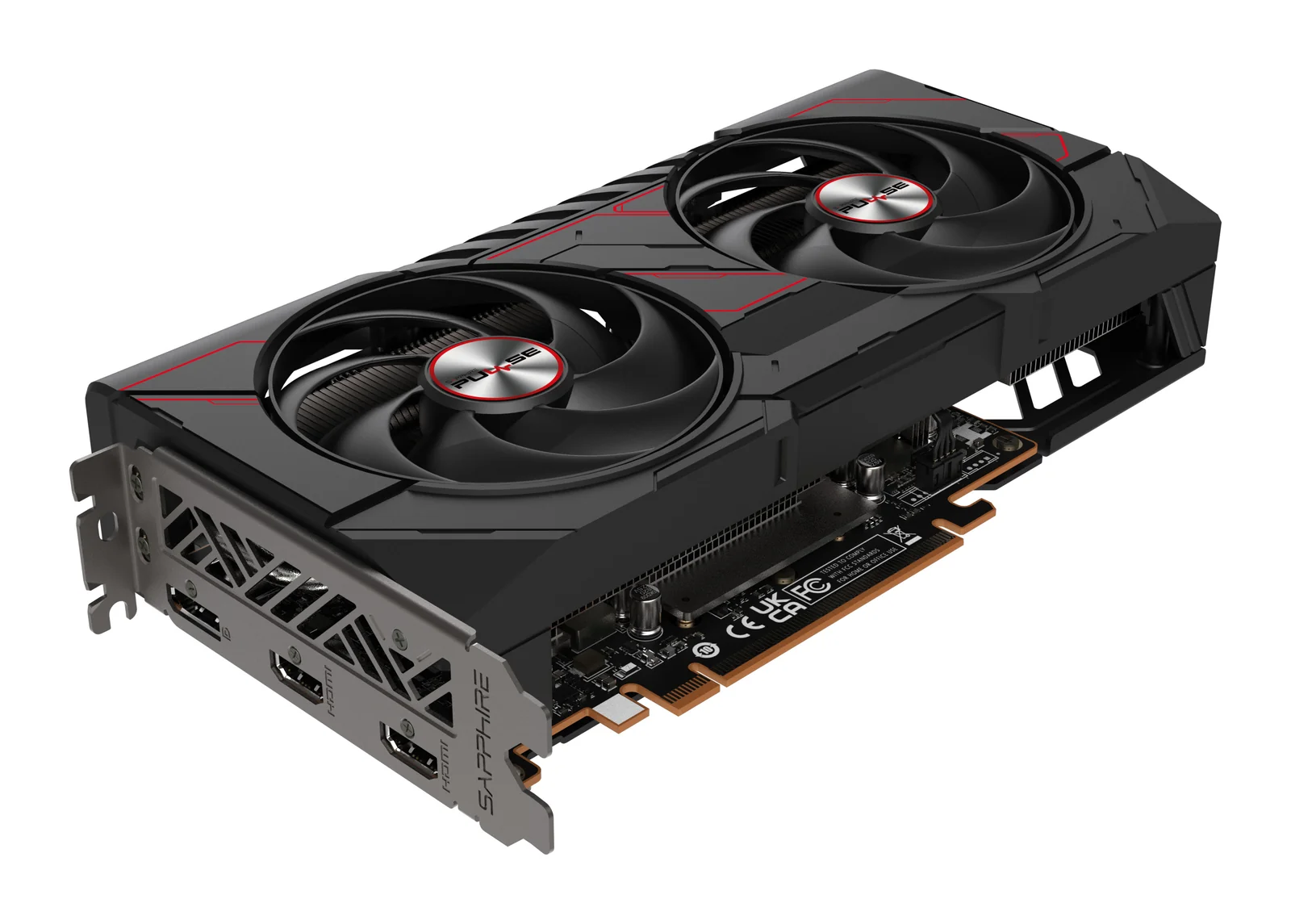
SAPPHIRE
SAPPHIRE PULSE AMD Radeon RX 9060 XT 16GB
- 16 GB
- AMD Radeon RX 9060 XT (RDNA 4)
Runs up to 13–14B at 4-bit
This is the 16 GB version; the 8 GB version is a different card and is already short of memory in new games. One 8-pin cable and a 450 W power supply are enough.
£249How to choose a graphics card
- Memory sets the ceiling
- Our model guide counts 90% of a card's memory as usable. 16 GB runs 7B to 14B models at 4-bit; 24 GB and 32 GB run 30B-class models at 4-bit, with more room for context on 32 GB; 48 GB just holds a 70B model at 4-bit; 96 GB holds 70B at 8-bit or a 120B-class model at 4-bit.
- Software decides your setup time
- New tools and training code support CUDA first, so NVIDIA is the default when a tool lists a GPU requirement. AMD cards run ROCm, which PyTorch and llama.cpp support; Intel cards run llama.cpp through SYCL and Vulkan. Check your own tools before you choose a brand.
- Bandwidth sets the speed
- Once a model fits, text generation follows memory bandwidth. The RTX 5090 moves 1,792 GB/s, the Radeon AI PRO R9700 640 GB/s and the Arc Pro B60 456 GB/s. For chat any of them is quick enough; for long batch jobs, bandwidth saves hours.
- One large card or two smaller ones
- Two 32 GB R9700 cards give 64 GB, enough for a 70B model at 4-bit, but splitting a model adds memory, not speed, and needs two slots, more power and more airflow. The 48 GB Radeon PRO W7900 or the 96 GB RTX PRO 6000 keeps it on one card.
- Check power and case before checkout
- The RTX 5090 draws up to 575 W and NVIDIA recommends a 1,000 W power supply. At the other end, the low-profile Arc Pro B50 takes 70 W from the slot with no cable. Read fitting a high-end card before you order.
Questions people ask
How much GPU memory do I need for a 70B model?
About 42 GB at 4-bit and about 80 GB at 8-bit. That means one 48 GB card or two 24 GB or 32 GB cards at 4-bit, and the 96 GB RTX PRO 6000 at 8-bit. A single 32 GB card does not hold it.
Is 16 GB enough for local AI?
For 7B to 14B models at 4-bit, yes. Those cover chat, summaries, code completion and searching your own documents. The Arc Pro B50 has 16 GB in a low-profile card powered from the slot.
NVIDIA, AMD or Intel for local AI?
NVIDIA if your tools need CUDA or you want the most speed. AMD for a lot of memory per card and per watt, if your tools run on ROCm. Intel for an accessible 24 GB card, if you are comfortable with Intel's software tools.
Can one card handle both gaming and local AI?
Yes. The RTX 5090, RTX 4090 and RX 7900 XTX are gaming cards with 24 to 32 GB of memory, enough for 30B-class models at 4-bit. See graphics cards for 4K gaming for the gaming side.
Related pages: Graphics cards for 4K gaming · Hardware for local AI · Computers for video editing
Guides
Graphics cards · 5 min read
Choosing a GPU for 1440p Gaming: 12 GB or 16 GB
Choosing a GPU for 1440p gaming: RTX 5070 Ti, RX 9070 XT, RTX 5070, RTX 5060 Ti 16GB and RX 9060 XT 16GB, by memory, refresh rate, power and case size.
Read the guide →Graphics cards · 5 min read
Choosing a GPU for Local AI: RTX 5090, R9700, B60
Choose a GPU for local AI by memory, software and bandwidth: RTX 5090, Radeon AI PRO R9700, Arc Pro B60 and the 48 GB and 96 GB workstation cards.
Read the guide →Graphics cards · 4 min read
RTX 5070 Ti vs RX 9070 XT: Which 16 GB Card to Buy
RTX 5070 Ti vs RX 9070 XT: two 16 GB cards for 1440p and 4K gaming, compared on memory, upscaling, power, size and local AI, and who each one suits.
Read the guide →Graphics cards · 4 min read
Fitting a High-End Graphics Card: Power, Case, Cooling
Before you order a high-end graphics card: power supply wattage, the 16-pin connector, case size, PCIe slots, airflow and running two cards.
Read the guide →